About the Raindance AI Video (Couple Trend)
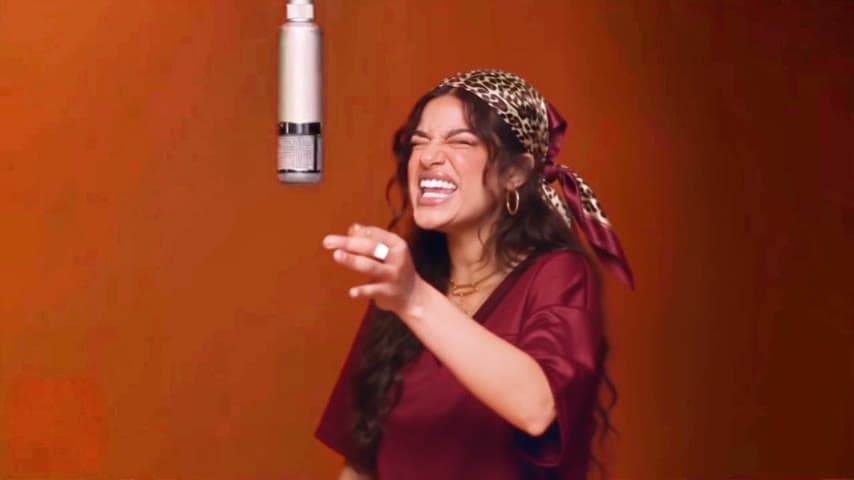
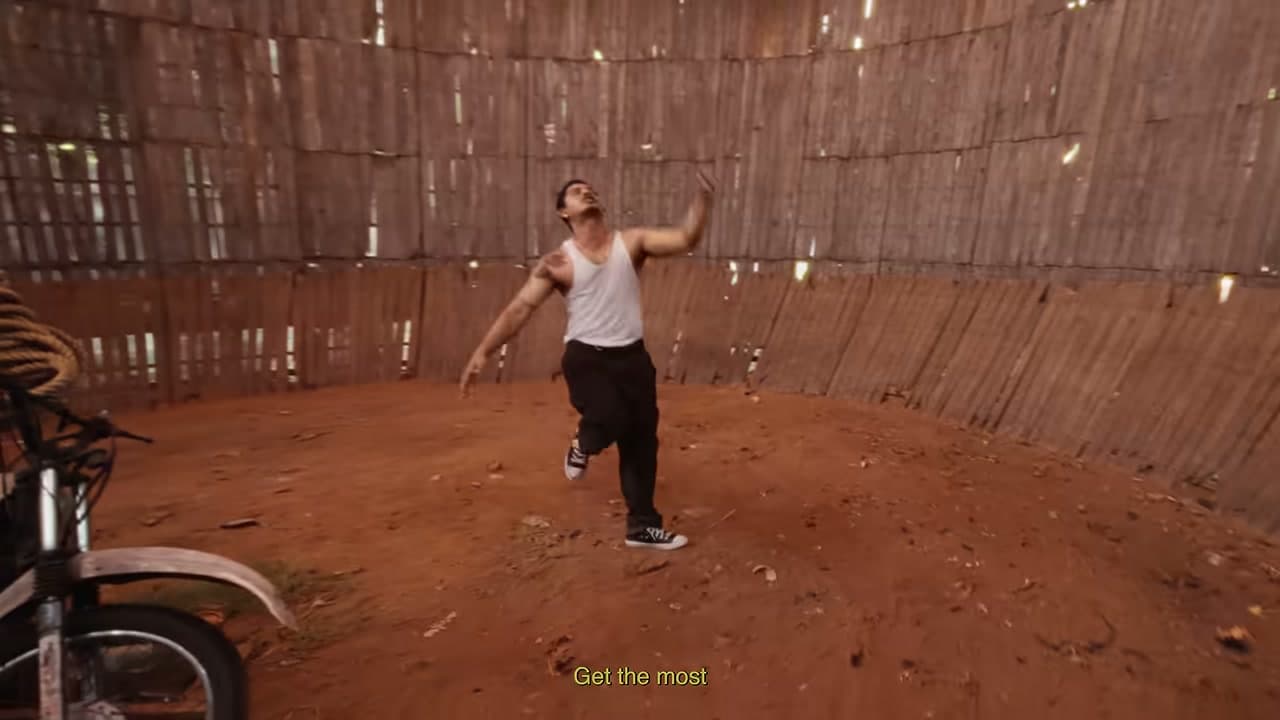
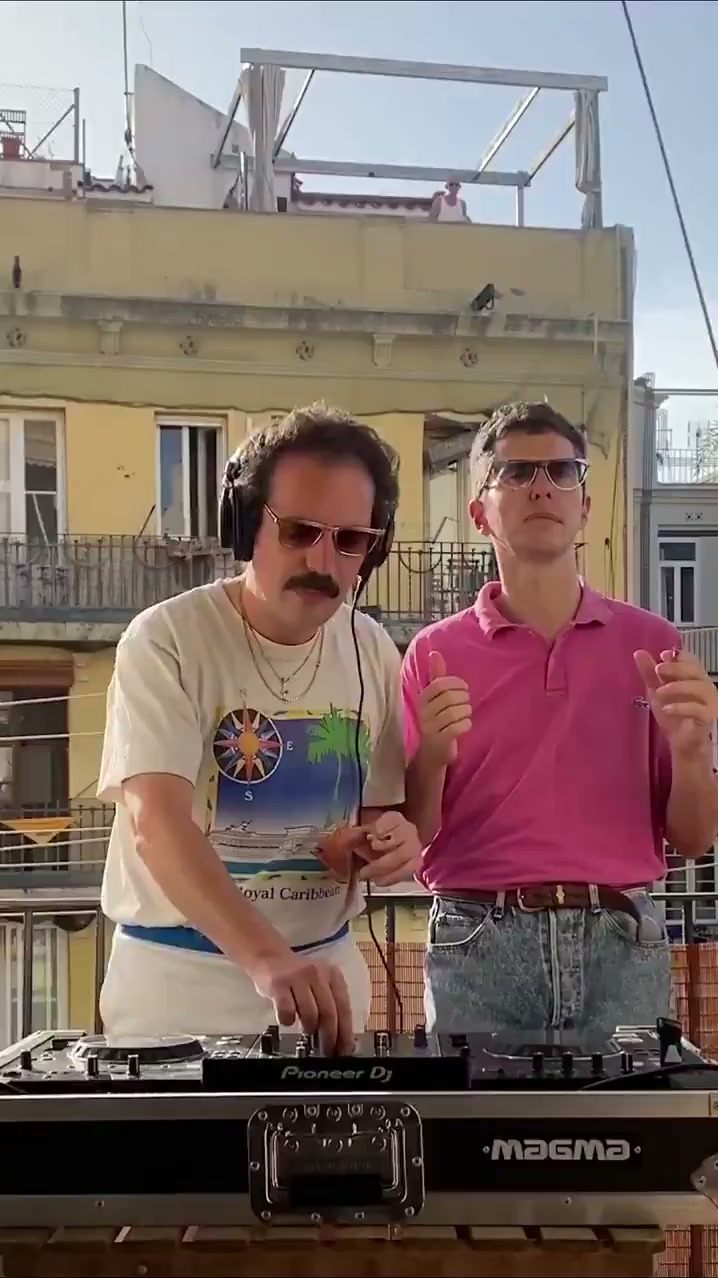
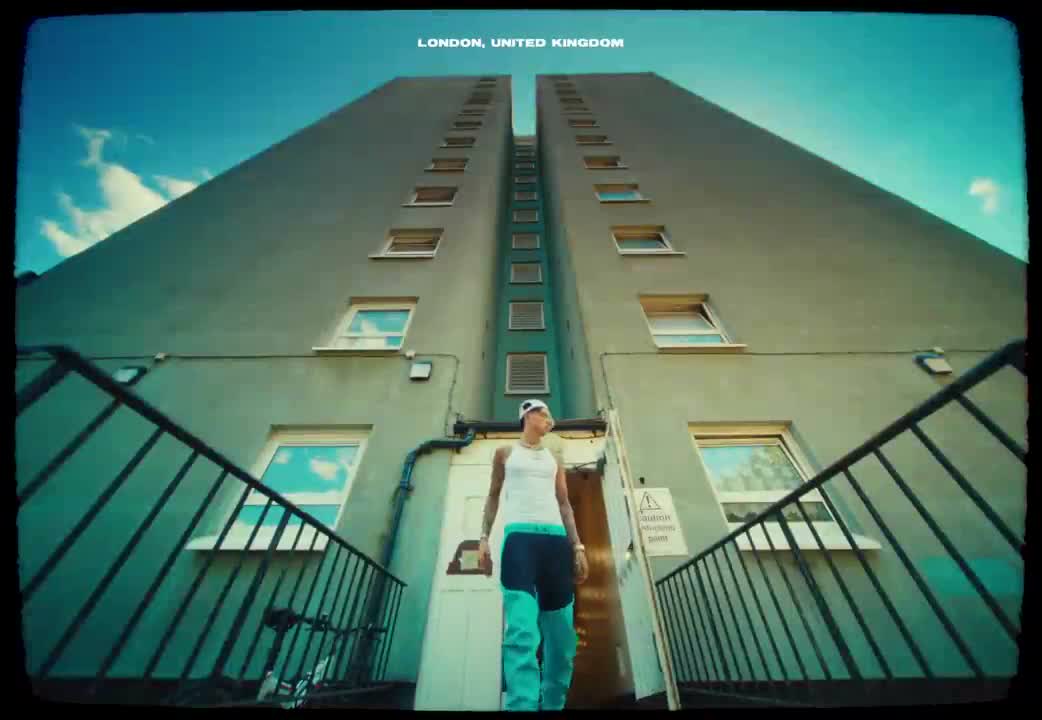
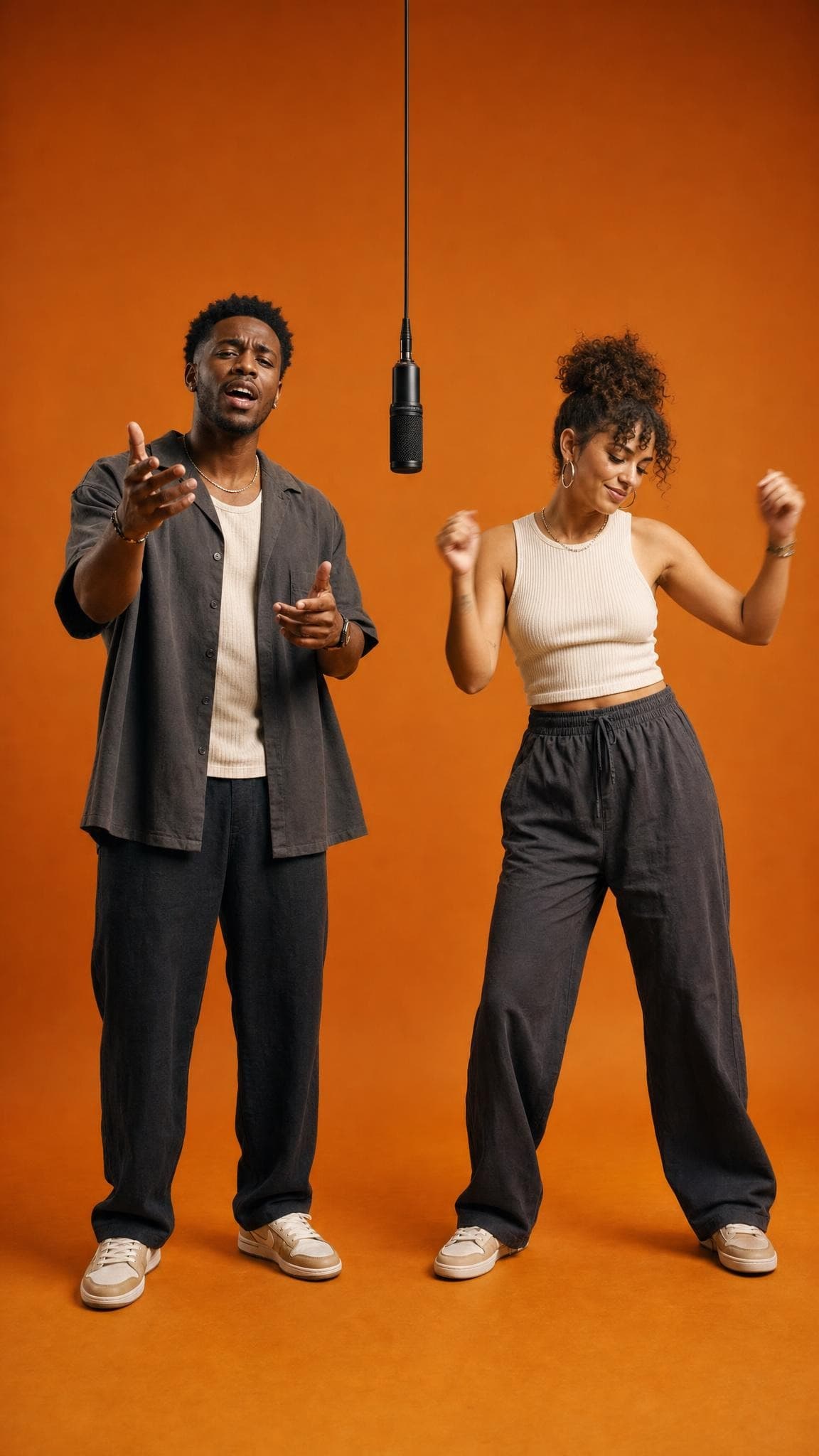
The Raindance trend took off with Dave and Tems' "Raindance": couples and best friends recreating a sunlit music-video moment on a lakeside pier and a sandy beach. One person sings straight to the camera in soft close-ups while the other watches from the pier, films them and finally sits beside them in the sand.
This generator recreates that clip from two photos. The AI builds a reference sheet for each person, then recasts both roles in the original video: every shot, the lip-sync, the looks between the two, the camera moves and the song stay the same, while faces, hair and outfits come from your photos.
For photo tips and a full walkthrough, read our guide Raindance AI Video Trend: Who Plays Each Role?.
How to make a Raindance AI video
- Upload Person 1, the singer. The person who sings to the camera on the pier and in the close-ups. A front-facing, well-lit photo with the face clearly visible works best.
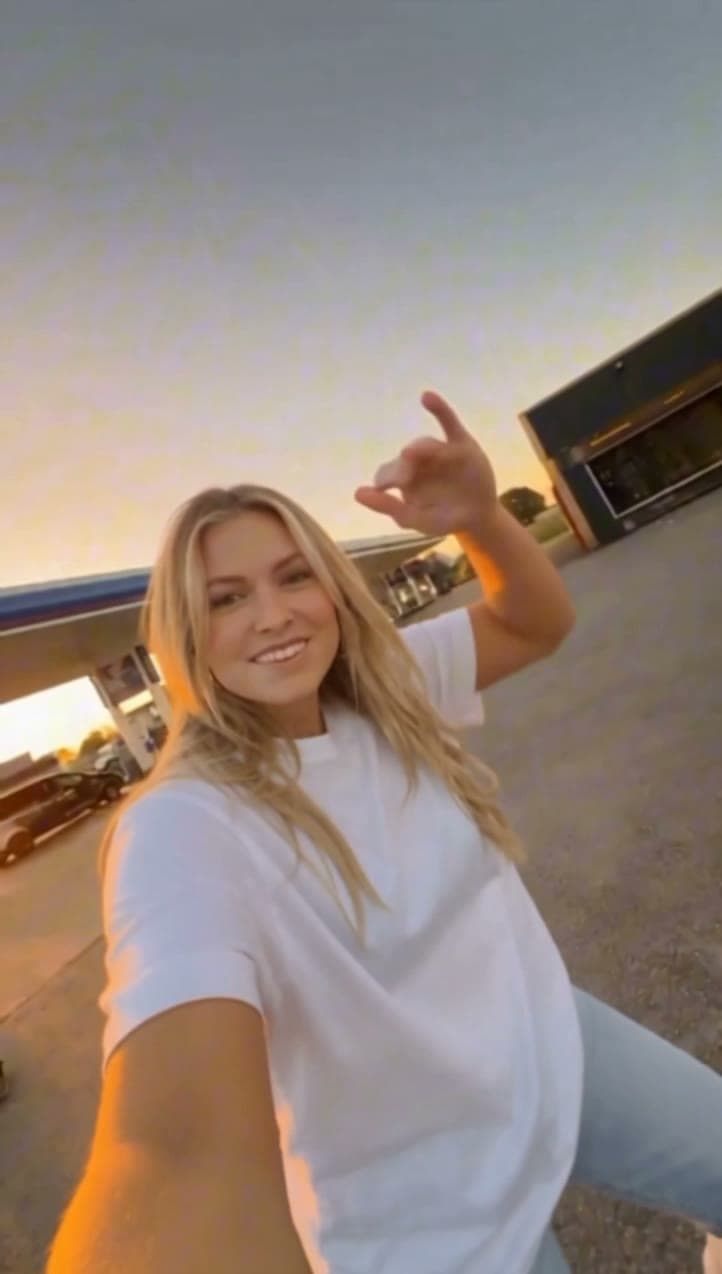
- Upload Person 2, the partner. The person who sits on the pier, films the singer and joins them on the beach. This can be a partner, a friend or a pet.
- Generate. Press Generate. Both reference sheets are built at the same time, then the 28-second clip is rendered. It usually takes several minutes; you can leave the page while it runs.
What the AI keeps from each photo
Each photo supplies one role: the face, hair, skin tone, build and outfit from that photo. The two are never mixed, so the order of the photos decides who sings and who watches.
The scene comes from the original clip: the pier, the lake, the beach, the golden light, the shot order, the camera and the song.
Tips for the best result
- Use one person per photo. Group photos make it unclear who should appear.
- The singer's face fills the close-ups, so use a sharp, evenly lit photo for Person 1.
- Full-body photos help keep the outfits right in the wide pier shots.
- Only upload photos of yourself or of people who have agreed to appear in the video.
Raindance AI Video FAQ
How many photos do I need?
Two: one for the singer and one for the partner.
Does it have to be a couple?
No. Friends, siblings or a person and their pet work too; each photo simply takes one of the two roles.
How long is the video?
About 28 seconds, in horizontal 4:3 format like the original clip, with the song.
How long does it take?
Usually several minutes. The video appears in your generations when it's done.
How many credits does it cost?
3,740 credits per video, charged when the render starts.
Is the sample video on this page an AI result?
Yes. It was generated by this template from the two sample photos shown.
What happens if my generation fails?
The error is shown on your generation, and the credits for that render are returned to your balance automatically.
Discover more templates in the trends gallery or explore AI video effects.
The Raindance AI Video is an independent AI template inspired by a social media trend. It has no official affiliation with, and is not endorsed or sponsored by, Dave, Tems or the rights holders of the song. Their names are used only to describe the trend. Only upload photos you have the right to use.