About the Gas Station Dance AI Video
The gas station dance is a short vertical clip shot on a gas station forecourt at sunset: someone dances in the open lot, a friend films themselves selfie-style under the canopy, and a third steps out of a car to close it out. It's made for group chats, friend trios and anyone who wants the sunset-forecourt look without driving anywhere.
This generator builds the whole clip from three photos. Each photo becomes one of the three people, keeping that person's face, hair and outfit, and the AI places them into the three shots with the camera moves, the golden-hour light and the music of the trend.
For photo tips and a full walkthrough, read our guide Gas Station Dance AI Video: Make Three Shots Connect.
How to make a gas station dance AI video
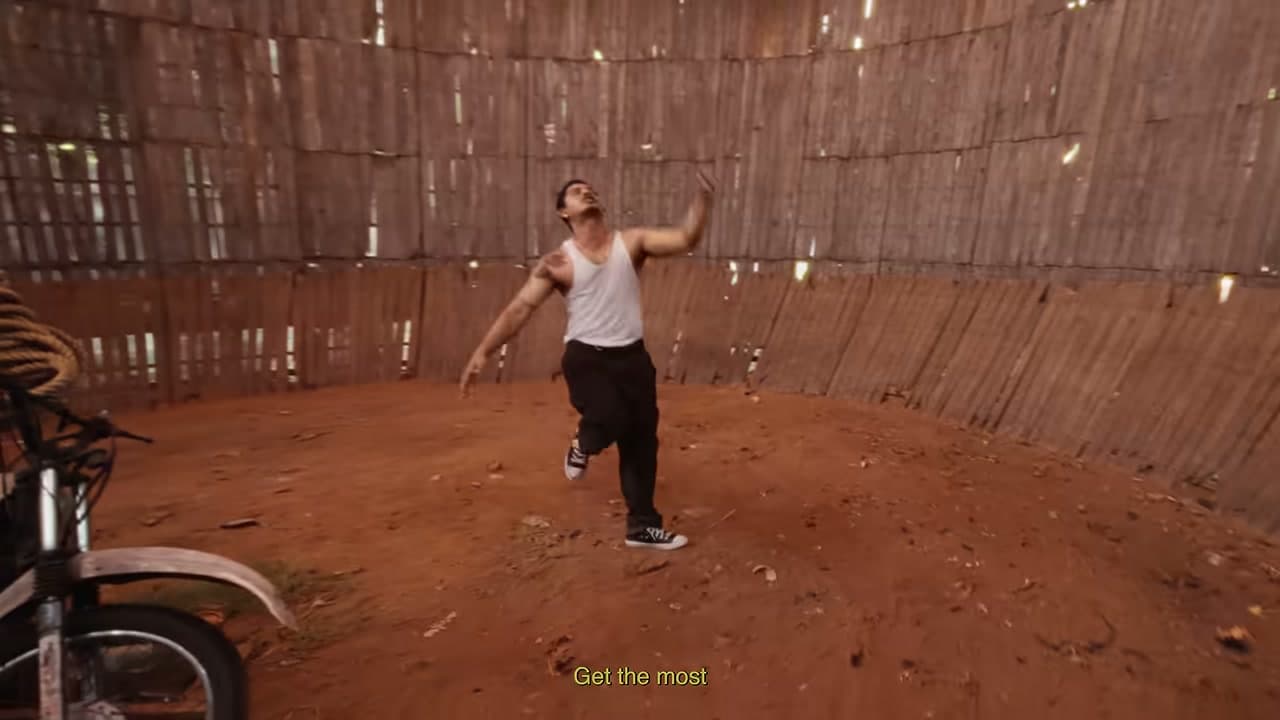
- Upload the dancer. Photo 1 is the person dancing in the opening shot. A clear, front-facing, well-lit, full-body photo of one person works best.
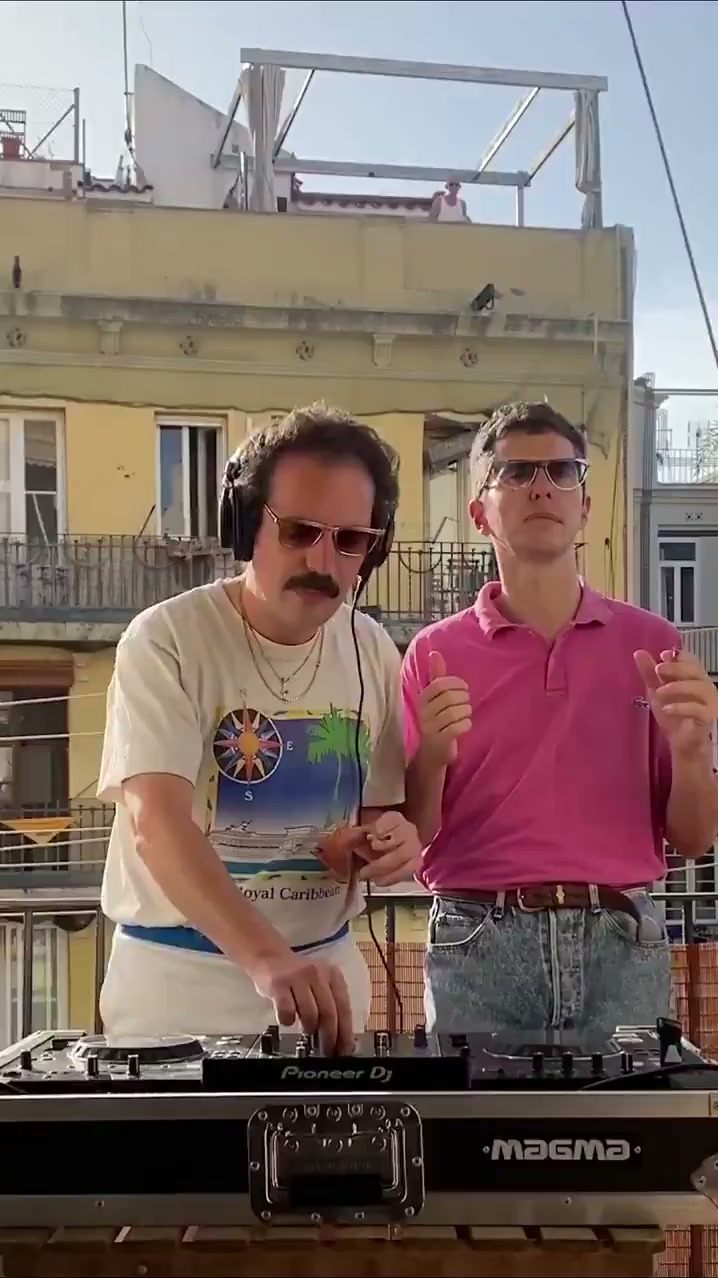
- Upload the selfie filmer. Photo 2 is the person filming themselves selfie-style in the middle shot. Again, one person, front-facing and well lit.
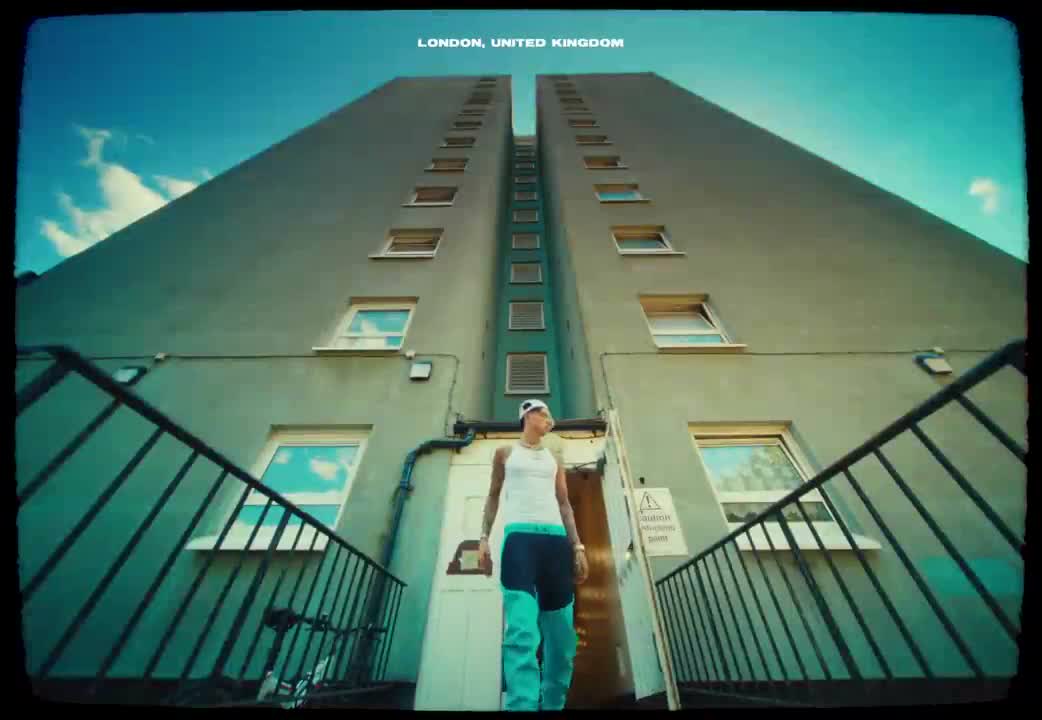
- Upload the person stepping out of the car. Photo 3 is the person who opens the car door and steps out in the closing shot. The order matters: each photo always goes to the same shot.
- Choose a resolution and generate. Pick 480p for a quick, cheaper test, 720p for posting, or 1080p for the sharpest result. Press Generate; the video usually takes about five minutes and then appears in your generations, ready to download.
What the AI keeps from each photo
Each photo supplies one person: their face, hairstyle, skin tone, build and the outfit they're wearing in the photo. Nothing is mixed between the three, so dress each person the way you want them to appear.
The scene comes from the template: the gas station forecourt, the sunset light, the three shots and their camera moves, and the music.
Tips for the best result
- Use one person per photo. Group photos make it unclear who should appear.
- Front-facing, evenly lit photos work best. Full-body shots help, because the outfit is kept.
- Avoid sunglasses, hats or hands covering the face.
- You can use the same person in more than one shot, but three different people is what the trend is about.
- Try 480p first to check your photos, then render at 720p or 1080p.
- Only upload photos of yourself or of people who have agreed to appear in the video.
Resolution and credit cost
| Resolution | Cost |
|---|---|
| 480p | 1,990 credits |
| 720p | 4,845 credits |
| 1080p | 11,645 credits |
Every option produces the same 17-second clip. Credits are charged once when the render starts and refunded automatically if the generation fails.
Gas Station Dance AI Video FAQ
How many photos do I need?
Three: one for the dancer in the opening shot, one for the selfie filmer in the middle and one for the person stepping out of the car at the end.
How long is the video?
About 17 seconds, in vertical 9:16 format for TikTok, Reels and Shorts, with music.
Is my outfit kept?
Yes. Each person keeps the face, hair and outfit from their own photo.
Should I choose 480p, 720p or 1080p?
480p is the fastest and cheapest, good for testing photos. 720p is a good balance for posting, and 1080p is the sharpest.
How long does it take?
Usually around five minutes. You can leave the page; the video appears in your generations when it's done.
Is the sample video on this page an AI result?
Yes. It was generated by this template from three sample photos at 720p.
What happens if my generation fails?
The error is shown on your generation, and the credits for that render are returned to your balance automatically.
Discover more templates in the trends gallery or explore AI video effects.