
Motion Transfer
Pit lane walk, new driver
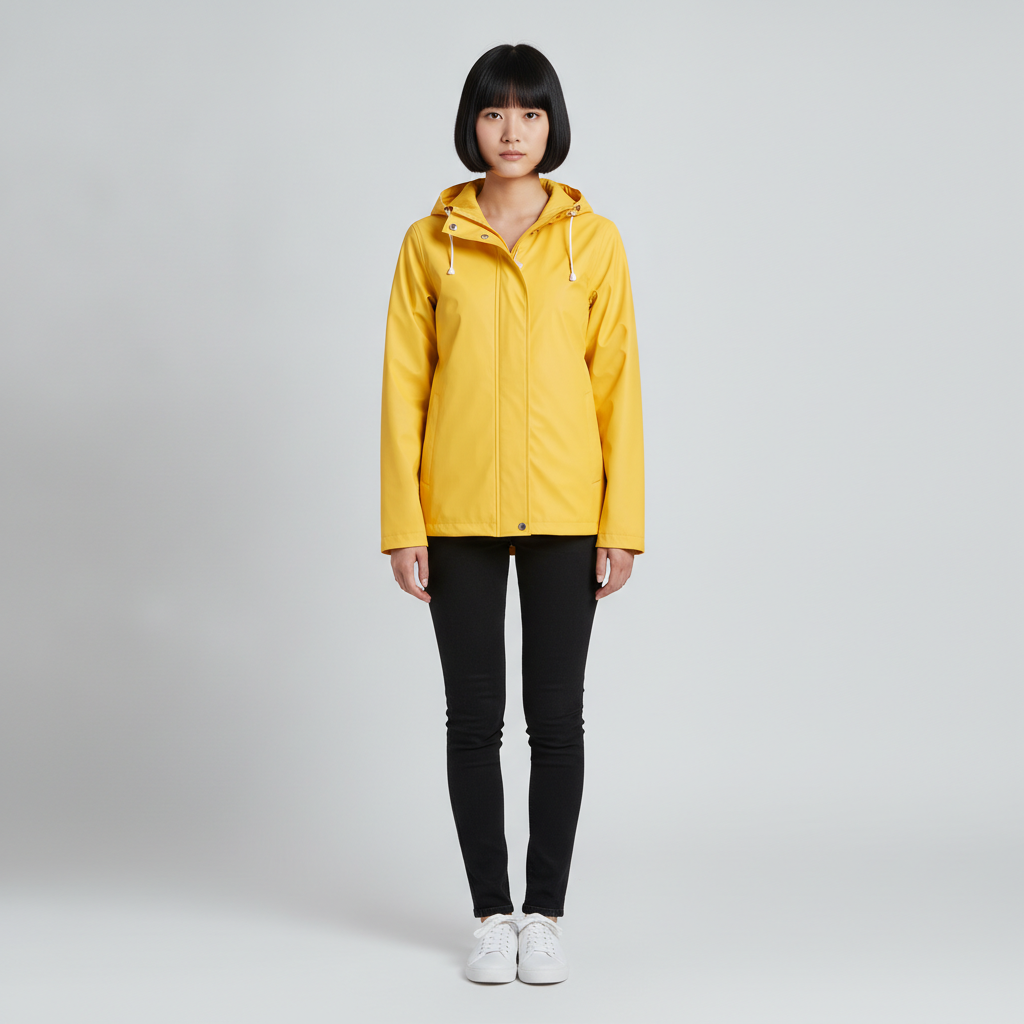
One full-body photo recasts the driver. The walk, camera move and pit lane stay as shot.
One video, endless versions. Keep the motion, camera work, timing and sound of a clip you already have, and change what’s in it: put a new person in the lead, swap the car for yours, or redraw the whole scene as anime or 3D.
Each pair shows the source clip next to the Genjutsu result, generated on TrendAI. The reference photos and the people in the source clips are AI-generated.
One full-body photo recasts the driver. The walk, camera move and pit lane stay as shot.
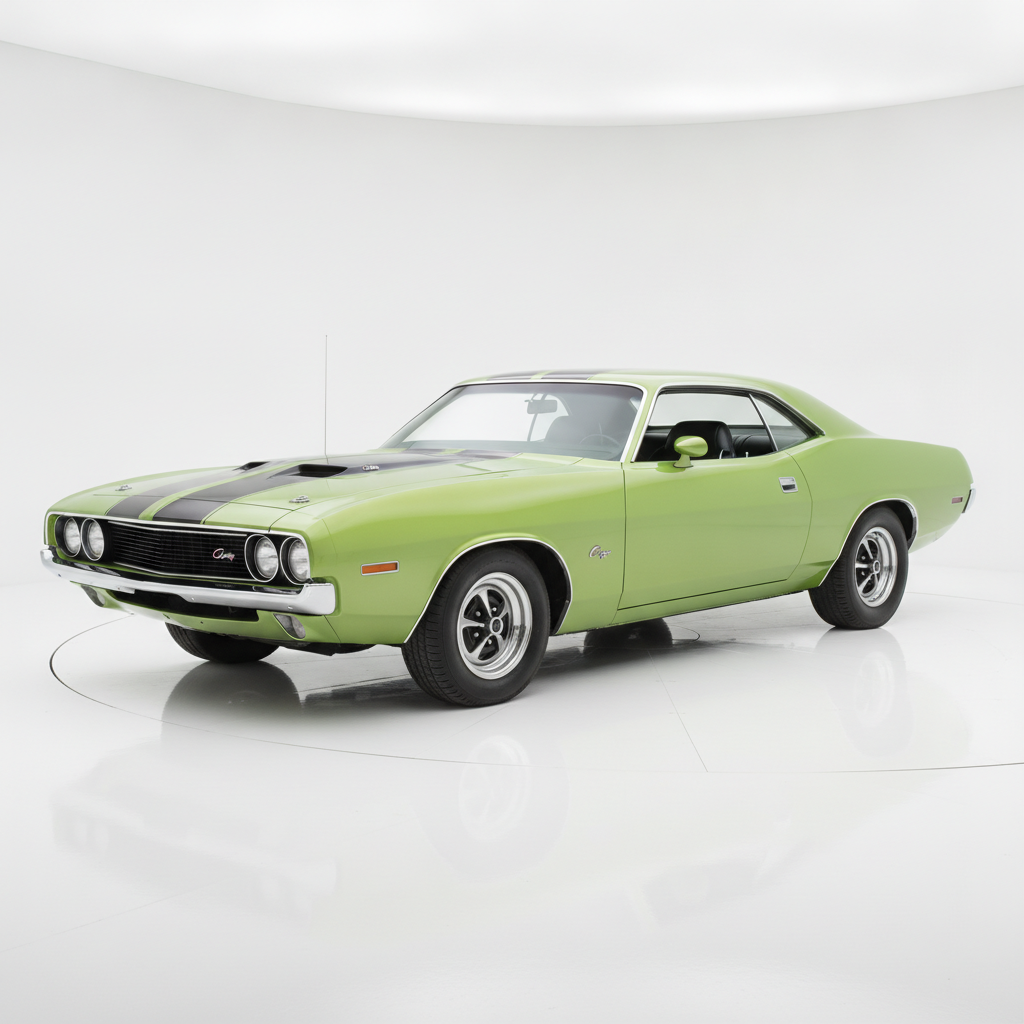
A single studio photo of a green muscle car replaces the car in every shot, with the night lighting kept.
The Cel-Shaded CG Anime preset on a photoreal scene. Performances and timing carry over.
The Rounded Toy CGI preset turns the same pit lane walk into a toy-like 3D shot.
Most AI video tools start from a blank page: you describe a scene and hope the motion comes out right. Genjutsu starts from footage that already works. The choreography, the camera move, the edit and the sound come from your video, and only what you ask to change is regenerated. That makes it the quickest way to put yourself into a viral trend, show your product in an existing ad, or give a clip a completely different look.
Upload a clip and a photo of a character, and Genjutsu replaces the person on screen while keeping every step, gesture and camera move from the original. It works for dance trends, walk-ins, music video moments and short scenes with several people.
Show Genjutsu what the new object looks like and it swaps it into every shot: a different car in a night drive, your product in someone's hand, a new prop on the table. Reflections, lighting and motion blur follow the scene.
Pick one of about twenty visual presets, from cel-shaded anime and hand-painted animation to felt puppets, knitted yarn and toy-like CGI. Genjutsu redraws the whole clip in that style and keeps the original audio.
Genjutsu bills each second of the source video, rounded up to the whole second: 271 credits per second at 480p, 579 at 720p and 1388 at 1080p. A 5-second clip at 480p costs 1352 credits. Failed jobs are refunded automatically. See plans and credit packs.
Genjutsu is Higgsfield's video-to-video model family. Instead of generating a clip from text, it takes a video you already have and changes what is in it, while the motion, camera movement and timing stay the same. TrendAI offers its three modes: Motion Transfer, Object Swap and Restyle.
At least 4 seconds. Anything longer than 30 seconds is trimmed to its first 30 seconds, so cut the part you want before uploading. Upload MP4 or MOV files up to 100 MB.
Genjutsu is priced per second of source video, rounded up: 271 credits per second at 480p, 579 at 720p and 1388 at 1080p. A 5-second clip at 480p costs 1352 credits. The exact price appears on the Generate button once your video is uploaded.
Object Swap and Restyle run at 480p, 720p or 1080p. Motion Transfer runs at 480p or 720p. The output keeps the framing of your source video, so there is no separate aspect ratio setting.
Yes. Genjutsu preserves the source audio, so music, dialogue and effects line up with the new picture just as they did in the original.
If Higgsfield rejects the input or the job fails, your credits are refunded automatically. Clips flagged by content moderation are also refunded.
Only with their permission. Do not upload footage or photos of people who have not agreed to it, and never of minors. Our terms of service apply to every upload.
Try a short clip at 480p first to keep the cost low; the price is shown before you generate, and credits for a failed job are refunded automatically.
Open GenjutsuGenjutsu is a model by Higgsfield AI. TrendAI runs it through Higgsfield’s API and is not affiliated with or endorsed by Higgsfield. Looking for ready-made templates? Browse trending video templates, several of which run on Genjutsu.