AI tool · from 30 credits · Refunded if it fails

AI Thumbnail Maker Title, Face, Done

Type the words for the thumbnail and one line about the video. The AI designs a 16:9 thumbnail around them in a style you pick, with your face from a photo or with a subject it draws itself. No layers, fonts or templates to fiddle with.

  • TextUp to 60 characters
  • StylesBold · Dramatic · Minimal · Neon · Vlog
  • FaceOptional (needed for Pro)
  • Output16:9 JPG

Set it up

Try an example
Quality
Estimated30 credits
Ways to pay less
  • Standard is 30 credits, with or without your face; Pro is 57 and needs a face photo.
  • Find the style on Standard first, then make the final one on Pro if you want finer detail.

Need something else? More Photo & Image tools or all 54 tools

How do I make a thumbnail with AI?

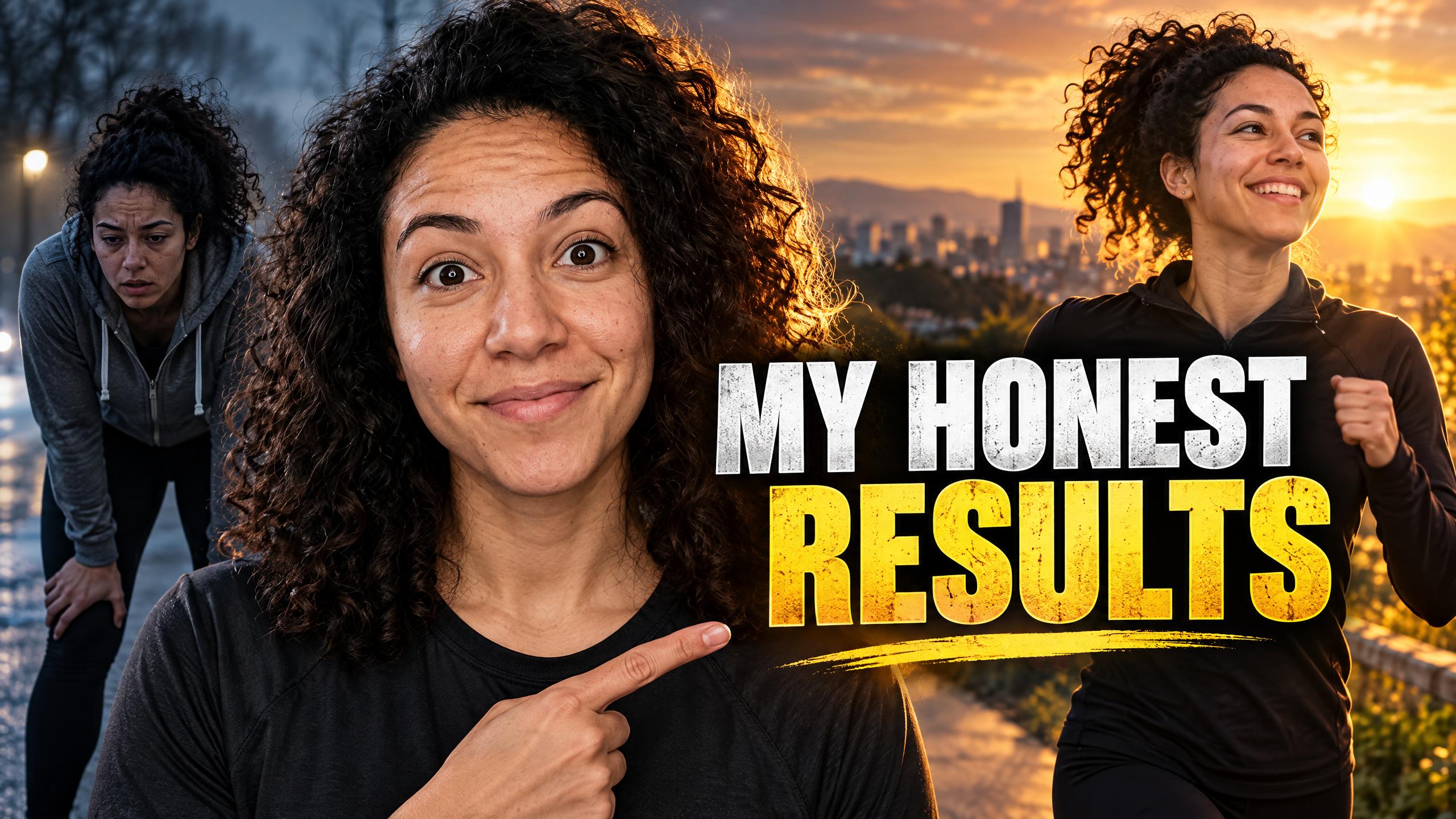
Thumbnail Maker is a tool that designs a 16:9 video thumbnail from a short title and a description of the video. Type the headline you want on it, up to 60 characters, and what the video is about. Pick one of five styles: Bold and bright, Dramatic, Clean and minimal, Neon or Friendly vlog. Add a photo of your face and the AI uses you as the main subject with a strong reaction; leave it out and it draws a subject that tells the story.

Before
After
A dramatic thumbnail built around the creator's own photo.ProWith your face
A dramatic thumbnail built around the creator's own photo.

Start from an example

How to use YouTube Thumbnail Generator in 3 steps

  1. Type the thumbnail text and topic

    Sign in, type the headline (up to 60 characters) and one line about the video (up to 300). One of the two is enough.

  2. Pick a style and add your face

    Choose one of five styles. Upload a clear photo of yourself if you want to be on it; Pro needs one.

  3. Make the thumbnail

    Press Make the thumbnail. The price is on the button, and the JPG is saved in My Videos.

What YouTube Thumbnail Generator does

Headline text, placed for you

The AI is asked for large, bold headline text that reads exactly as you typed it, easy to read at small size and placed so it doesn't cover the face. Short headlines of three to five words work best.

Five looks, five moods

Bold and bright for challenges and how-tos, Dramatic for stories and mysteries, Clean and minimal for tech and finance, Neon for gaming and music, Friendly vlog for lifestyle and travel.

Your face, or none

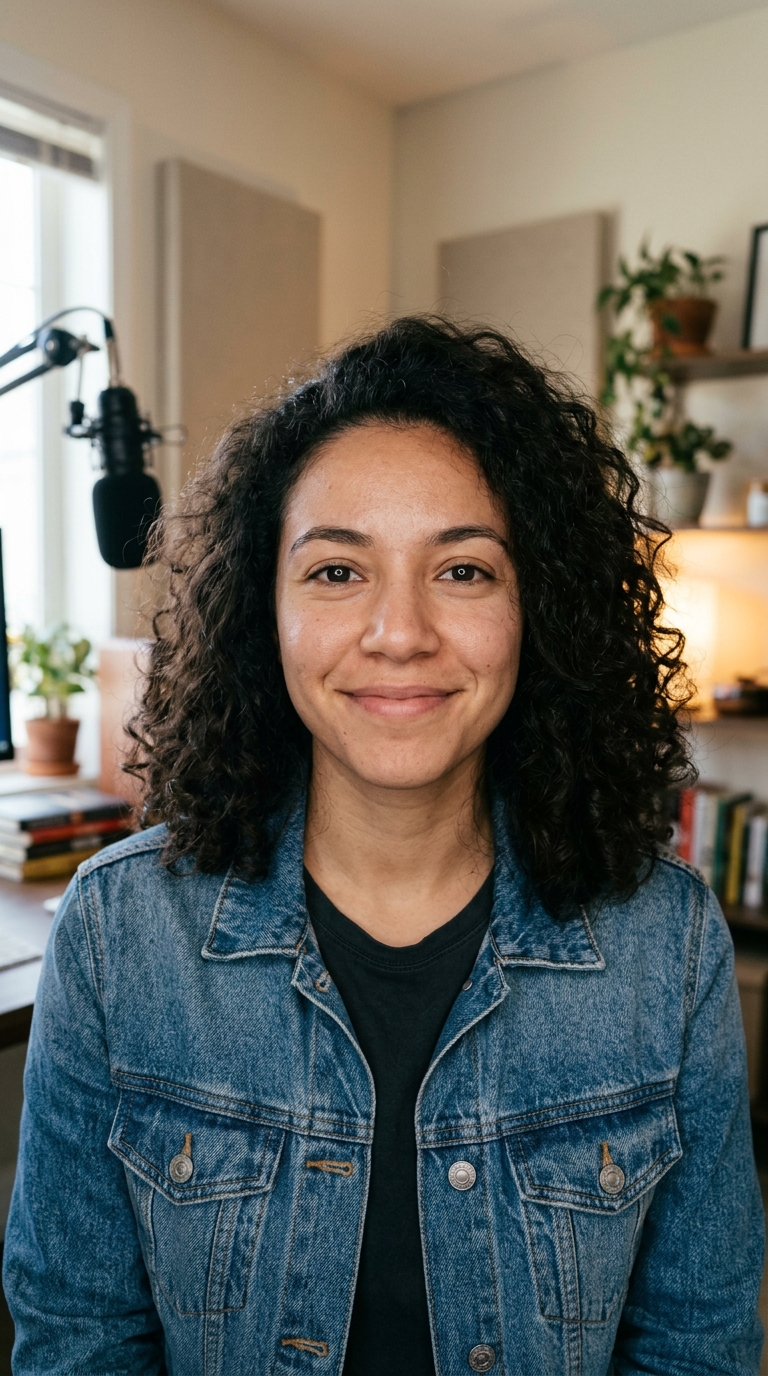
Upload a photo of yourself and the AI makes you the main subject with an expressive reaction, keeping your face recognisable. Skip it and you get a striking subject with no real people.

Made at 16:9

Every thumbnail is a landscape 16:9 JPG, the shape video platforms use for thumbnails on regular videos, podcasts and course lessons.

No logos or watermarks

The design is asked to leave out logos, watermarks and platform icons, so it doesn't clash with what the platform overlays.

Comparison

Why use YouTube Thumbnail Generator instead of building it layer by layer in a design app?

A hand-made thumbnail means cutting out your face, finding a background, adding an outline and setting the text. Here you type the words and pick a style.

FeatureYouTube Thumbnail GeneratorBuilding it layer by layer in a design app
Starting pointA title, a sentence about the video and an optional photoA blank canvas, a cut-out and a background to find
Headline textDrawn by the AI, up to 60 charactersPick a font, size, stroke and shadow yourself
Your facePlaced as the main subject with a strong reactionCut out, position and colour-match by hand
Styles5 ready styles, from bold to minimalBuild the look from scratch each time
OutputA 16:9 JPG saved in My VideosSet the canvas size and export yourself
Price30 credits Standard, 57 credits ProA design app and your time on each thumbnail

What you can make with it

Testing two thumbnails for one video

Make two versions with different styles and see which one gets the click.

  • Keep the same headline and topic and change only the style, e.g. Bold and bright against Dramatic.
  • On Standard, each version is 30 credits.
  • Look at both at phone size before you decide; that's how most people see them.
  • Upload one first, then swap in the other if the click rate is low.

A thumbnail without showing your face

For faceless channels, podcasts and tutorials where nobody appears on camera.

  • Leave the photo empty and use Standard.
  • Describe the visual hook in the topic: "a tiny house glowing at night in a snowy forest".
  • Clean and minimal works well for software and finance videos.
  • Keep the headline to a few words so it stays legible.

A reaction thumbnail with your face

The classic look: you, surprised or excited, next to a bold headline.

  • Upload a well-lit photo of you looking at the camera with a clear expression.
  • Choose Pro for 57 credits for finer detail and closer likeness.
  • Bold and bright or Friendly vlog suit this look.
  • Only use photos of yourself or of someone who agreed.

Who it's for

Video creators

Make a thumbnail for every upload without opening a design app.

Podcasters

Give each episode a 16:9 cover with the episode's hook in large text.

Course creators and teachers

Make matching thumbnails for a series of lesson videos.

Small brands

Design thumbnails for tutorials and product videos on your brand's channel.

Tips for the best result

  • Three to five words beat a full title. Put the rest in the video title itself.
  • Check the spelling on the result. The AI is asked to spell your text exactly, but rendered text can still slip.
  • Describe one clear visual in the topic. "A burnt pizza next to a perfect one" gives a stronger image than "cooking tips".
  • For the face photo, use bright, even light and a big expression; the AI builds the reaction from it.
  • No real people other than you: don't upload photos of public figures or children.
  • Every thumbnail is 16:9. For a vertical cover, use a frame from the video itself with Video to Image.

Frequently asked questions

Can AI make a thumbnail for my video?

Yes. Type the headline and what the video is about, pick a style, and the AI designs a 16:9 thumbnail around them.

How much does the thumbnail maker cost?

30 credits on Standard and 57 on Pro, per thumbnail.

Can I put my own face on the thumbnail?

Yes. Upload a photo of yourself; the AI uses you as the main subject. Pro needs a face photo, Standard works with or without one.

Does the thumbnail include text?

Yes, if you type it: up to 60 characters, drawn as a large headline. Leave it empty for a thumbnail without text.

What size is the thumbnail?

A 16:9 landscape JPG, the shape used for regular video thumbnails.

Can I make vertical thumbnails?

No, all thumbnails are 16:9. For a vertical cover, take a frame from the video with Video to Image.

Can I edit the thumbnail afterwards?

Not in this tool. Make another version with a different style or headline, or edit the JPG in your own image editor.

Can I use a celebrity in my thumbnail?

No. Use only your own face or someone who agreed; no public figures or children.

Do I need an account?

Yes. Sign in with Google or email; each job costs credits from your balance, and the result is saved in My Videos.

What if a job fails?

If a job can't finish, the credits it used go back to your balance automatically.

More AI Video Tools

All 54 tools →

Ready to try YouTube Thumbnail Generator?

A click-worthy 16:9 thumbnail with your title, with or without your face. from 30 credits, and the result is saved in My Videos.

Make the thumbnail