About the Stones to Castle AI Trend
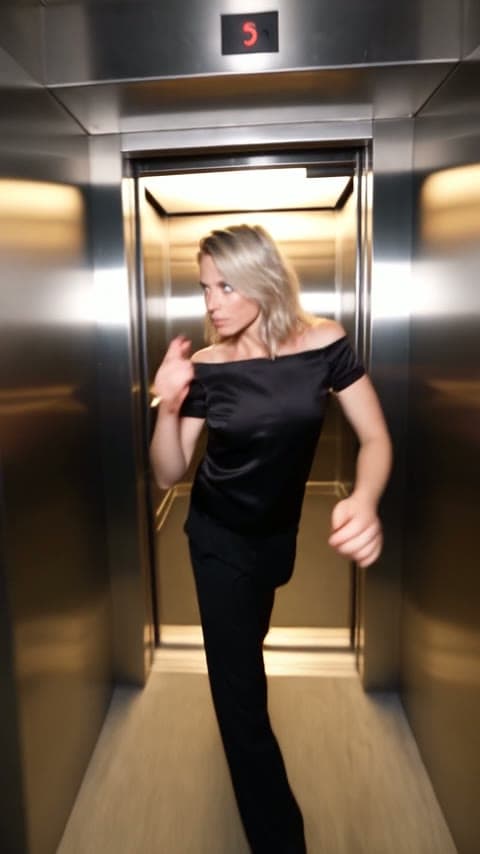
Stones to Castle turns an old line into a short film: build a castle out of the stones people throw at you. A crowd hurls stones across a green valley, the builder stays calm, picks them up one by one, and the wall grows into a huge castle while the crowd stares up in silence.
This template makes you the builder. Upload one photo and the AI recasts the builder with your face, hair, body and outfit, while the crowd, the landscape, the camera moves, the cuts and the original sound follow the chosen version. You write no prompt.
How to make the Stones to Castle AI trend
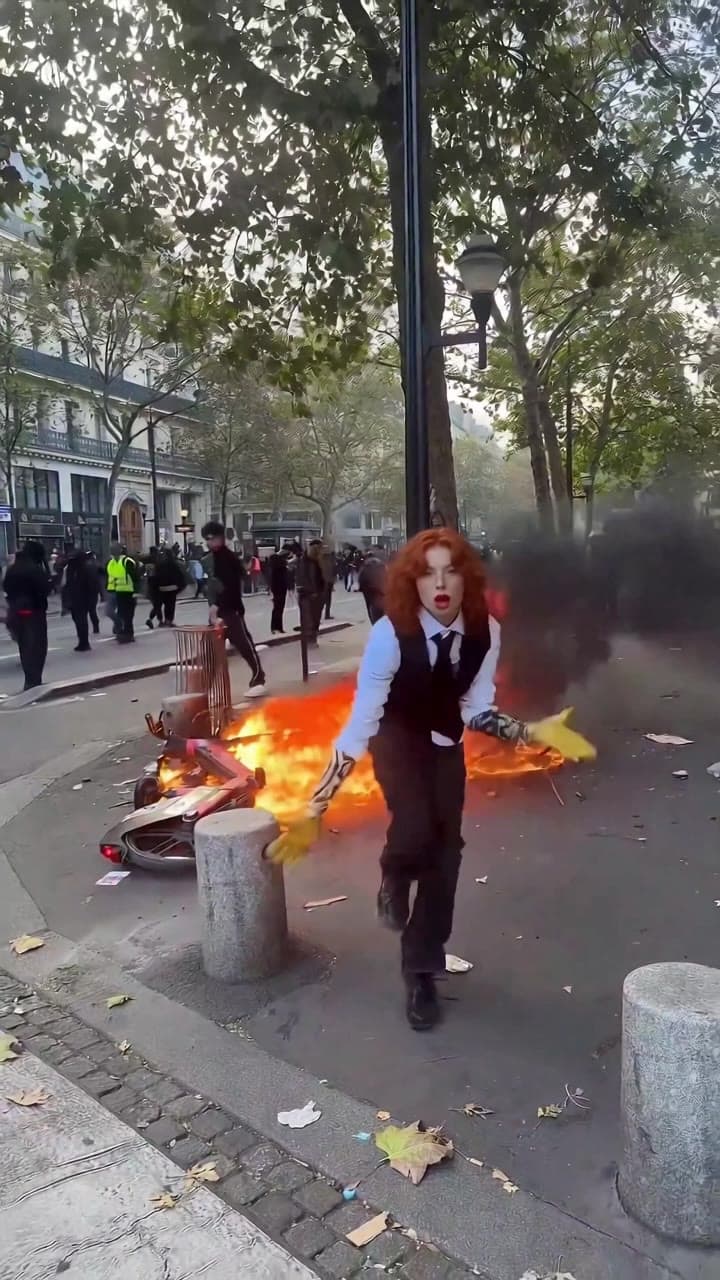
- Pick a version. You: a calm builder in a green mountain valley whose stone wall rises into a Gothic castle with spires, ending in a castle window. Pink Gown: a builder who sings to the crowd, lays the stones in a row on a misty hillside and climbs the steps of a dark stone castle.
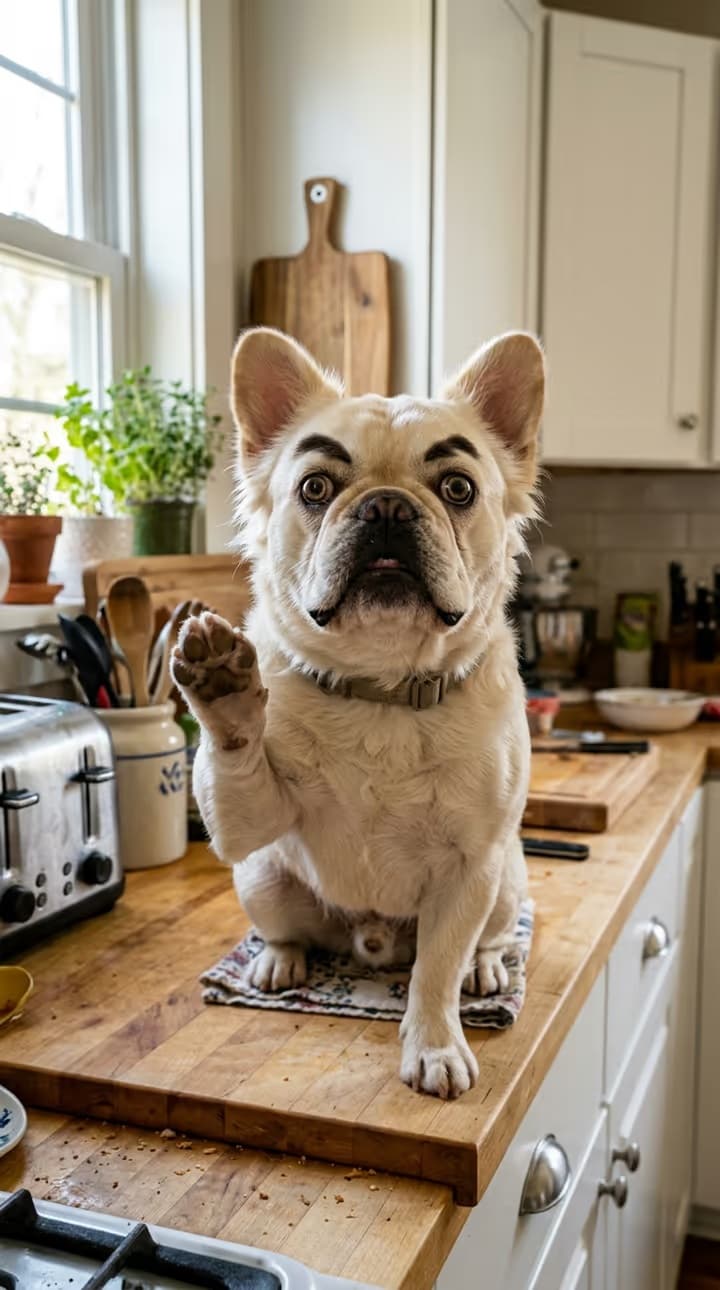
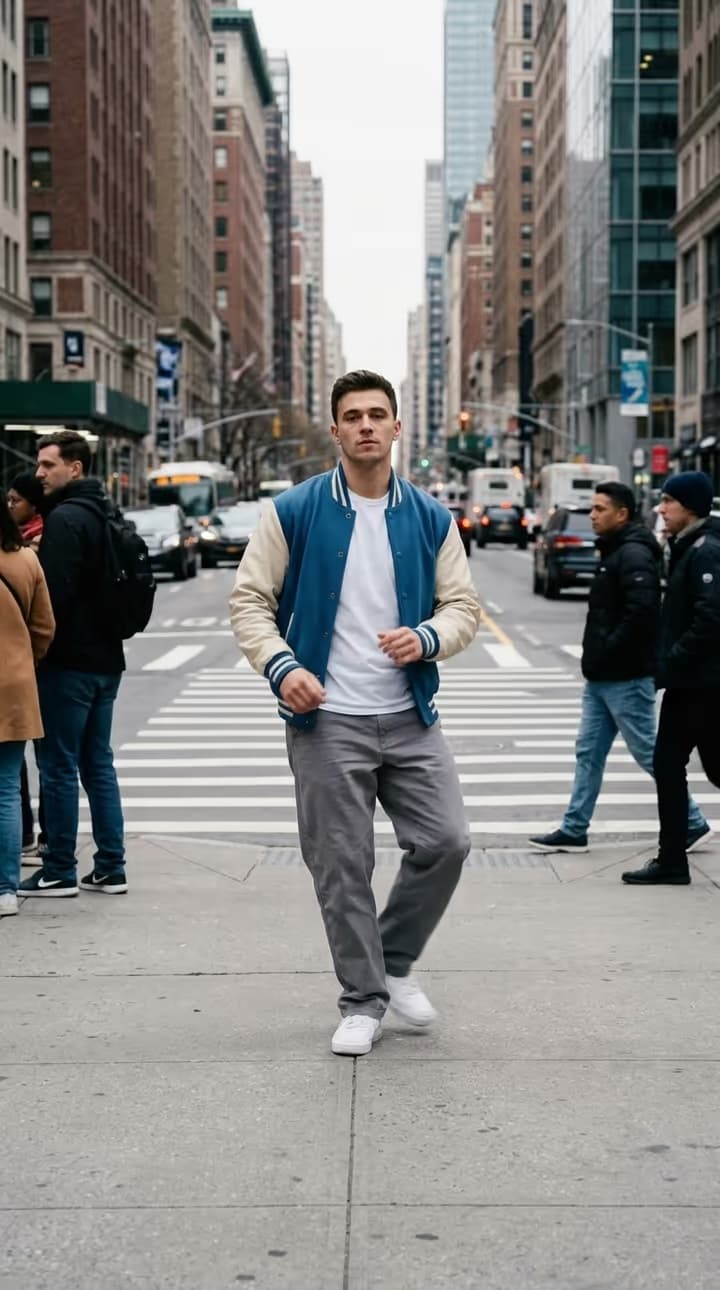
- Upload one photo. A clear, well-lit photo of one person works best, ideally full body so the outfit can carry through every shot. A pet or an object can be the builder too.
- Choose the quality and generate. 720p for the sharpest result or 480p for a cheaper one, both vertical 9:16. The price is shown on the button before you start, and the finished 15-second video appears in your Library to download.
What the AI takes from your photo and what it keeps
- From your photo: the builder's face, hair, skin tone, body and the clothes, shoes and accessories you wear in it, in every shot. With an upper-body photo, the AI fills in the rest of the outfit to match.
- From the version: the crowd, the valley or hillside, the stones, the castle, the light, the camera, the timing of every cut and the original sound.
You or Pink Gown
Both versions run 15 seconds and cost the same. You is the calmer one: the builder hardly reacts, picks up a single stone and ends with a quiet, proud smile in a carved Gothic window. Pink Gown is more theatrical: the builder sings to the crowd first, then kneels and lays the wall stone by stone before walking up the castle steps.
In Pink Gown the builder follows the original singer's mouth movements, and the sound is the version's original track. It is not your voice.
What to expect from the result
The video is generated by AI, so it follows the reference closely without copying it frame for frame. Likeness is usually strongest in the medium and close shots; in the wide shots the builder is small and details can soften. Nobody in the video is hit or hurt: the stones only land on the grass around the builder.
Stones to Castle AI trend price
| Version | 480p | 720p |
|---|---|---|
| You | 4,055 credits | 8,683 credits |
| Pink Gown | 4,055 credits | 8,683 credits |
Stones to Castle AI Trend FAQ
What is the Stones to Castle AI trend?
A short AI video in which a crowd throws stones at one calm person, who builds them into a castle. This template puts you in the builder's place from a single photo.
What is the difference between You and Pink Gown?
You is set in a green mountain valley and ends in the window of a Gothic castle. Pink Gown is set on a misty hillside, the builder sings to the crowd, and it ends on the steps of a dark stone castle. Both are 15 seconds and cost the same.
Do I need to write a prompt?
No. Pick a version and upload one photo; everything else is set by the template.
Will it look exactly like me?
The AI copies the face, hair, body and outfit from your photo and usually stays close, but it is an AI result: likeness can vary between shots, especially in the wide ones where the builder is small. A sharp, well-lit, front-facing photo gives the best match.
Does the video have sound?
Yes, the original sound of the version you pick. In Pink Gown the singing is that track's voice, not yours.
How much does it cost?
8,683 credits at 720p or 4,055 credits at 480p, for either version. If a generation fails, the credits are refunded automatically.
Can a pet or an object be the builder?
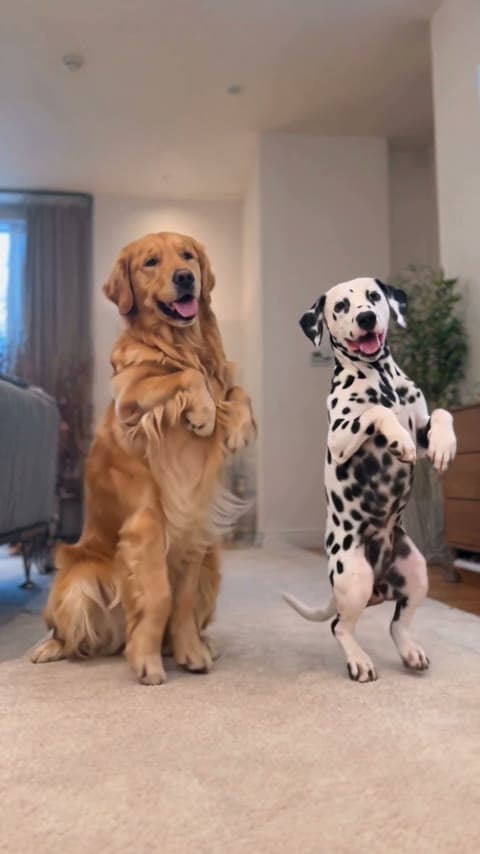
Yes. The builder becomes whatever your photo shows, with its own colors, markings and shape.
Can I use someone else's photo?
Only upload photos of yourself or of adults who have agreed to it. Photos of children and public figures are not allowed.
Discover more templates in the trends gallery or explore AI video effects.
This is an independent AI template. The people in the reference videos are AI-generated. The result is an AI-generated video, not real footage.