About the Wedding Dance Floor AI Video
Every wedding video has that one guest: they stroll onto the dance floor like they own it, snack in hand, give the camera a knowing look and disappear into the crowd dancing. That moment has become a popular clip to recreate.
The Wedding Dance Floor AI Video Generator makes you that guest from a single photo. The purple-lit reception hall, the guests, the camera moves and every step come from a built-in clip; your face, hair and outfit come from your photo. The result is a 10-second 16:9 video with sound.
How to make a wedding dance floor AI video
- Upload your photo. One person, front-facing and well lit, ideally full body, in the outfit you want to wear.
- Check the cost. Length (10 seconds), 16:9 framing and 480p are fixed. Check the credit cost on the button, then generate.
- Preview and download. The video is usually ready in about five minutes. Preview it and download the MP4.
What changes
Only the main dancer is replaced. The other guests, the hall and the camera stay as in the original clip, so it still feels like real wedding footage.
Photo tips
- Use a sharp photo of one person with the face clearly visible.
- Full-body photos help the outfit and walk look right.
- Avoid sunglasses, hats and heavy filters.
Limitations
Hands and the snack can look off during the close-up, and faces can soften when you dance away from the camera. Photos of public figures and children are declined by the video model. Only upload photos you own or have permission to use.
About the video on this page
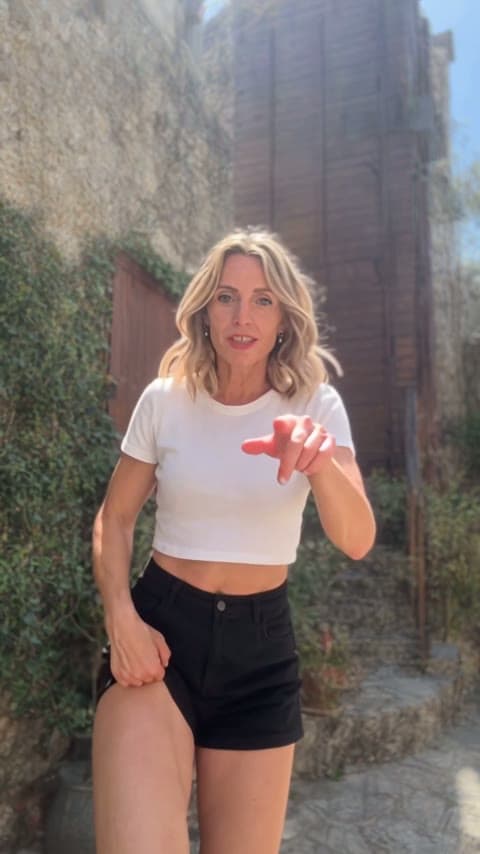
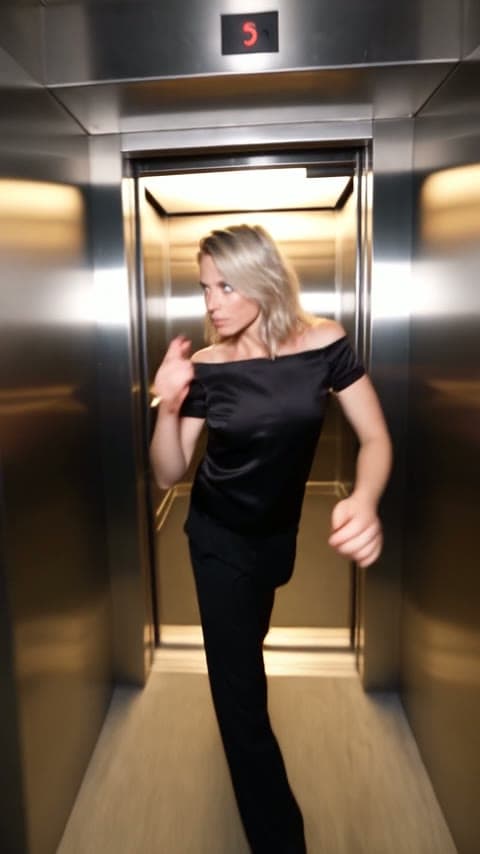
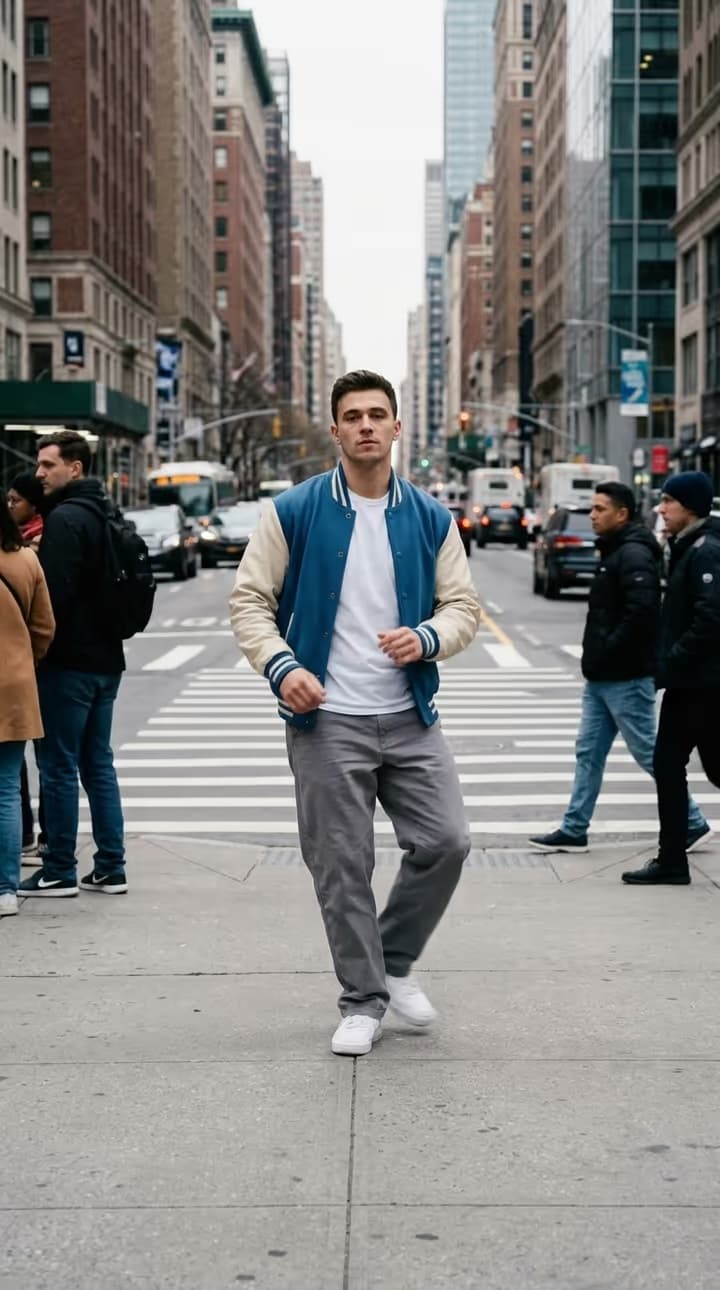
The sample is a generated result from the portrait shown as the sample input. The cover is a frame of that video.
Wedding Dance Floor AI Video FAQ
How many photos do I need?
One clear photo of one person.
Are the other guests changed?
No. Only the main dancer becomes you; the guests and the hall stay as they are.
How long is the video?
10 seconds, 16:9 horizontal, at 480p, with sound.
How much does it cost?
The generate button shows the exact credit cost before you start.
Why was my video declined?
The video model rejects photos of public figures, children and unclear or explicit images. Credits are refunded automatically when a video fails.
Discover more templates in the trends gallery or explore AI video effects.