About the Full Glam Makeup Reveal AI Video
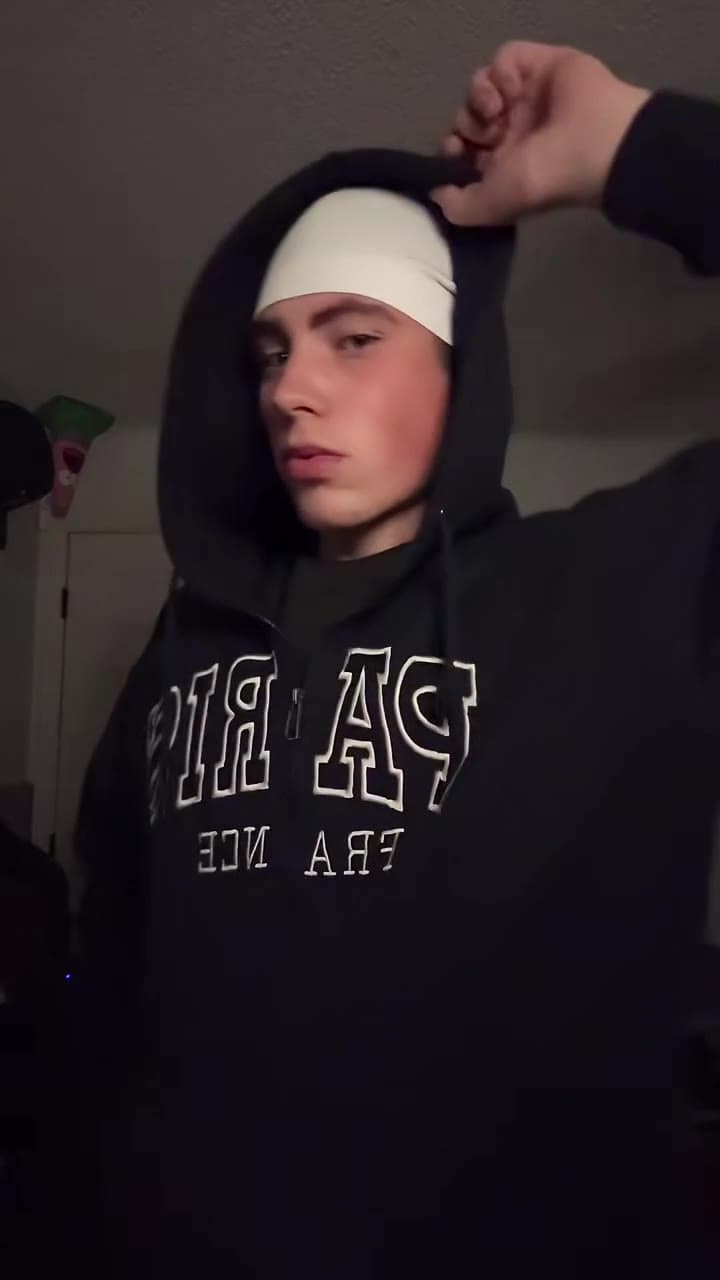
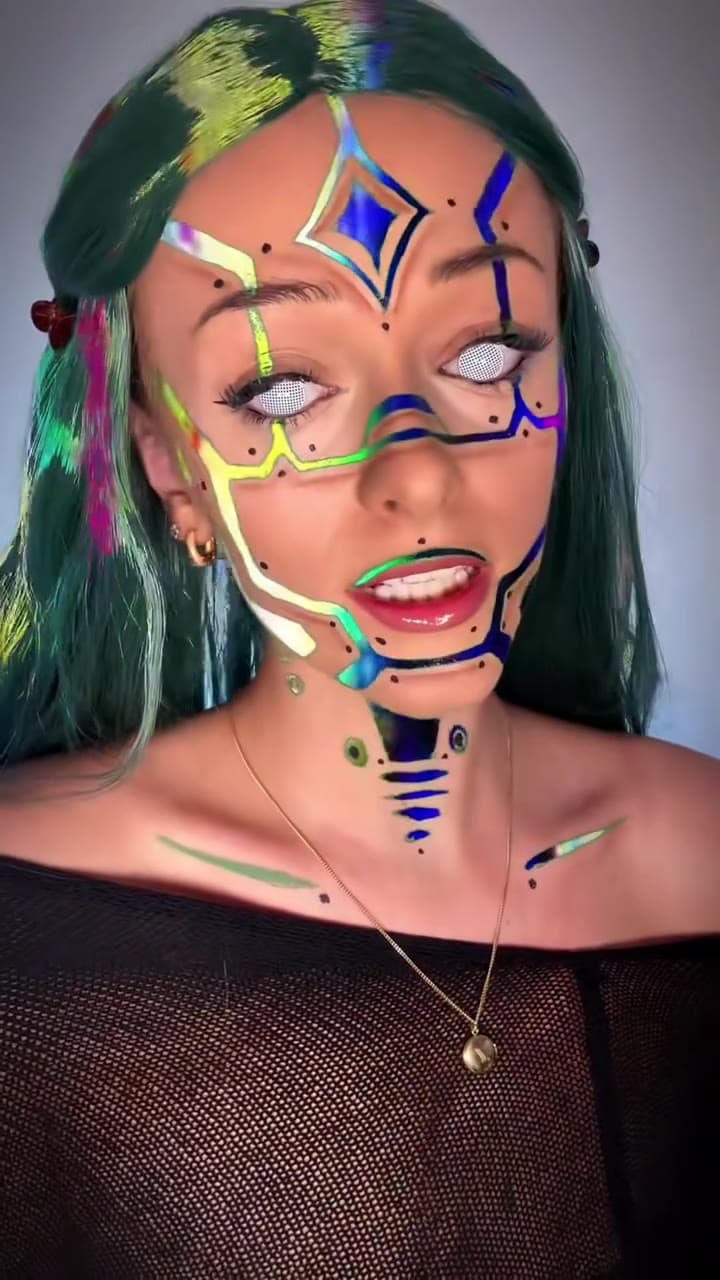
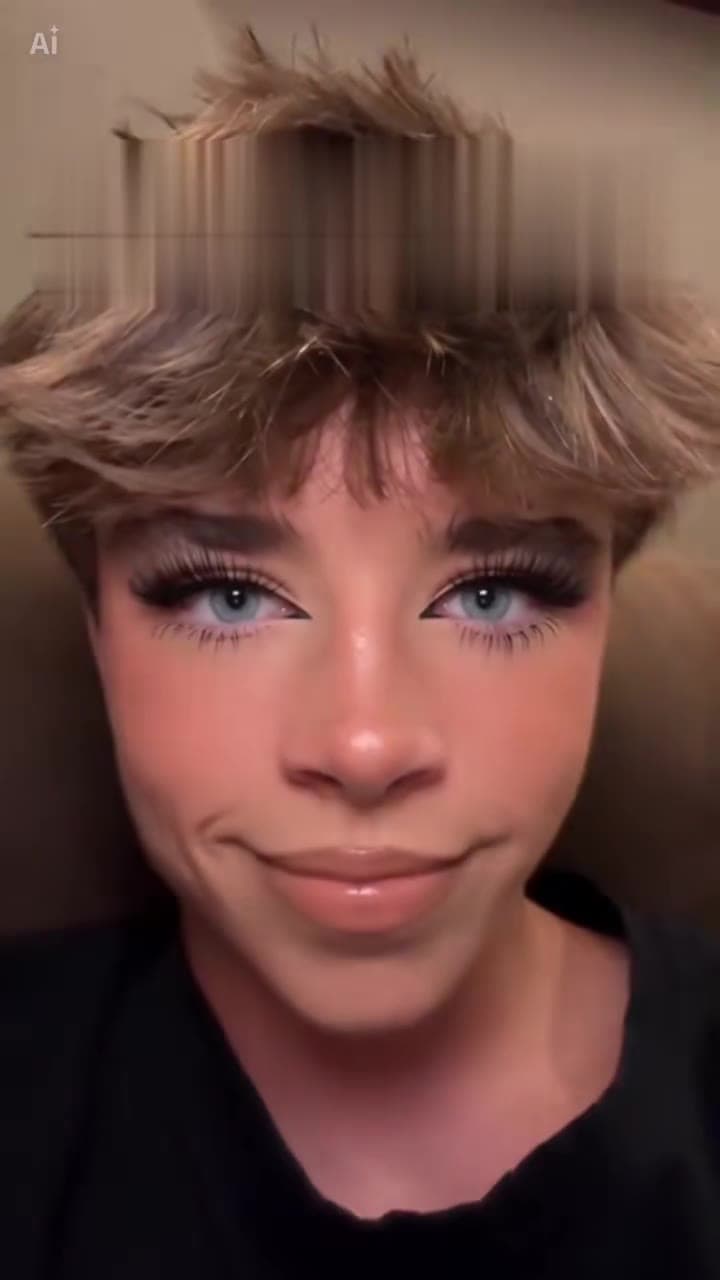
The makeup prank clip shows a close-up face while a friend's hands add foundation, contour, eyeliner and mascara.
This template puts your face in that close-up and keeps the steps, the reaction and the sound.
How to make the Full Glam Makeup Reveal video
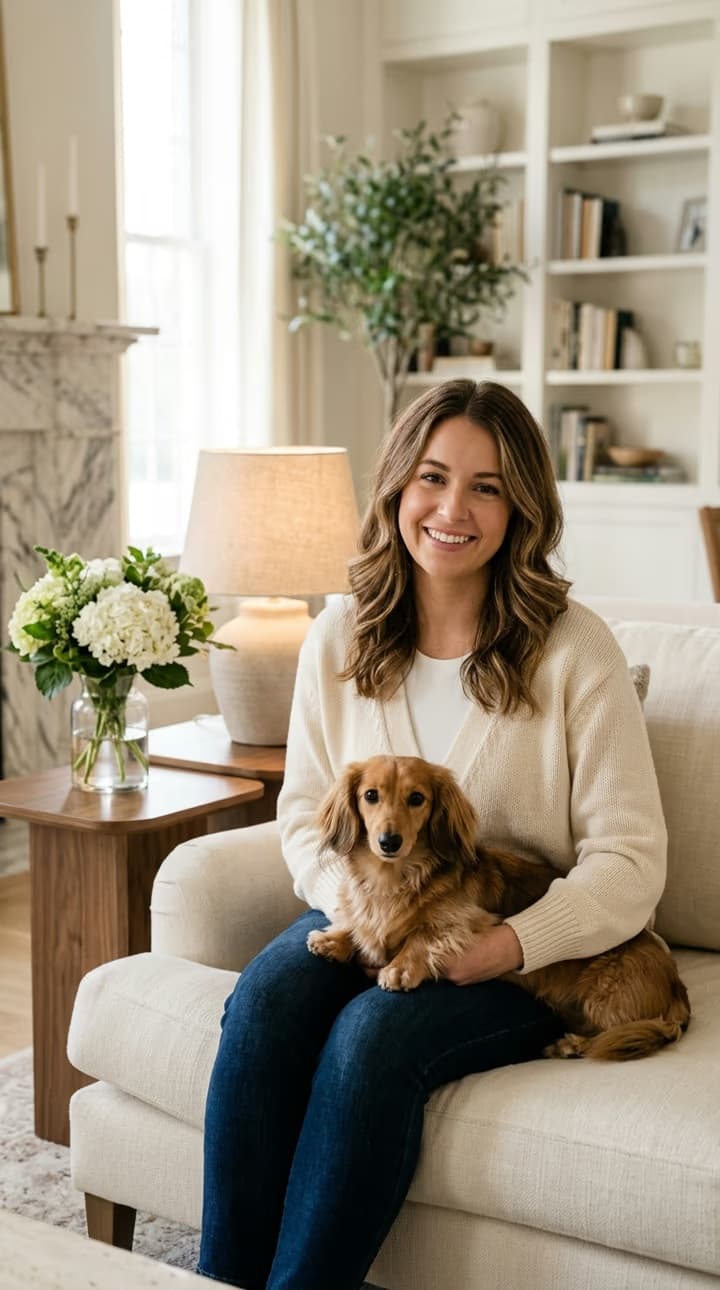
- Upload your photo. Upload one front-facing, well lit photo of your face.
- Pick the quality. 480p costs less and 720p is sharper. The length and frame come from the clip.
- Generate. Generate the video and wait for the makeup clip with your face.
What the AI keeps and what it changes
- Kept: The makeup steps, the close-up framing and the clip's own sound stay.
- Changed: The face in the close-up becomes yours.
Full Glam Makeup Reveal AI video price
| Resolution | Cost |
|---|---|
| 480p | 1,893 credits |
| 720p | 4,052 credits |
Full Glam Makeup Reveal AI Video FAQ
What is the makeup prank trend?
It is a clip where someone gets a full makeup look step by step and reacts at the end.
Which photo works best?
A front-facing, evenly lit face photo.
Does it keep the reaction?
Yes, the surprised expression at the end stays.
How much does it cost?
1,893 credits at 480p or 4,052 credits at 720p. If a generation fails, the credits are refunded automatically.
Can I use someone else's photo?
Only upload photos of yourself or of adults who have agreed to it. Photos of children and public figures are not allowed.
Discover more templates in the trends gallery or explore AI video effects.
This is an independent template inspired by a viral clip. It is not affiliated with anyone in the original footage or any rights holder. The result is AI-generated video, not real footage.