About the Perdón Trend
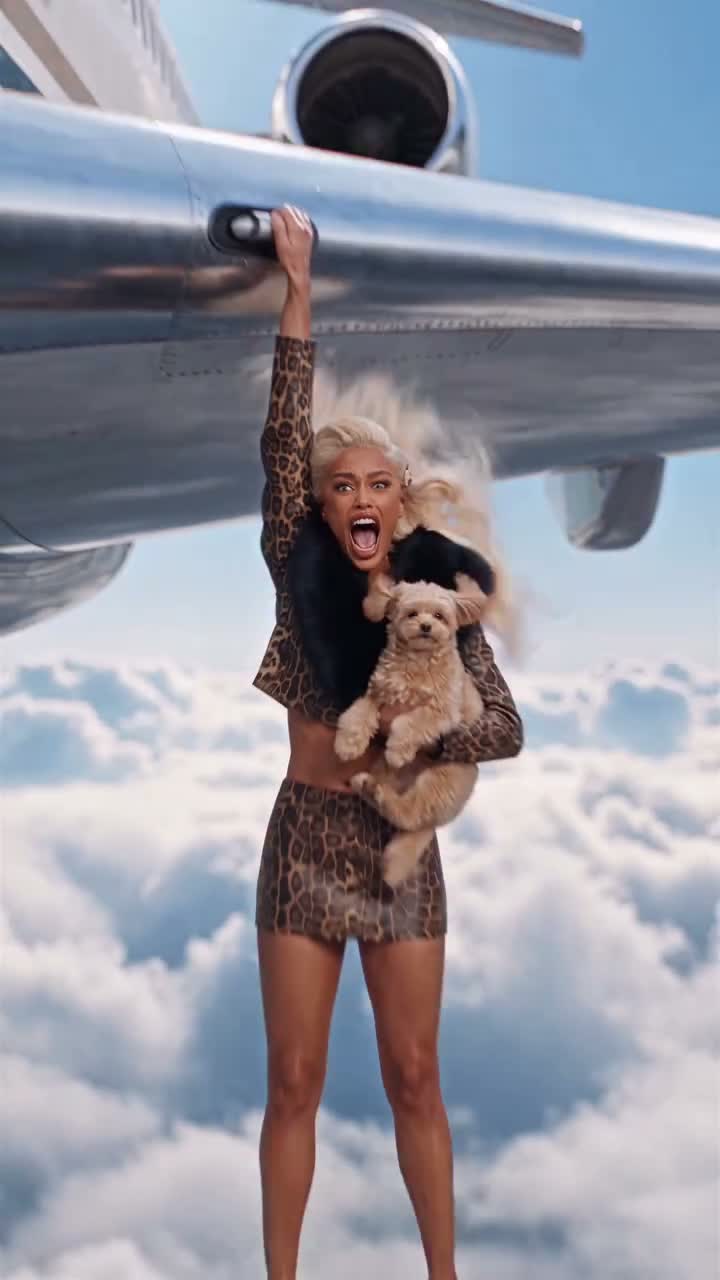
The Perdón trend is a two-slide carousel: a glamorous first picture, then the ordinary original as the reveal. This template makes the first slide from your ordinary photo of yourself or your pet.
The subject, face or muzzle, body, pose, angle and composition stay as they are. Only the setting, the light and the neatness of the styling are upgraded, to a luxury version of your own surroundings or a dream setting you pick. Your original photo stays private in your own history for the reveal. The result is one 3:4 image.
How to make your Perdón carousel
- Upload one ordinary photo. One person or one pet, clear and well lit. JPG, PNG or WEBP, up to 10 MB.
- Pick a dream setting. Keep your own setting, upgraded (the default), or choose a luxury living room, a stadium, a yacht deck or a penthouse terrace.
- Generate and post both slides. Post the glam image first and your original photo second as the reveal.
What the AI keeps and what it changes
- Kept: the same person or pet, face or muzzle, age, body size and proportions, markings, pose, camera angle and composition.
- Changed: the setting, the lighting, tidier clothes and groomed hair or fur.
- Never changed: body shape, height, age, breed or species. No text or watermarks are added.
Photo tips
- Use the plain photo you want as the reveal; the contrast is the joke.
- One subject only, person or pet, in clear view.
- Sharp, well-lit photos keep the identity closest.
About the preview on this page
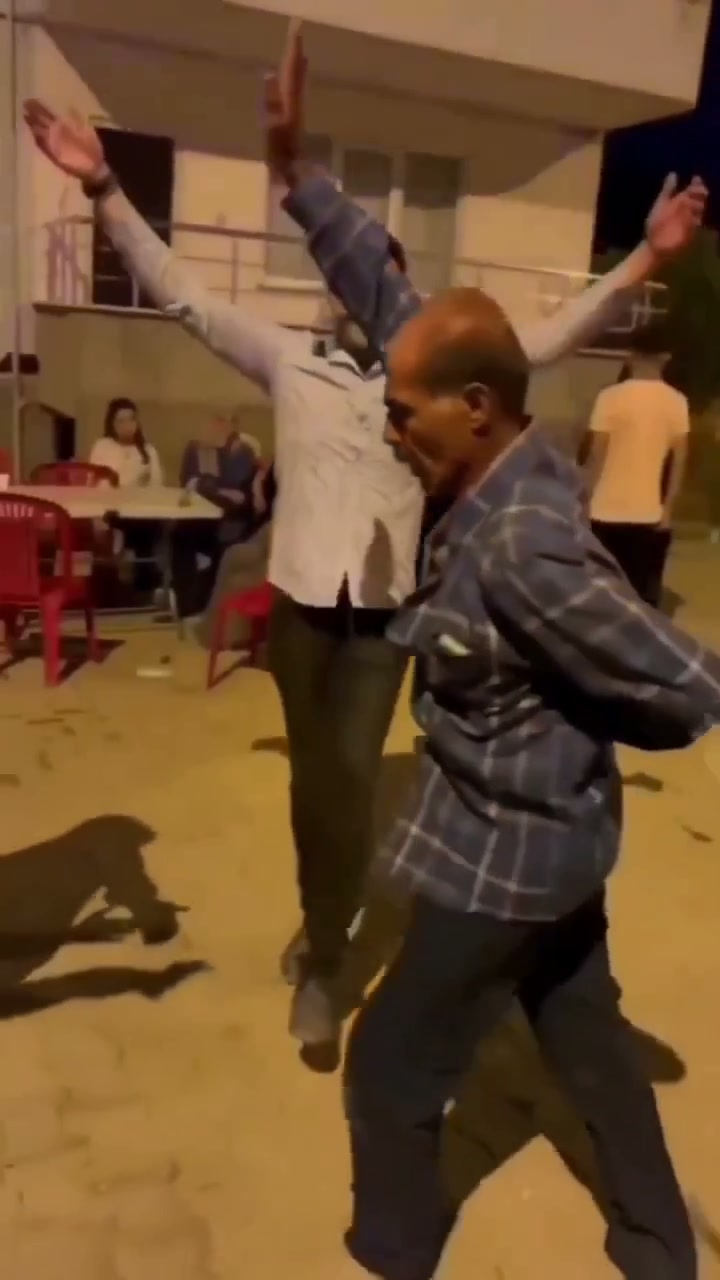
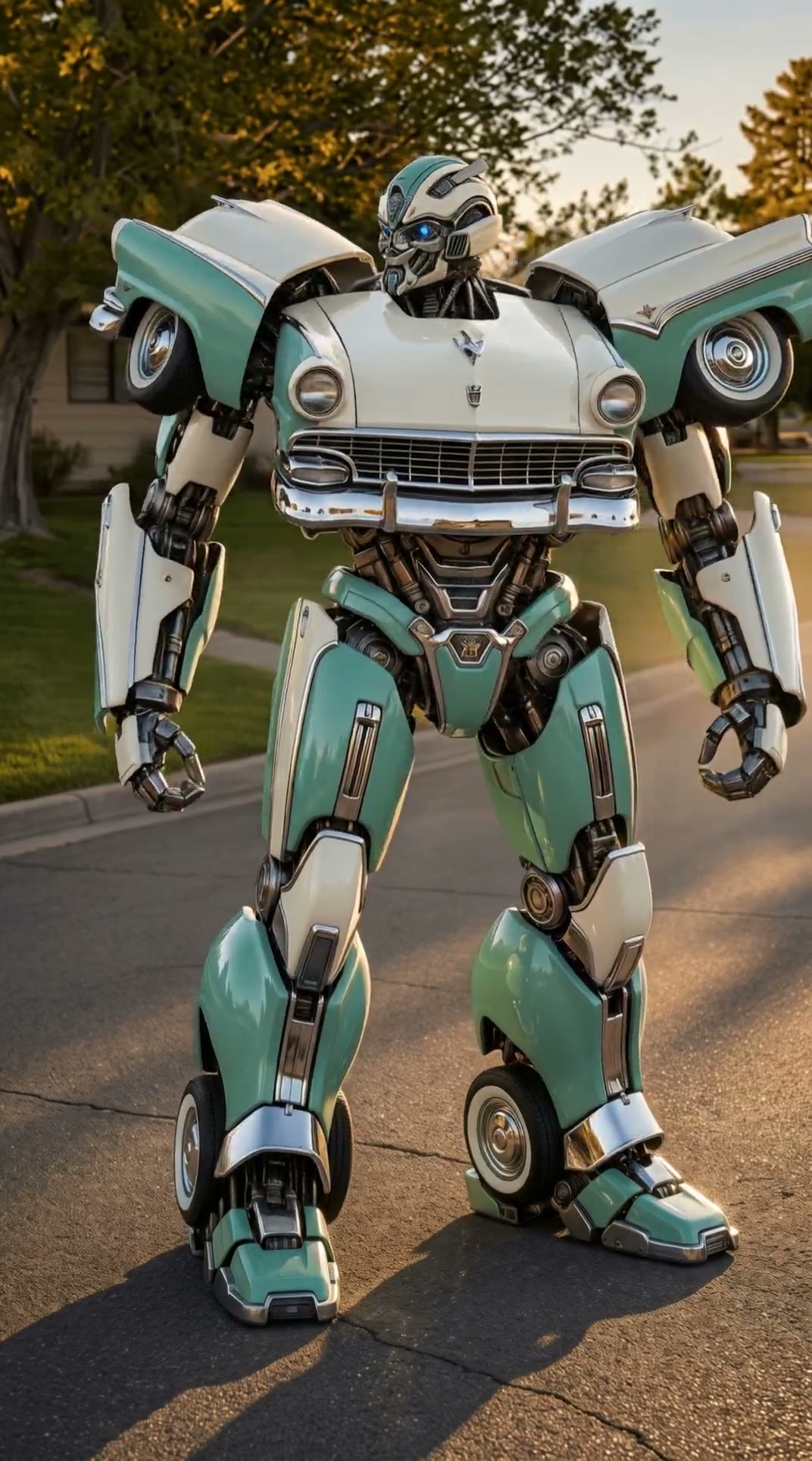
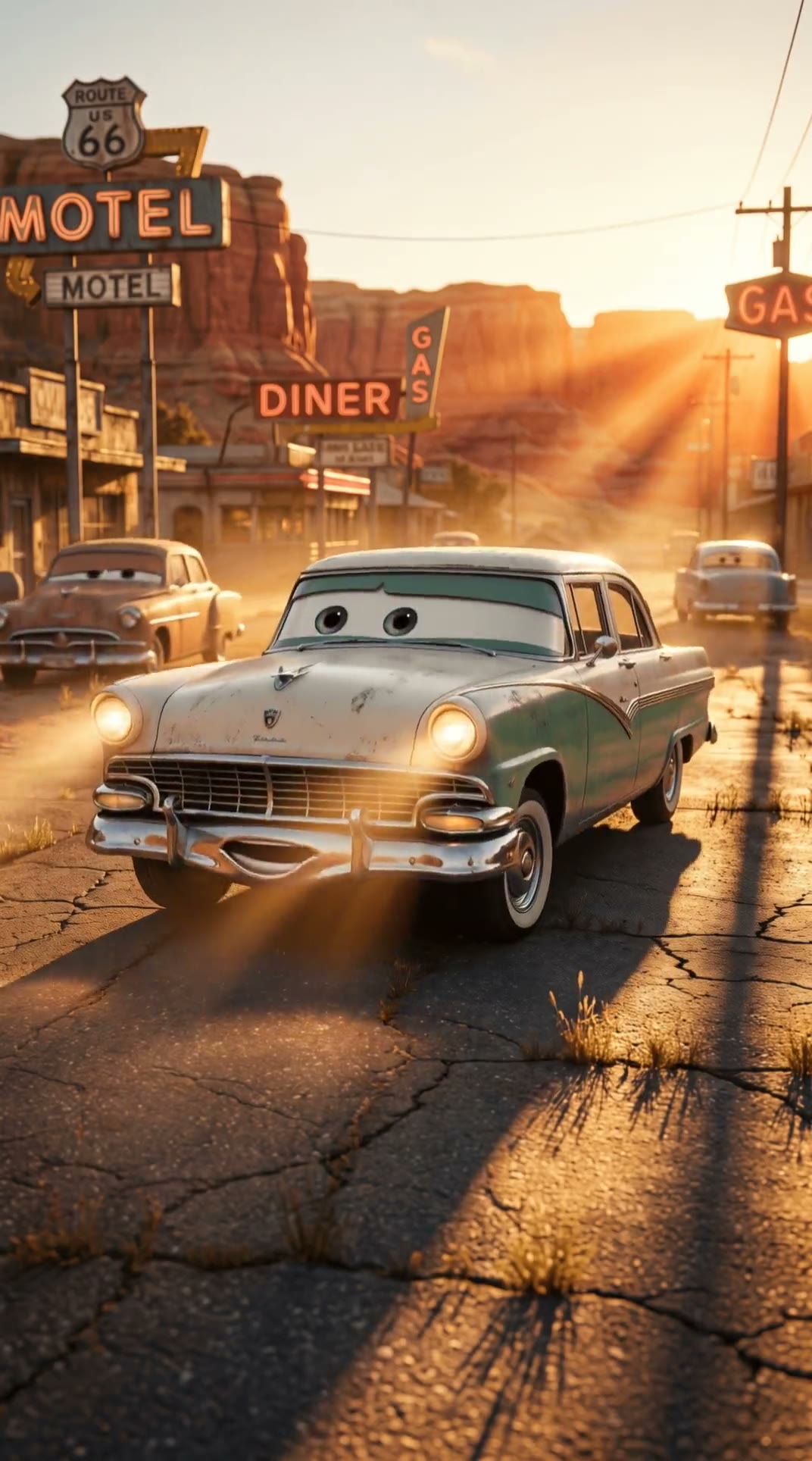
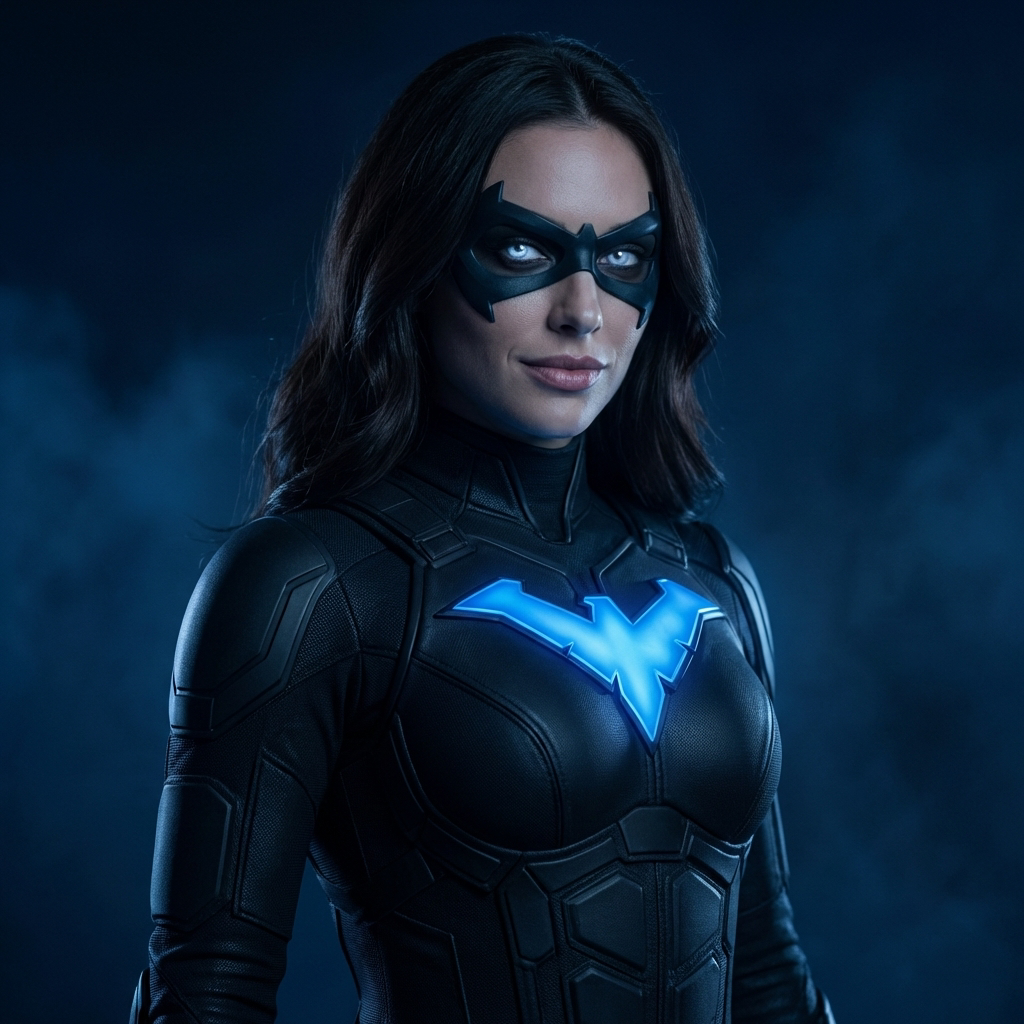
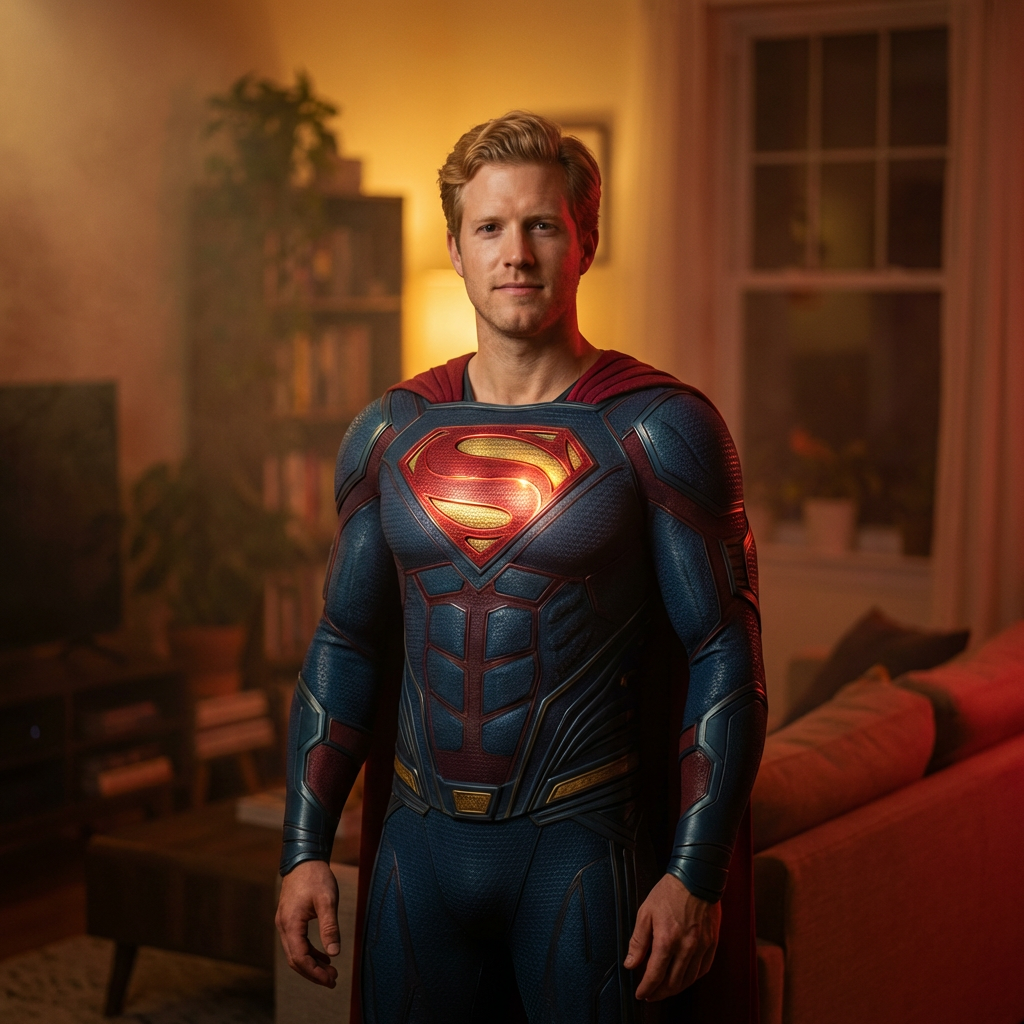
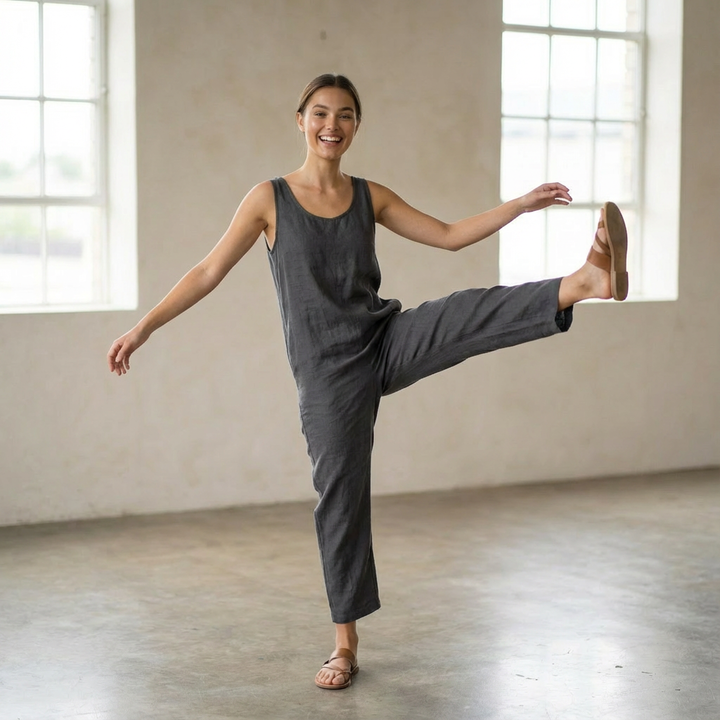
The picture on this page is an illustrative example of the trend's look. It was not made by this template from anyone's upload, and your result will look different. The trend's TikTok tutorial is not used as an input.
Perdón Trend FAQ
How many photos do I need?
One ordinary photo of one person or one pet.
Does it make the whole carousel?
No. It makes one 3:4 image, the glam first slide. Your original photo is the reveal.
Does it work with pets?
Yes. The pet's breed, markings and body stay the same; only the setting and grooming change.
Will it make me look thinner or younger?
No. The prompt keeps your body, age and proportions and upgrades only the setting, light and styling.
How many credits does it cost?
57 credits per image.
Is the preview a result from this template?
No. It is an illustrative example of the trend's look, not made from anyone's upload by this template.
What if the generation fails?
Failed generations are refunded automatically.
Can I use a photo of someone else?
Please only upload photos of yourself or of adults who have agreed to it. Photos of children and public figures are not allowed.
Discover more templates in the trends gallery or explore AI video effects.
Independent AI template. Trendai.video is not affiliated with or endorsed by the creators of the Perdón trend or the owners of any music used with it.