About the Elevator Outfit Change AI Video
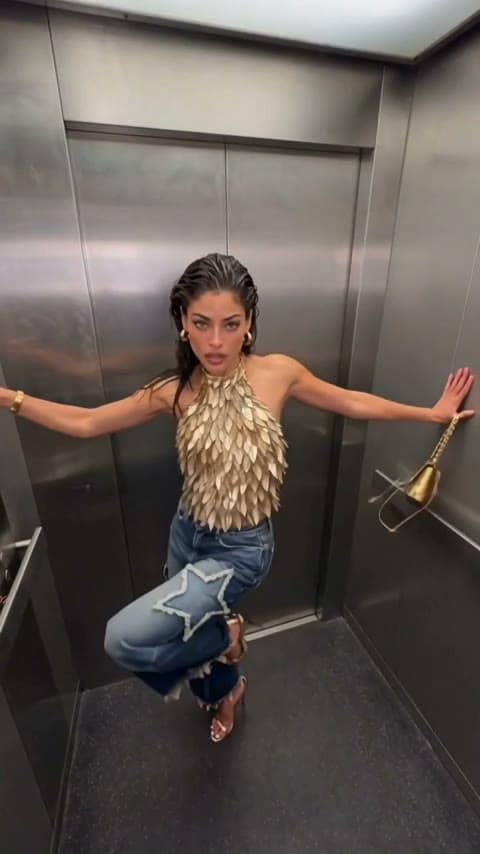
The elevator outfit change is a fashion reel shot with a fisheye lens stuck to the ceiling of a mirrored steel elevator. Each time a hand sweeps over the lens, the outfit is different, and the last few looks flip back and forth on fast jump cuts.
The Elevator Outfit Change AI Video Generator builds that reel from one photo. It creates six character sheets of you in six styled looks: an ivory satin shirt with chocolate leather, a burgundy pinstripe set, an olive corset top with a white pleated skirt, an argyle knit with tortoiseshell glasses, dark denim with brown suede and gold, and black with a white folded collar. Women and men each get their own version of every look.
How to make the elevator outfit change video
- Upload your photos. One clear photo of one person.
- Check the cost. Length (15 seconds), the six looks and the top-down elevator shot are fixed. Check the credit cost on the button, then generate.
- Preview and download. It usually takes several minutes. Preview the result and download it.
The six looks
- Ivory satin shirt with a brown leather belt or waistcoat and chocolate leather trousers.
- Burgundy pinstripe blazer or suit with a matching scarf.
- Olive corset top or overshirt with eyelet trim and white pleats.
- Argyle knit in burgundy, blue and cream with tortoiseshell glasses.
- Dark indigo denim with gold buttons and a brown silk scarf.
- Black with an oversized white folded collar and ruched white sleeves.
What comes from your photo
Your face, hairstyle, skin tone and build. The outfits replace what you wear in the photo, and nobody carries a bag, so your hands stay empty for the swipes.
Limitations
The fisheye view distorts edges on purpose, and a look can change a beat early or late in some runs. Hands, fingers and fast moves can blur in some frames, and the result varies a little from run to run. Photos of public figures and children are declined. Only upload photos of people who agreed to be in the video.
About the video on this page
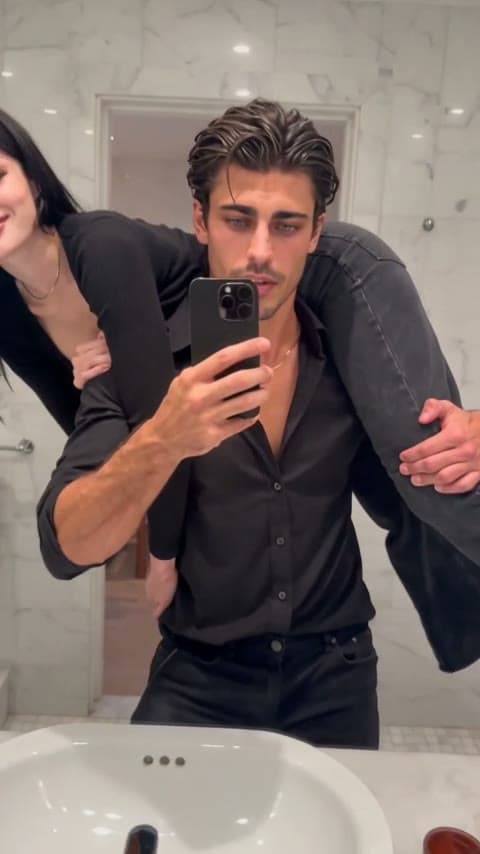
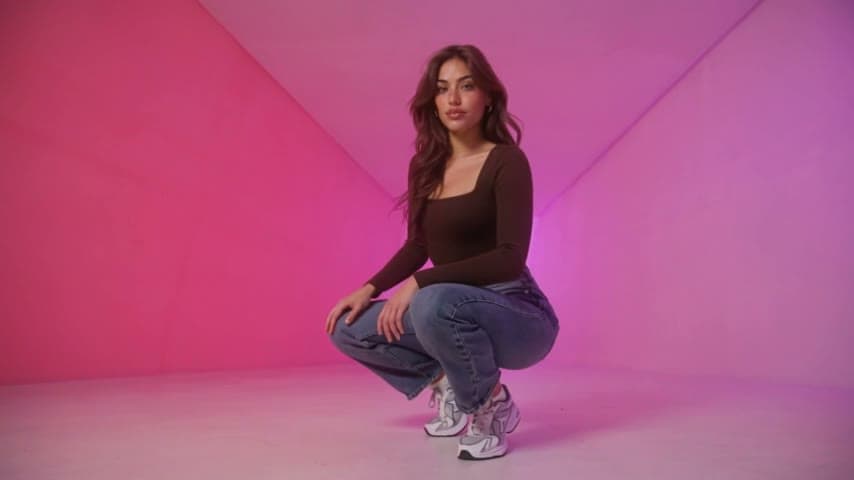
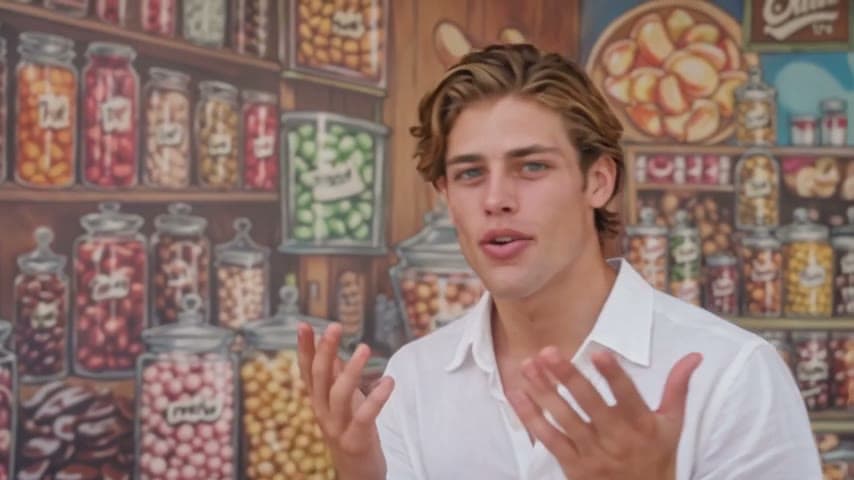
The sample is a generated result from the photos shown as the sample input. The cover is a frame of that video.
Elevator Outfit Change AI Video FAQ
How many photos do I need?
One. All six looks come from that photo.
Can I choose the outfits?
Not here; the six looks are fixed. To wear your own outfit, use the Elevator Outfit Try-On template.
Does it work for men?
Yes. Every look has a men's version and the moves are the same.
How long is the video?
15 seconds, vertical.
Why was my video declined?
Photos of public figures, children and unclear or explicit images are rejected. Credits are refunded automatically when a video fails.
Discover more templates in the trends gallery or explore AI video effects.