About the Elevator Outfit Try-On AI Video
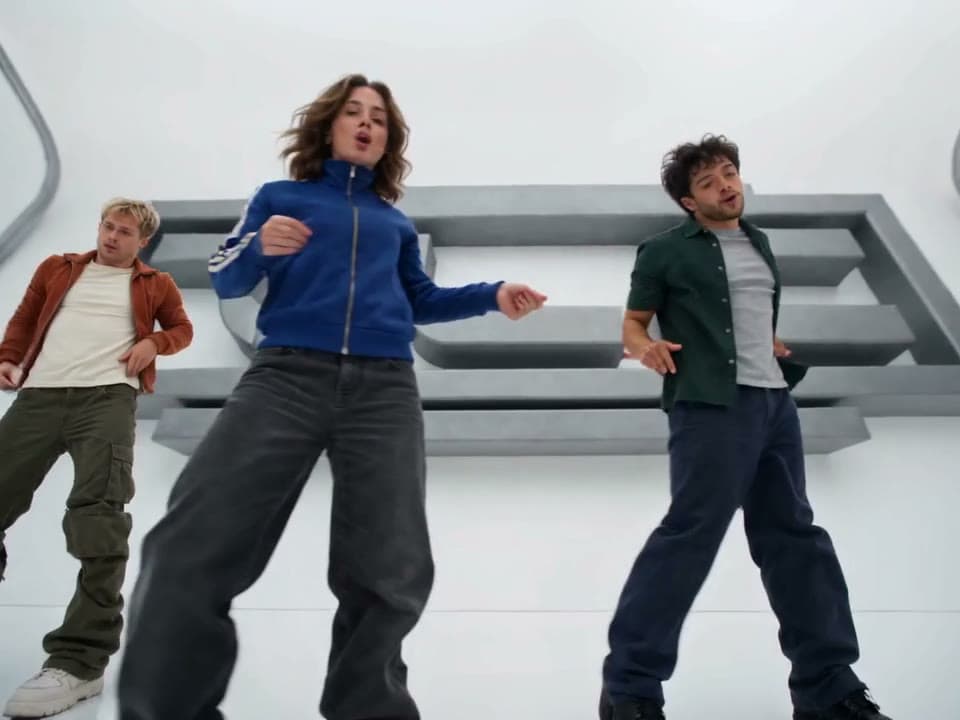
The elevator pose reel is a fashion format all over Reels and TikTok: one wide shot from the corner of a steel elevator, and the wearer snapping from pose to pose on the beat, with kicks, hair flips, a walk to the lens and a final hand-at-the-face pose.
The Elevator Outfit Try-On AI Video Generator dresses you in an outfit of your choice first. Upload your photo and a photo of the outfit (worn by someone, on a hanger or laid flat), and you get a character sheet of you wearing it, shoes, bag and accessories included. Then the reel is recast with you in that outfit, with the camera locked in place and clean jump cuts between poses.
How to make the elevator outfit try-on video
- Upload your photos. Your photo and a photo of the outfit you want to wear.
- Check the cost. Length (8 seconds), the elevator and the poses are fixed. Check the credit cost on the button, then generate.
- Preview and download. It usually takes several minutes. Preview the result and download it.
What comes from your photos
From your photo: face, hairstyle, skin tone and build. From the outfit photo: every garment, the shoes, the bag and the accessories, with their colors and prints. Nothing else from the outfit photo is used, so a model wearing it doesn't appear.
Outfit photo tips
- Show the whole outfit, top to shoes, in one photo.
- Shop photos, flat-lays and mirror selfies all work.
- No sunglasses or bag in the outfit photo means none in the video; the hand moves adjust.
Limitations
Fine prints and small logos may be simplified, and swimwear or lingerie is rendered as an opaque everyday version. Hands, fingers and fast moves can blur in some frames, and the result varies a little from run to run. Photos of public figures and children are declined. Only upload photos of people who agreed to be in the video.
About the video on this page
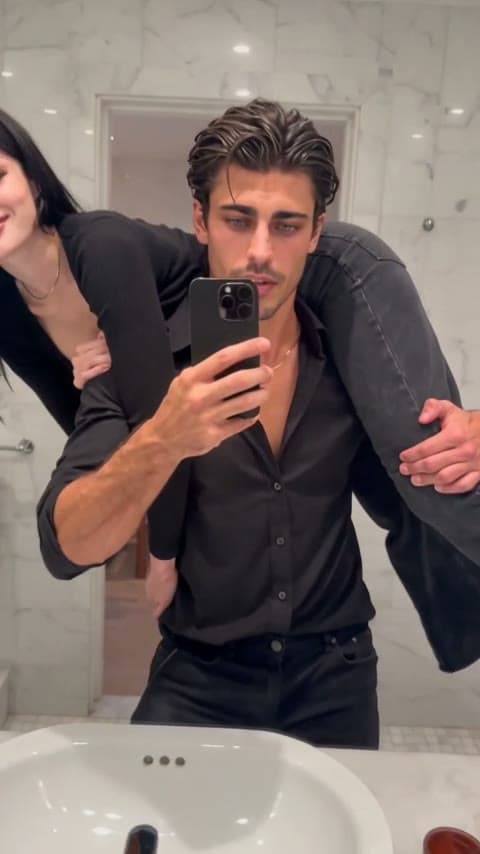
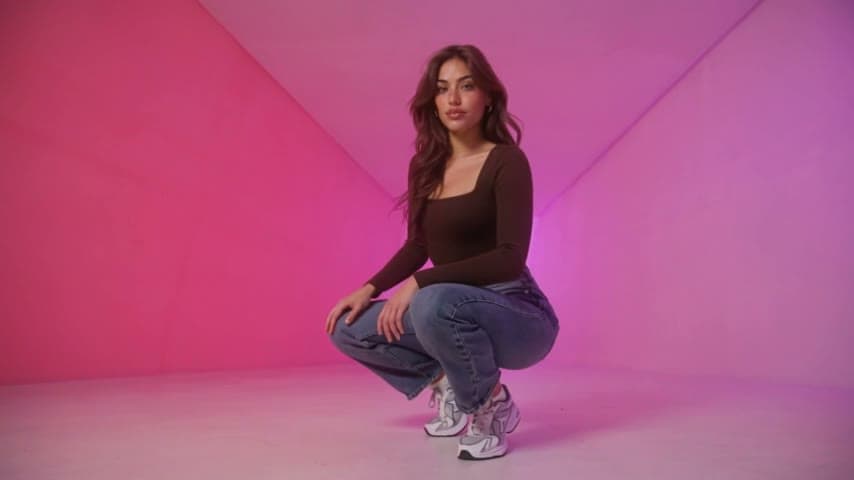
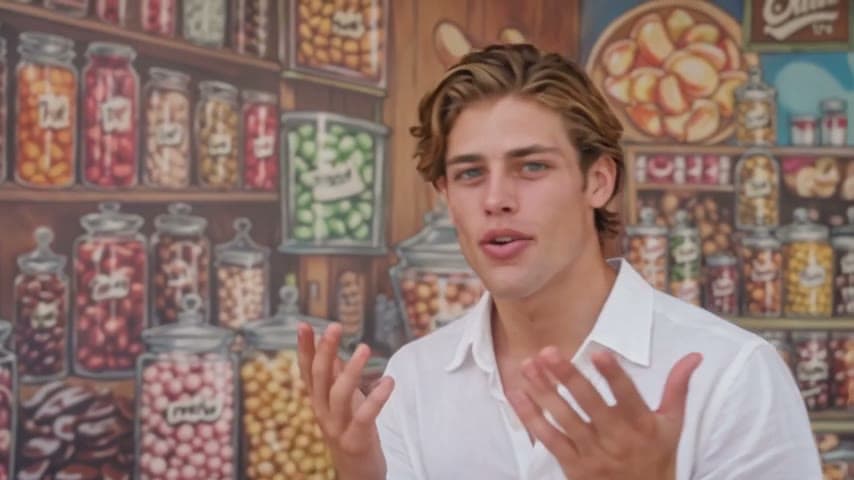
The sample is a generated result from the photos shown as the sample input. The cover is a frame of that video.
Elevator Outfit Try-On AI Video FAQ
Can I try on clothes from a shop page?
Yes. Any clear photo of the outfit works, including product photos and flat-lays.
Does it work for men?
Yes. A man does the same moves with the same energy.
How long is the video?
8 seconds, vertical.
Does the camera move?
No. It stays fixed in one corner of the elevator and you jump-cut between poses on the beat.
Why was my video declined?
Photos of public figures, children and unclear or explicit images are rejected. Credits are refunded automatically when a video fails.
Discover more templates in the trends gallery or explore AI video effects.