About the Airport Transition AI Video
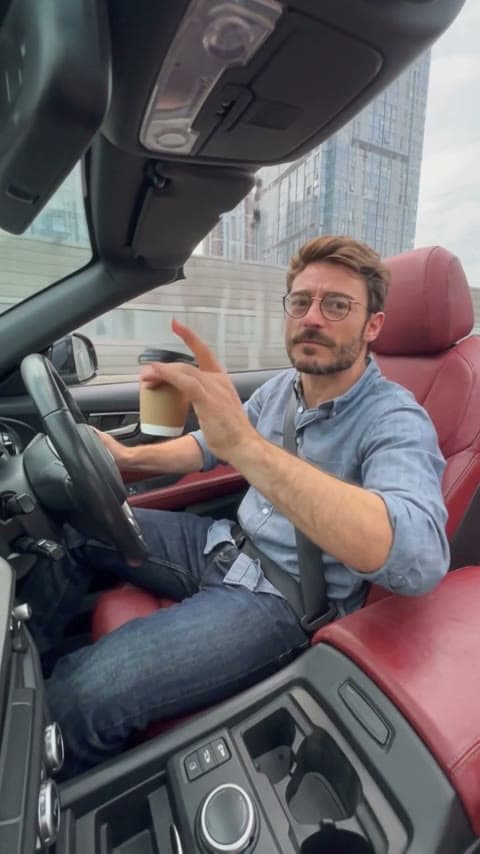
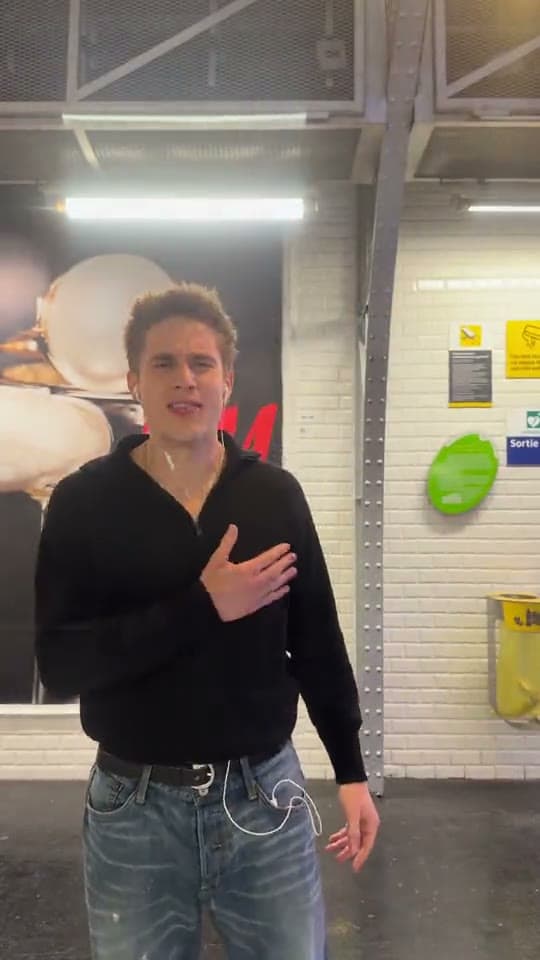
The airport transition starts at a busy gate: you hold a circle made with your fingers right up to the lens, and through it the clip jumps to you walking and posing on a lit city street at night.
This template puts your face on the traveler in both scenes. The airport, the finger circle, the night street, both outfits and the clip's own song stay.
How to make the Airport Transition video
- Upload your photo. Upload one clear, front-facing photo of yourself.
- Pick the quality. 480p costs less and 720p is sharper. The length and frame come from the clip.
- Generate. Generate the video and you pass through the finger circle from the airport to the night street.
What the AI keeps and what it changes
- Kept: The airport gate, the finger circle move, the night street, both outfits and the song.
- Changed: The traveler's face becomes yours in both scenes.
Airport Transition AI video price
| Resolution | Cost |
|---|---|
| 480p | 2,433 credits |
| 720p | 5,210 credits |
Airport Transition AI Video FAQ
What is the airport transition trend?
A two-scene clip: a finger circle held to the lens at an airport becomes the cut to a city street at night.
Why is the video horizontal?
The original clip is filmed in a wide frame, so the template keeps that shape.
Do both scenes use my face?
Yes. The same photo is used for the traveler at the airport and on the street.
How much does it cost?
2,433 credits at 480p or 5,210 credits at 720p. If a generation fails, the credits are refunded automatically.
Can I use someone else's photo?
Only upload photos of yourself or of adults who have agreed to it. Photos of children and public figures are not allowed.
Discover more templates in the trends gallery or explore AI video effects.
This is an independent template inspired by a viral clip. It is not affiliated with anyone in the original footage or any rights holder. The result is AI-generated video, not real footage.