AI tool · from 343 credits · Refunded if it fails

Article to Video in One Step

Paste a link to an article, blog post or Reddit thread, paste the text, or upload a PDF. The AI reads it, retells the key points as a short narration, draws every scene and adds a voice, captions and music.

  • SourceLink · Text · PDF
  • Length30 · 45 · 60 s
  • Narrators22 AI voices
  • Format9:16 or 16:9, 1080p MP4

Set it up

Try an example
Format
Start from
Visual style
Length
Motion
Narrator
Captions
Music
Estimated343 credits
Ways to pay less
  • Moving stills cost far less than AI video clips: a 30-second video is 343 credits with stills and 2,043 with a clip for every scene.
  • Turning music off saves 55 credits at 30 seconds (343 to 288) and 106 at 60 seconds (625 to 519).
  • Length sets the price: 343 credits for 30 seconds, 498 for 45 and 625 for 60, with moving stills and music.

Need something else? More AI Video tools or all 43 tools

What is an article to video AI tool?

Article to Video is a tool that turns written content into a short narrated video. You give it a link, pasted text or a PDF. The AI reads the text, opens with its most surprising point, retells the facts it states in about 2.4 words per second of video, and splits that into scenes of about four seconds. Each scene gets an image in your chosen style, an AI narrator reads it, and word captions and music are added.

Example
Pasted textDocumentary30 s
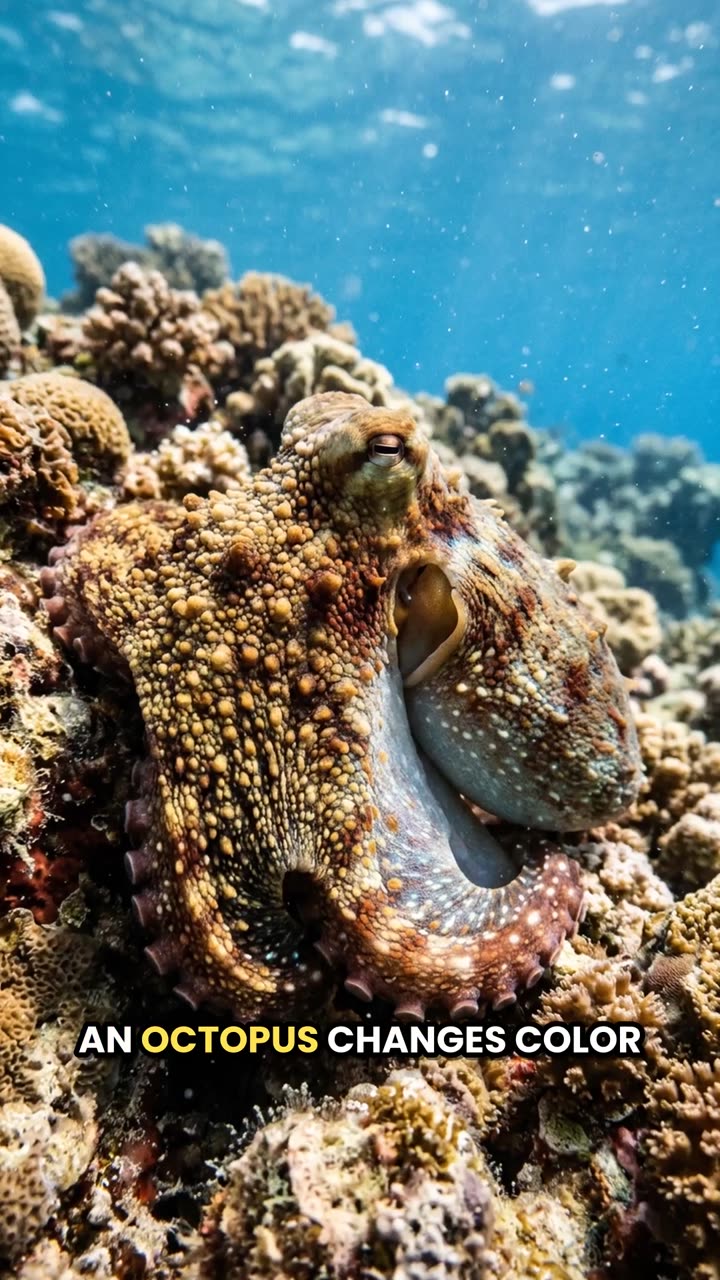
A paragraph about octopuses turned into a 30-second narrated short.

Start from an example

How to use Article to Video in 3 steps

  1. Add the article, link or PDF

    Sign in and choose where to start: paste the link to the article or post, paste the text itself, or upload a PDF with selectable text.

  2. Choose the look, length and narrator

    Pick a visual style, 30, 45 or 60 seconds, vertical 9:16 or landscape 16:9, moving stills or AI clips, one of the 22 narrators, and captions and music on or off.

  3. Turn the article into a video

    Press Create video and check the price on the button first. The article is read, retold and rendered, which usually takes a few minutes; the MP4 lands in My Videos.

What Article to Video does

Three ways in: link, text or PDF

Paste a link to a public article or blog post, paste up to 20,000 characters of text, or upload a PDF up to 15 MB. Pasted text needs at least 40 words, and so does whatever the AI reads from a page or PDF.

Reads Reddit threads with the replies

For a reddit.com link, the AI reads the post's title and body plus the five highest-scored replies, so a story thread or an advice thread comes through with the best answers people gave.

A retelling that keeps the facts

The narration is written in new words but is told to keep only the facts the source states: no invented quotes, numbers or claims. It starts with the article's strongest point as the hook and ends on a closing line.

An image for every scene, in four styles

Cinematic film still, hand-drawn anime, 3D animated feature or documentary photograph. A 30-second video has 8 scenes, a 60-second one 15. Image prompts ask for no text, logos or real people's names in the frame.

Moving stills or AI video clips

Moving stills add a slow zoom in or out to each image. AI video clips animate every scene with a short camera move; they cost much more, so try stills first.

Captions and music already mixed

The narration is timed word by word, so the bold bottom captions highlight each spoken word. Background music is composed for the video and mixed low under the voice; pick Voice only to leave it out.

Comparison

Why use Article to Video instead of making the video by hand?

Turning an article into a video usually means writing a script from it, finding visuals, recording a voiceover and timing captions. Here you paste the article.

FeatureArticle to VideoMaking the video by hand
InputA link, pasted text or a PDF up to 15 MBRead the article and write a video script from it
ScriptA 30–60 second retelling that keeps the source's factsCut the article down to a script yourself
VisualsAn image per scene in one of four styles, as stills or AI clipsSearch stock footage or make graphics
VoiceoverOne of 22 AI narratorsRecord yourself or hire a voice actor
Captions and musicWord captions and a music bed, already mixedTime captions and license a track
PriceFrom 343 credits for 30 secondsHours of writing and editing per video

What you can make with it

Repurpose your blog post as a Short

You published a 1,500-word post on your own blog and want it to reach people who scroll instead of read.

  • Paste the post's link. If the page is behind a login or loads its text with scripts, paste the text instead.
  • Pick 60 seconds so the narration has room for three or four of the post's main points.
  • Use Documentary or Cinematic for how-to and opinion posts; keep captions on for silent viewing.
  • Put the post's link in the video's description so viewers can read the full version.

Narrate a Reddit story thread

Story threads with good replies make strong narrated videos for faceless channels.

  • Paste the thread's reddit.com link; the post and its five top replies are read together.
  • Choose a calm narrator such as Rachel or Brian for stories, a lively one such as Jessica for funny threads.
  • Pick Cinematic for drama and 3D animation for light, silly posts.
  • Check the post doesn't name or describe a private person before you share the video.

Turn a PDF report or study notes into a summary video

A long report, a class handout or a white paper becomes a 45-second explainer someone will actually watch.

  • Upload a PDF made from a document, not a scan: the text must be selectable for the AI to read it.
  • Only the first part of a very long PDF is used, so upload the chapter that matters or paste that section as text.
  • Choose 16:9 for a slide deck or a presentation, 9:16 for a phone audience.
  • Turn music off for a cleaner, lecture-like feel.

Who it's for

Bloggers and newsletter writers

Give every post a short video version for TikTok, Reels and Shorts without writing a second script.

Faceless channel creators

Turn articles and Reddit threads into a steady stream of narrated videos with one consistent narrator.

Students and teachers

Make a 30-second recap of a reading, a handout or study notes to review or share with a class.

Marketers for their own brand

Turn your company's articles, case studies and announcements into short videos for social posts.

Tips for the best result

  • Use content you wrote or have permission to reuse. The video retells the source closely.
  • Articles with clear, concrete points (steps, facts, a story) give better scenes than vague opinion pieces.
  • If a link fails, paste the text: pages behind a paywall or login, or ones that load their text with scripts, can't be read.
  • Trim pasted text to the part you want covered. A 30-second video has room for about 72 words of narration, so a long article gets heavily summarised.
  • The AI avoids drawing real people, so a news story about a named person is illustrated with scenes, not faces.
  • Check facts and figures in the finished narration against your source before you post.

Frequently asked questions

How much does it cost to turn an article into a video?

From 343 credits for a 30-second video with moving stills and music. 45 seconds is 498 and 60 seconds 625; AI video clips raise a 30-second video to 2,043 credits.

Can I turn a blog post URL into a video?

Yes. Paste the link to a public page and the AI reads the article's text. Pages behind a login or paywall, or ones that load their text with scripts, can't be read, so paste the text instead.

Can I make a video from a Reddit post?

Yes. Paste the reddit.com link and the AI reads the post's title and body plus the five top-scored replies, then retells them as a narrated video.

Does it work with PDFs?

Yes, if the PDF has selectable text and is 15 MB or smaller. Scanned pages without a text layer can't be read.

How long is the video?

30, 45 or 60 seconds, which you choose. The narration is written to fit, about 2.4 words per second, so a long article is summarised to its main points.

Will the AI make up facts?

It is told to keep only the facts the source states and not invent quotes or numbers. Still, read the narration once before posting, especially for numbers and names.

How much text can I paste?

Between 40 words and 20,000 characters. For long articles, paste the part you want the video to focus on.

Can I choose the voice?

Yes. Pick one of 22 built-in AI narrators, such as Rachel, Brian, George or Jessica.

Do I need an account?

Yes. Sign in with Google or email; each job costs credits from your balance, and the result is saved in My Videos.

What if a job fails?

If a job can't finish, the credits it used go back to your balance automatically.

More AI Video Tools

All 43 tools →

Ready to try Article to Video?

Turn an article, blog post, Reddit post or PDF into a narrated short video. from 343 credits, and the result is saved in My Videos.

Create video