
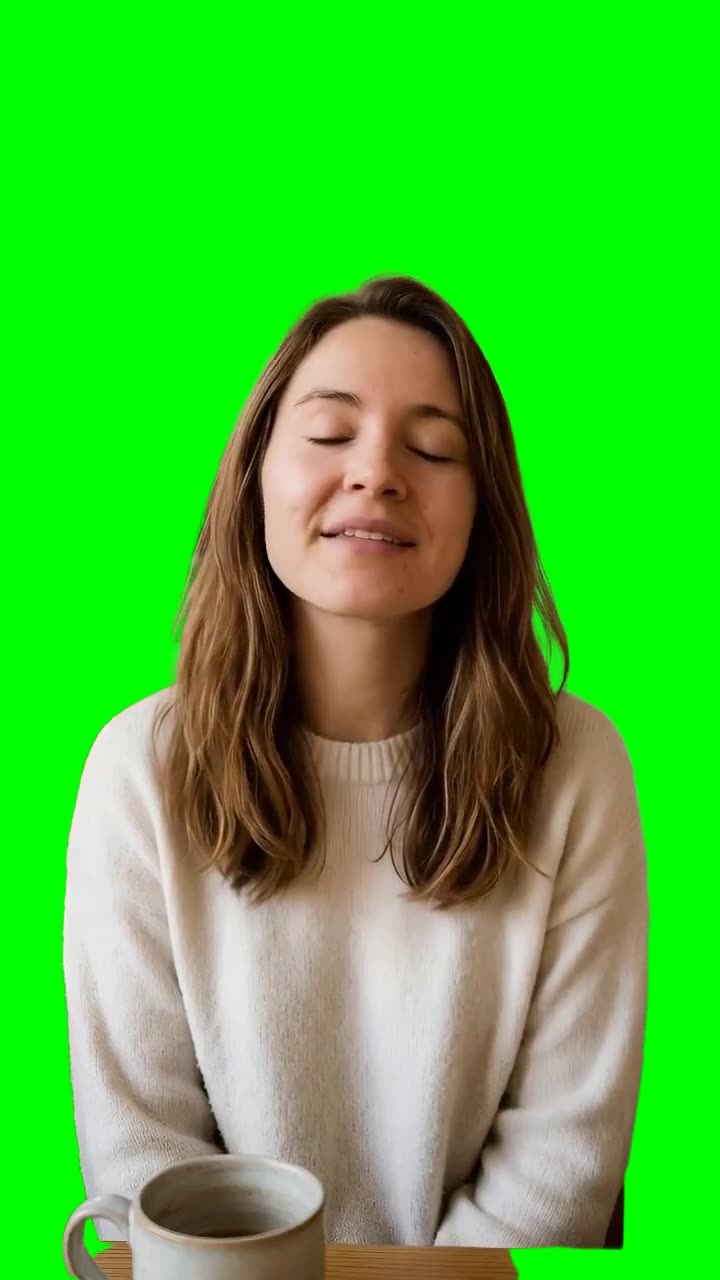
Put your facecam over gameplay or a screen recording
You recorded a reaction on your webcam and want it to sit over the footage instead of in a box in the corner.
- Trim the webcam clip to the reaction you'll use: 8 seconds costs 952 credits.
- Choose Transparent and layer the WebM over your gameplay in your editor.
- If your editor shows a black background, run it again with Green screen and use a chroma key instead.