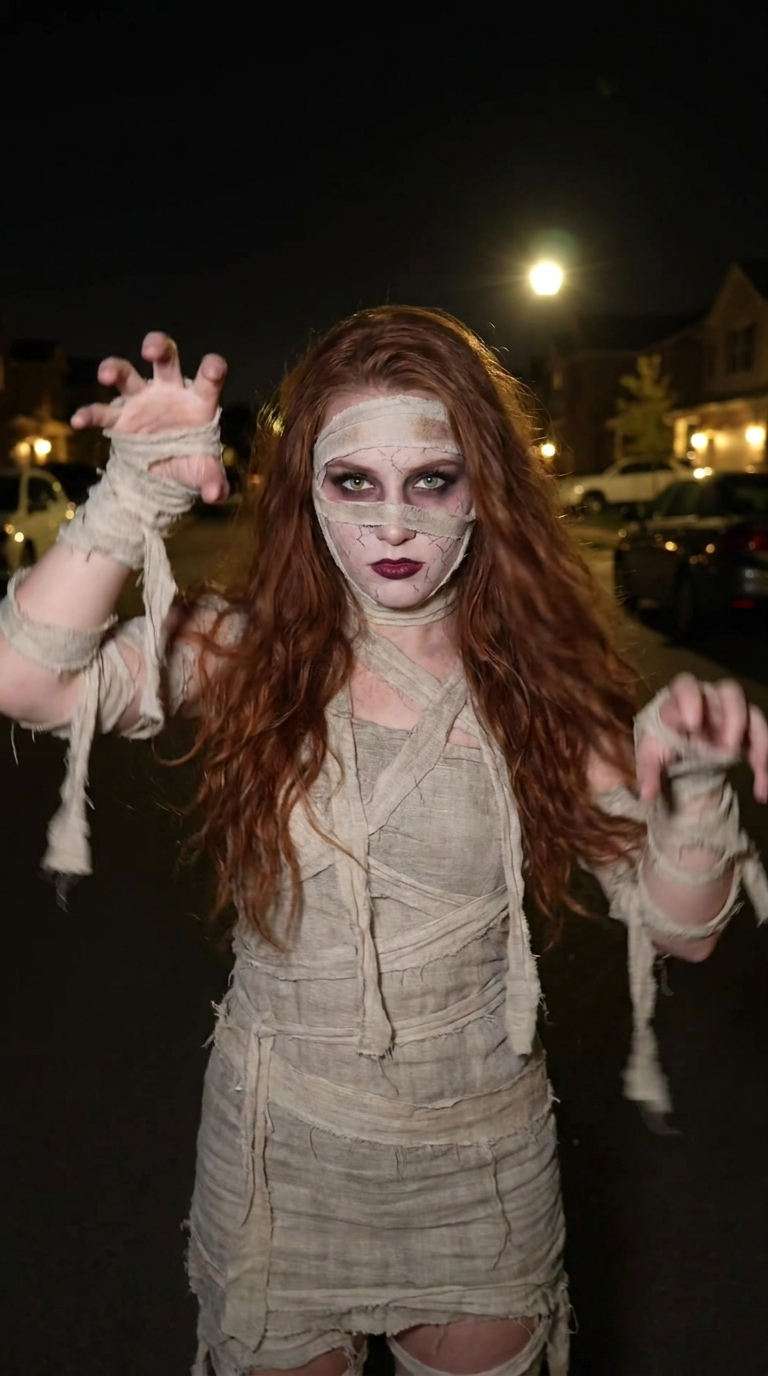
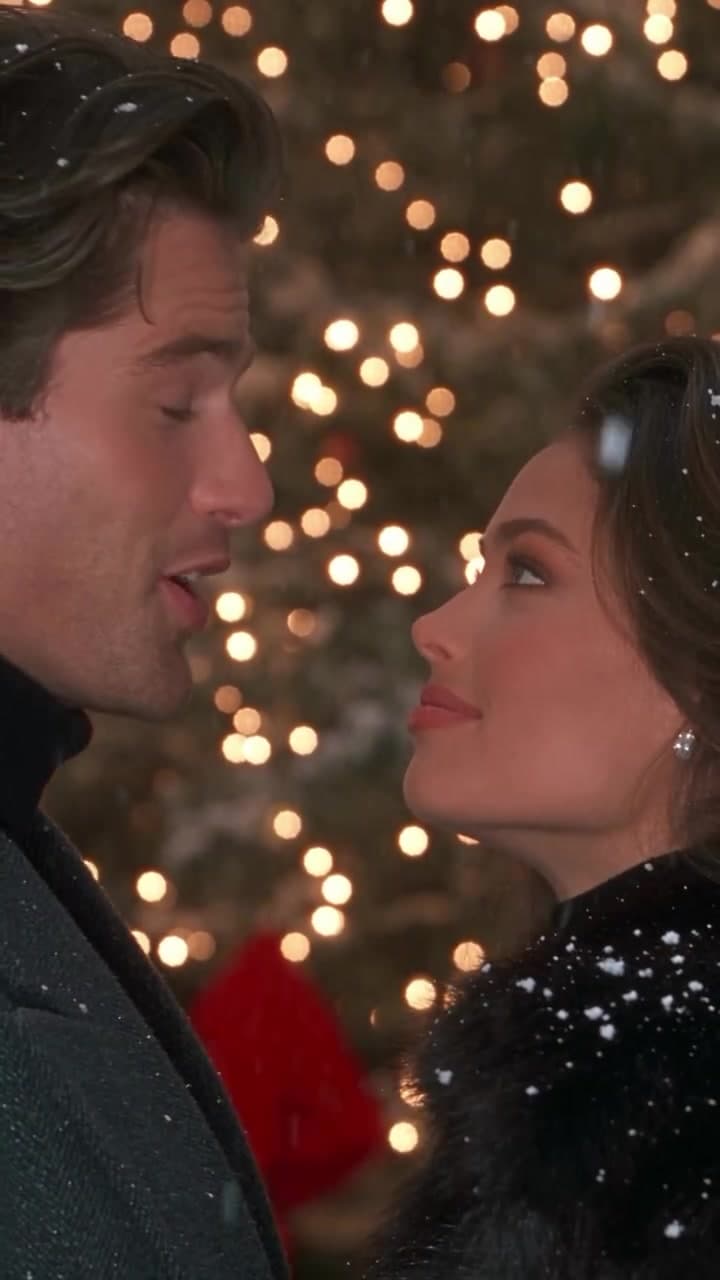
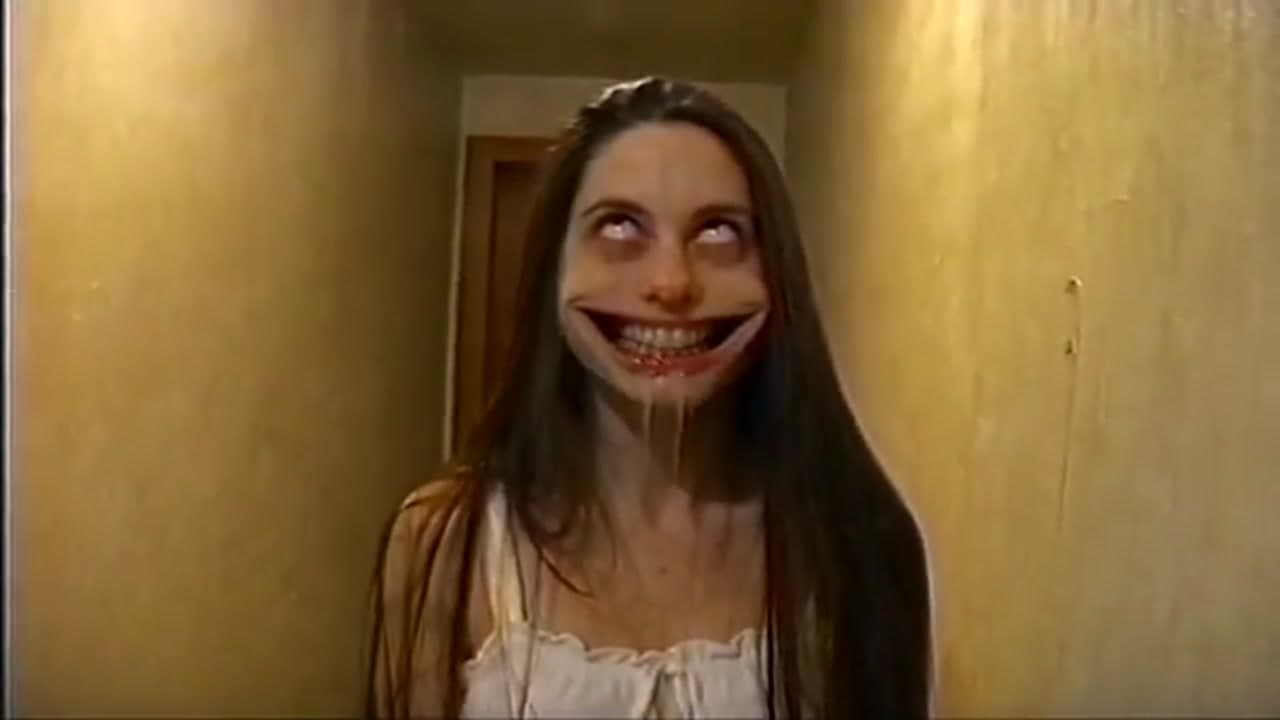
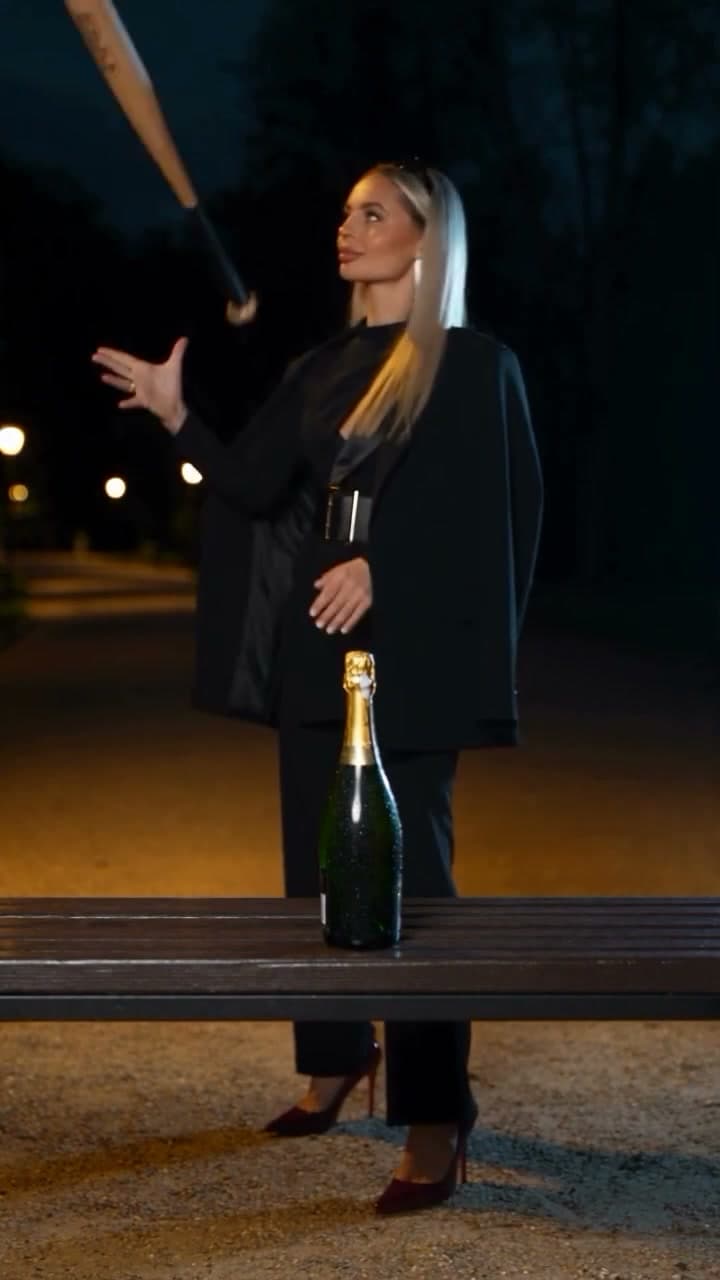
About the Button Eye Doll Halloween AI Video
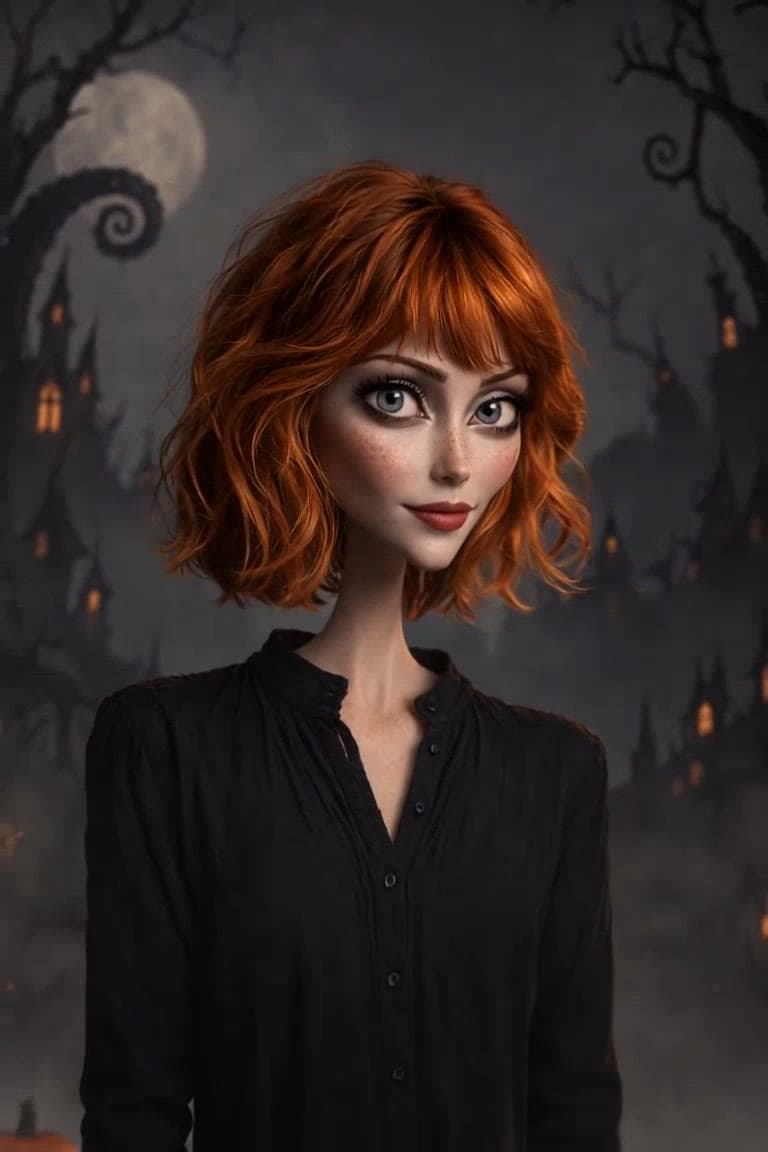
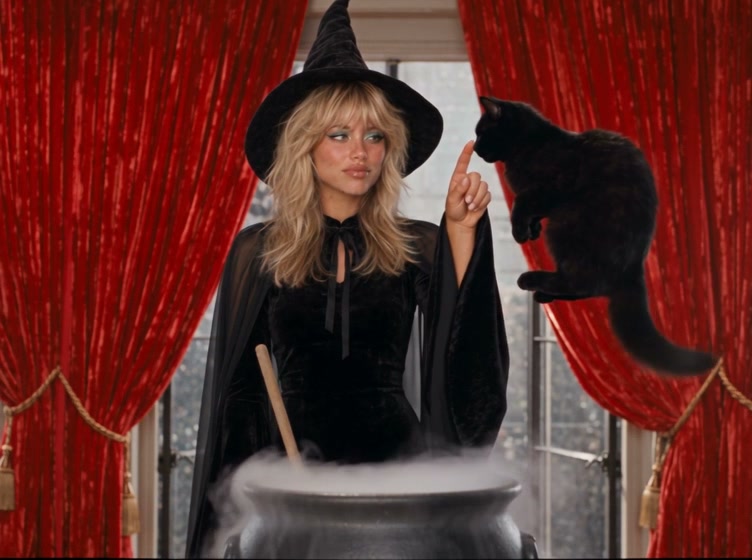
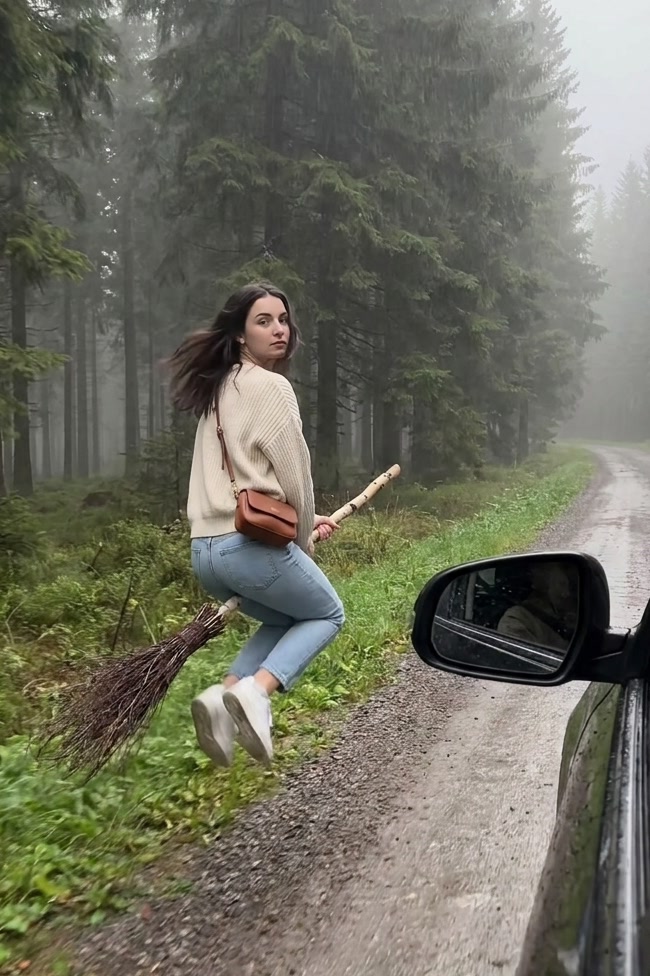
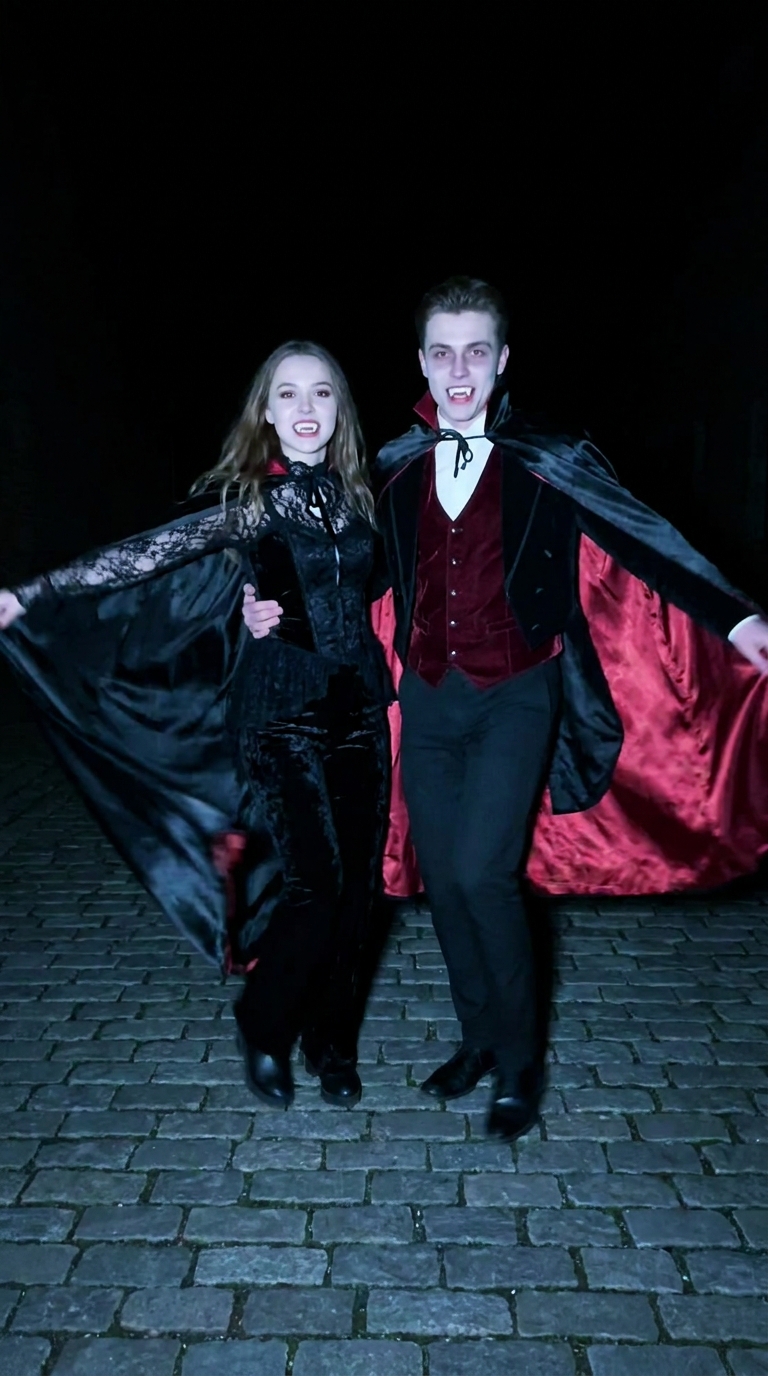
The button eye doll look is one of this Halloween's most shared photo edits: a normal photo becomes a soft, handmade stop-motion doll with shiny black button eyes, a stitched seam down the face and yarn-like hair. It is cute and a little creepy at the same time.
The Button Eye Doll Halloween AI Video Generator does it in two passes from one photo. First the photo is restyled as a doll: your pose, outfit, hairstyle and background stay where they were, while the face gets button eyes, gentle stitching and fabric textures. Then the still comes to life for 6 seconds: fog rolls in, jack-o'-lanterns flicker, sparks drift through the air and the doll moves slightly. A Halloween score made for the clip plays underneath, so it is ready to post.
How to make a button eye doll AI video
- Upload your photo. Upload one clear photo. A selfie works, and so do couples, friends or a pet.
- Check the cost. Length (6 seconds), 2:3 framing and the music are fixed. Check the credit cost on the button, then generate.
- Preview and download. The video is usually ready in a few minutes. Preview it and download the MP4.
What stays from your photo
The composition, number of people, pose, hairstyle, clothes, accessories and background all come from your photo. Only the style changes: button eyes, simplified doll features, soft fabric and stitch details, and warm, moody lighting.
Photo tips
- Use a sharp, well-lit photo with faces clearly visible.
- Simple backgrounds give the cleanest doll look; busy scenes are kept but simplified.
- Portrait (vertical) photos fit the 2:3 video best.
Limitations
The motion is gentle: fog, light and small expressions rather than big movements. Hands and small objects can soften in some frames. Only upload photos you own or have permission to use.
About the video on this page
The sample is a generated result from the portrait shown as the sample input. The cover is a frame of that video.
Button Eye Doll Halloween AI Video FAQ
What is the button eye doll trend?
A Halloween edit that turns a photo into a handmade stop-motion style doll with black button eyes and stitched fabric details, then animates it.
How many photos do I need?
One. Group photos and pets work too; everyone in the photo is turned into a doll.
Will it still look like me?
Yes. Your hairstyle, clothes, pose and background are kept, so the doll is clearly you, just with doll features.
How long is the video?
6 seconds, 2:3 vertical, with music.
How much does it cost?
The generate button shows the exact credit cost before you start.
Why was my video declined?
The models reject photos of public figures and unclear or explicit images. Credits are refunded automatically when a video fails.
Discover more templates in the trends gallery or explore AI video effects.