How to Make the Stones to Castle AI Trend
Make the Stones to Castle AI trend from one builder photo, choose the right ending, check your 15-second export and post the fictional comeback clearly.
To make the Stones to Castle AI trend, upload one clear photo of the builder to Trendai’s Stones to Castle template, choose a version, then review the generated clip before posting. The story turns thrown stones into a castle; your photo supplies the central figure, not the crowd. Treat the confrontation as fiction, not a recording of something that happened to you.
The shot that makes the metaphor work
The scene begins with people throwing stones toward one person. Instead of fighting back, the person collects the stones, builds a wall and ends up at a castle. The stones become the point. That’s a visual comeback, not a stunt to imitate. The joke is that the crowd accidentally donated the construction materials.
The live template page offers two versions, and their endings matter more than their color palettes. You places the builder in a green valley, then finishes at a Gothic castle window. Pink Gown moves to a misty hillside; the builder sings toward the crowd, lays stones in a row and climbs castle steps. The ending changes the read. Pick the ending that matches your caption. If your line is about staying quiet while somebody doubts you, the window is the cleaner payoff. If it’s about finally being seen, the steps give you a more public arrival.
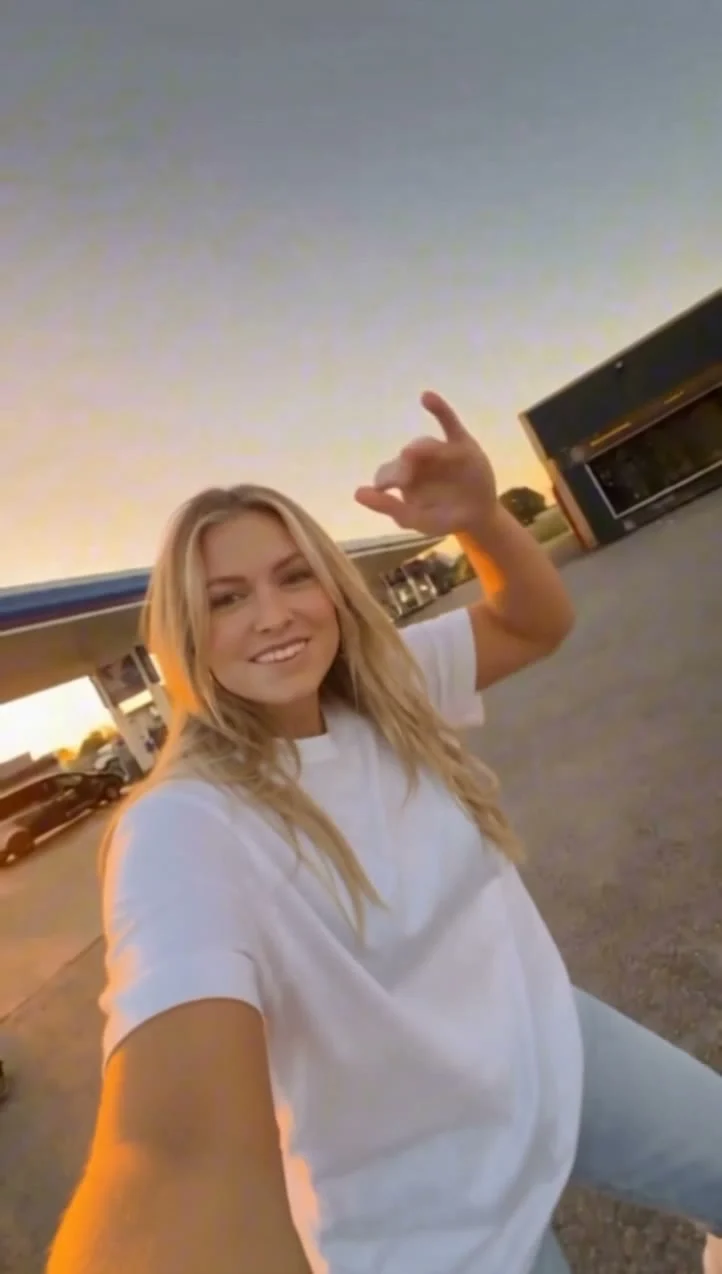
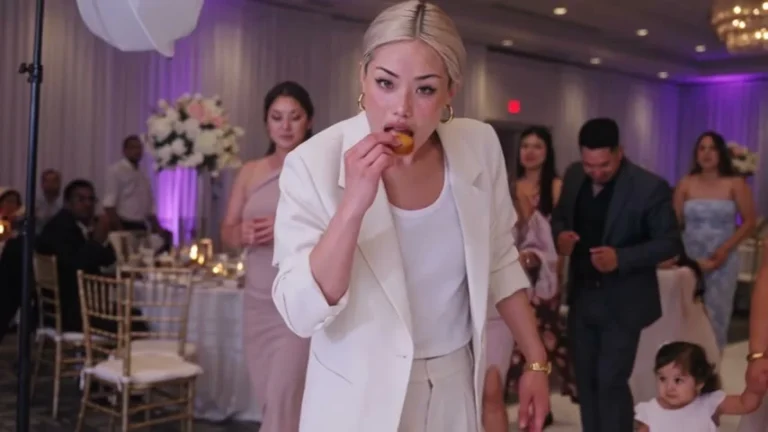
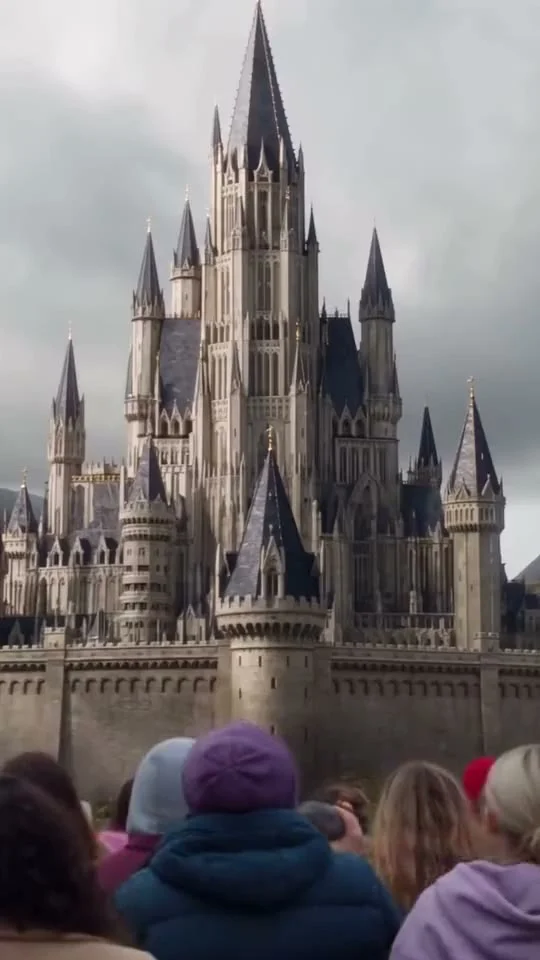
The poster shows a huge spired castle above a crowd, but it never shows the uploaded builder, which is exactly why you should not use it as evidence that your face will look right. It isn’t a personalized result, and you cannot use that still to judge how your face will hold up in the moving shots. The two clips labeled source previews are reference footage, too. Watch the version you actually select, especially where the figure shrinks against the castle.
One photo casts the builder
There’s one required upload labeled Your photo, with the castle builder as its role. That’s the whole casting list for you. The crowd is not your cast. No second photo is requested for the crowd, and the Version selector changes the setting and action without adding an upload slot. The live form accepts JPG, PNG or WEBP and asks for one well-lit person, pet or object. For a human subject, the page specifically recommends a full-body photo because the outfit carries through the shots.
Choose a frame with the entire outfit visible and some breathing room around the shoes. Watch the shoes, too. The castle sequence needs a readable silhouette when the camera pulls back. A tightly cropped face may work for a close shot, but it leaves the system to invent pants and footwear during the wide one, right when the builder needs to look like the same person who gathered the stones. That can turn a serious transformation into an accidental wardrobe reveal.
Keep hair off at least part of the face, and avoid sunglasses if likeness matters. Flat, even light makes the face easier to read than a dramatic backlit portrait. If you want a pet to be the builder, use one pet in an unobstructed frame rather than a group shot; the input is a single subject, not a collage. An object can play the part as well, but your caption should make the absurdity deliberate.
The story is different from the costume-first witch flying on a broom guide. There, the thrill is seeing the subject fly. Here, the builder has to remain recognizable while the setting gets bigger and the stone wall becomes the payoff. That calls for a photo you can identify even when it occupies a small patch of a vertical screen.
Build and inspect the clip
- Open the Stones to Castle creation page and compare the two source previews before you upload. You sets up the calm builder; Pink Gown puts more weight on singing and the staircase ending.
- Add the builder photo to the single required slot. Confirm that you have permission to use the person’s image if the photo isn’t yours. Don’t use someone’s likeness to pretend they took part in a real confrontation.
- Select the version, check the displayed resolution and credit estimate in your session, then generate. The form currently shows a 15-second, vertical 9:16 video with 480p and 720p resolution choices. It also notes a two-step generation process and says the result will appear in your Library.
- Watch it without multitasking. Play the actual result from start to finish. Pause at the first stone pickup, the change from wall to castle and the final reveal. Are the hands gathering stones rather than melding into them? Does the outfit survive the wide shot? Can you still tell who the builder is when the castle fills the frame?
The form labels the track source audio, and the page describes sound in the reference clips. That doesn’t establish what your own export will sound like. Listen to the downloaded file before you cut a post, particularly if you chose Pink Gown: mouth movement and a sung track can be easy to mistake for the subject’s actual voice. Don’t caption it as their singing. If you add music in a posting editor, use audio you have permission to use and check that it doesn’t collide with the exported track.
Post the castle without faking a feud
This template works best with a specific, small frustration, not an accusation aimed at a real person. A caption like “Every rejected sketch became another brick” gives the castle a reason to appear, while keeping the crowd fictional. Put the text in the opening shot, not over the final window or staircase. Give that reveal room. Let viewers see the payoff.
If the story refers to a real disagreement, don’t recast identifiable people as stone-throwers. Make it clear the scene is an AI-made metaphor. Get the builder’s consent, too. A face pasted into a hostile crowd scene is still their likeness, even if the castle is imaginary.
The 9:16 frame is already intended for a vertical post. Resist a second crop that cuts the people off at the bottom or clips the castle spire at the top. Check the first frame on a phone with your caption overlay in place; if the overlay hides the builder, move it. On the last shot, give the castle enough clear space to read before a platform’s buttons cover the edge. And if your export has a glitch in the stone-to-wall change, use a different take rather than claiming the template always nails it.