Money Phone AI Video: Cast the Cash-Stack Meme
Make a Money Phone AI video from one character photo. Get the cash-phone pose, same-person support photos and square meme post right.

A cash stack pressed to the ear, more bundles balanced above the head, then a camera drop toward money on the floor. That’s the Money Phone AI video. You upload a photo of one character, and the template puts that person into the square cash-phone performance while following the source clip’s gestures and audio. The trick is keeping the face readable between all that money.
Pick the person, not the pile
The Money Phone AI video template asks for one required main character photo. That first upload supplies the face, body proportions and clothing. It does not ask you to upload a photo of cash. The bundles and the room belong to the source scene, so a photo of you holding money isn’t a better reference by default. It may just put another object in front of your face.
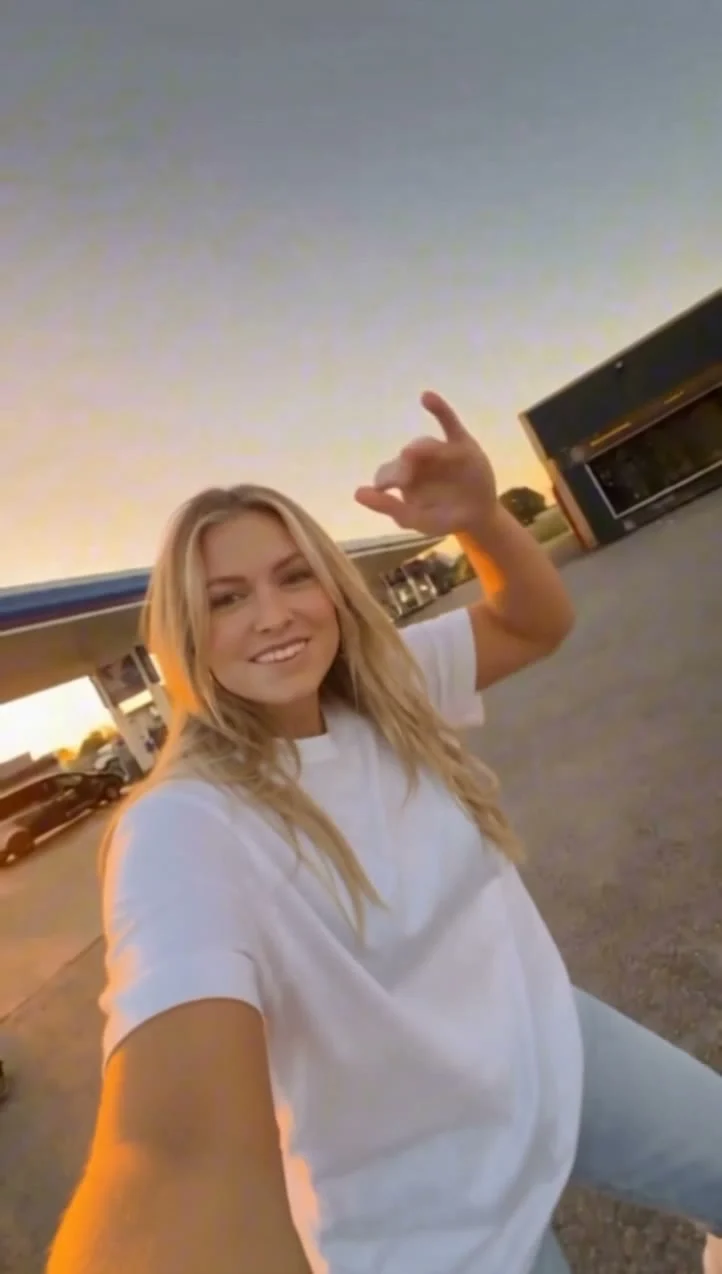
Go for a clear shot of one person with their face uncovered. If the outfit is part of the joke, include enough of the body to show it. A tightly cropped selfie can establish your face, but it gives the edit little information about the shirt or jacket that should appear when the camera moves. The template’s live form specifically says the first photo controls the outfit. Pick the outfit you actually want in the meme, not whatever you happened to wear in the sharpest selfie.
Background matters less than the person. Keep the face lit, avoid sunglasses if likeness matters, and crop out other people’s shoulders before uploading. Don’t try to pose with a phone: the joke is that the cash becomes the phone. A real handset in the reference photo can muddy that silhouette.
For a different status-prop edit where the image should not pass as evidence of ownership, see the Most Wanted BMW car-swap guide.
Extra photos are still you
There are up to two optional supporting-character uploads, but the label is easy to misread. The form says they must show the same person as the first photo, ideally in the same outfit. They are supporting views, not new roles for a friend to play. The template swaps one central performer.
A second image showing your full outfit could help when the main image is mostly a face. A side view might clarify your hairstyle. Keep the clothing and hair consistent across those references so the character doesn’t seem to change halfway through the clip. If you only have one solid image, use one. Two conflicting outfit photos aren’t an upgrade.
Use photos you have permission to use, particularly if you’re making a meme with somebody else’s face. The resulting scene is an AI edit, not footage of that person holding cash in the original room. Don’t present it as a real financial flex or proof of anyone’s wealth.
Watch the hands when the cash crosses the face
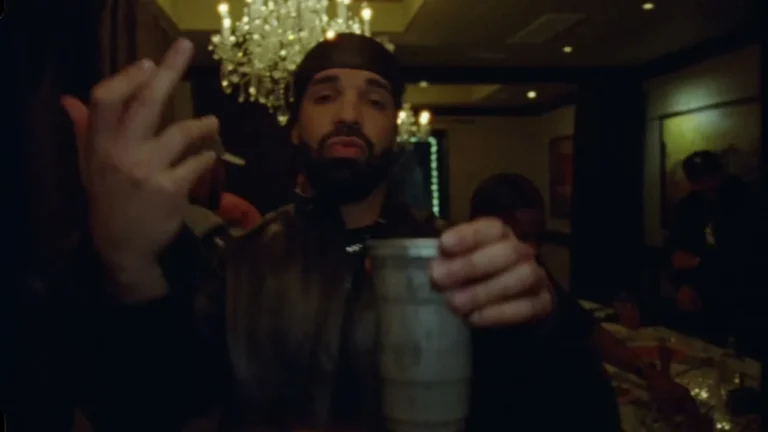
The source preview shows the performer holding a bundle against the ear while lifting more bundles around the head. Later, the camera points down at money scattered on the floor. Those beats make a tiny story: the call pose is the setup, the reactions keep it moving, and the floor shot pays it off. The template page identifies the preview as a source reference, not a finished example generated from somebody’s upload.
That distinction matters when you check your result. The reference tells you which gestures and camera changes to expect, but it cannot promise that your face will stay perfect behind the props. Review the moments where a bundle touches the ear and passes in front of the face. Pause there. If the hand looks fused to the bills, the face slips into a different person, or the clothing jumps between shots, choose a cleaner reference and try again.
Don’t judge only the first frame. The clip moves fast enough that a flattering opening can hide a messy hand later, and the final downward shot gives viewers a different visual beat from the face-forward pose. Watch the full export with sound before posting it. The page describes the video as roughly 13.7 seconds in 1:1 format, following the original audio and timing. It offers 480p and 720p options; check the price shown in the live form rather than relying on a number quoted in a blog post.
Post the joke without pretending it’s evidence
The square framing is part of this template. If you’re posting to a vertical feed, preview how the platform handles a 1:1 video before you add large on-screen captions. Keep text away from the top of the head and the ear-side bundle; those are the two places a viewer needs to read instantly. Don’t stretch the clip to 9:16 and warp the person’s face just to fill a screen. Let the platform letterbox or place the square edit on a clean vertical canvas instead.
A caption can carry the setup without narrating every shot: “When payday calls, I pick up.” A different angle is to treat the cash phone as a fictional character’s incoming call, then let the floor shot land the punch line. Keep the claim playful. If the likeness belongs to a friend, get their okay before turning them into a money meme, and mark the post as AI-made when the platform’s disclosure rules call for it.
The source audio is part of the reference performance, but platform availability and reuse rules can vary by post and account. Listen to the downloaded clip, check the music and disclosure controls where you’re publishing, and don’t assume an embedded sound grants commercial usage rights. For a brand post, clear the audio separately or use music you can license.
The fastest way to wreck this gag is to add too much: a second character photo, a phone prop, an explanatory caption that spoils the floor shot. Start with one readable person. Make the Money Phone edit on Trendai, then spend your attention on the ear-side cash pose and the cut down to the floor. Those are the frames doing the work.