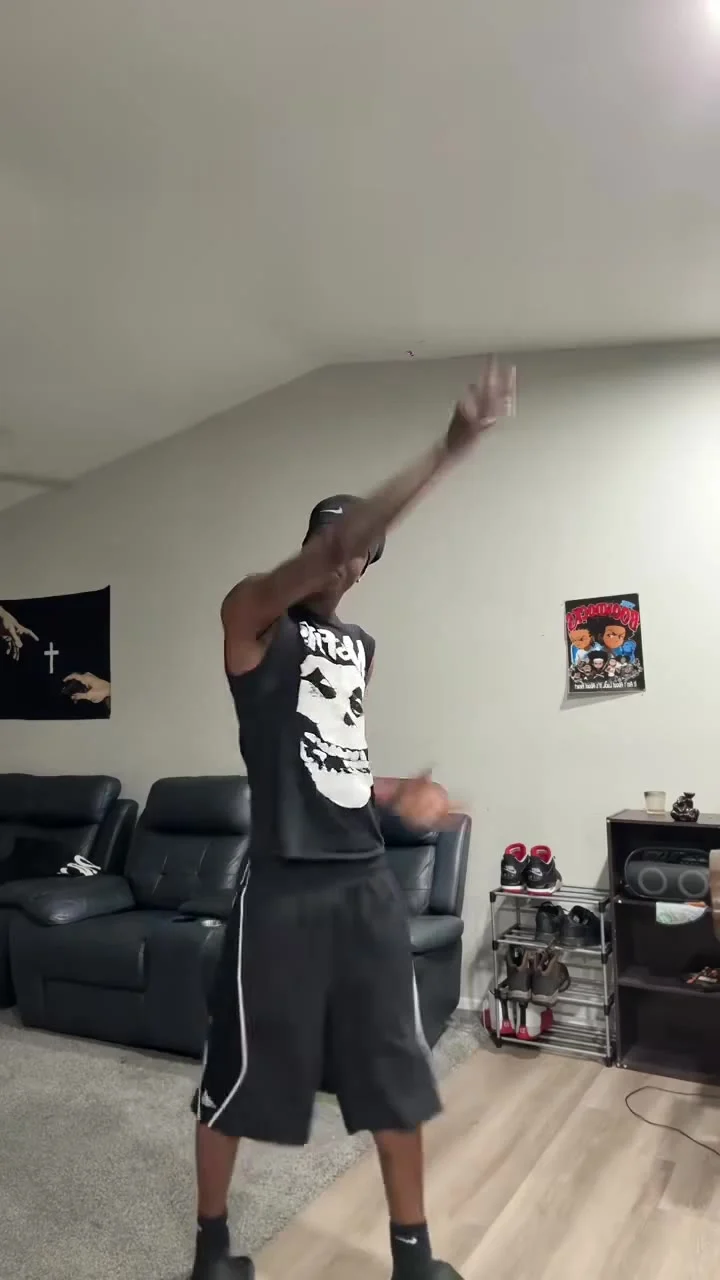
How to Make a Christian Dior Dance AI Video
Make a Christian Dior Dance AI video with the right photo in each dancer slot, then check the dorm-room duet, audio and posting rights.
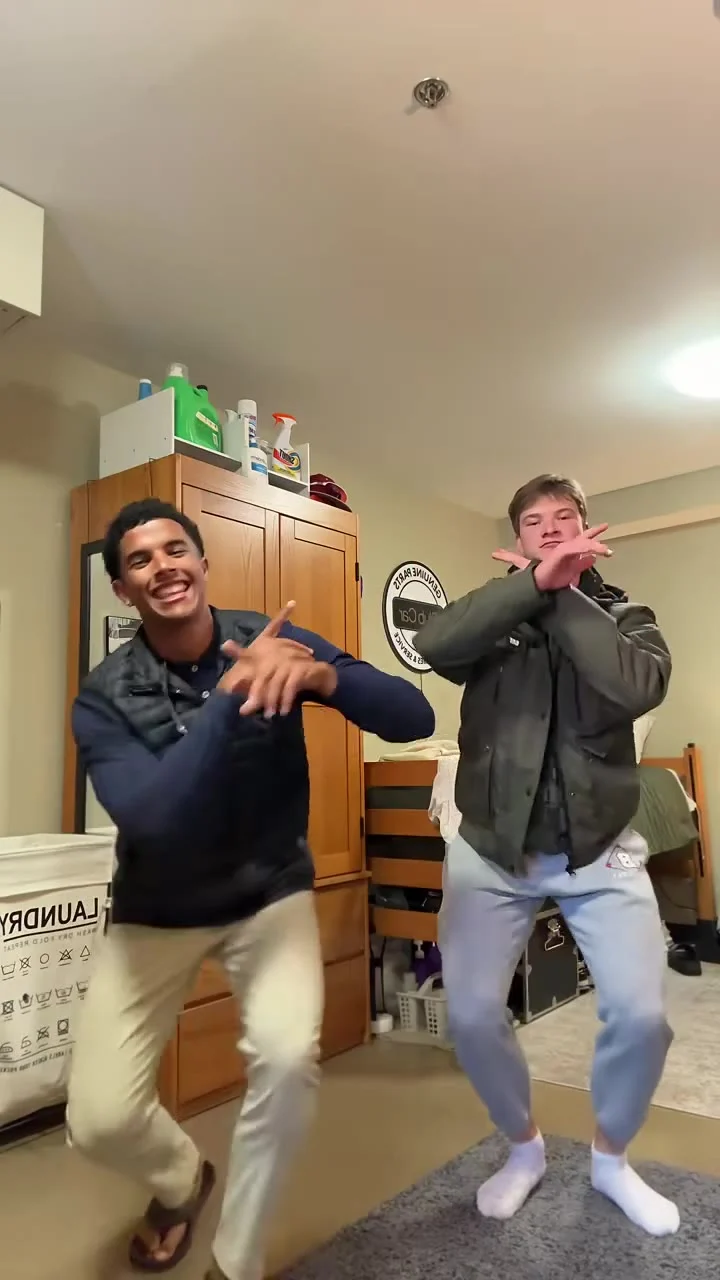
To make a Christian Dior Dance AI video, use the Christian Dior Dance template with a clear photo of yourself for the left dancer and, if your friend agrees, their photo for the right dancer. The template follows a short dorm-room duet; your job is to cast the two faces, then inspect the actual export before you post it.
The scene is a two-person joke with a beat
The source scene has two friends stepping back from a phone in a dorm room. They do arm rolls, knee lifts, crossed forearms and kicks before a low crossed-arm finish. It plays like the sort of dance someone films between classes, not a polished stage performance. That casual room matters. A caption about your actual friendship will land better than pretending you booked a fashion campaign.
The live form specifies a 13-second vertical 9:16 video and marks its reference as a source clip, not a generated result. The poster catches both dancers mid-routine. It cannot show whether your own faces will stay consistent through the kicks or whether an export will carry the source audio as expected. Watch the result, don’t judge from a thumbnail.
Despite the name, this isn’t an official Christian Dior promotion. Treat the name as the template’s dance label, not a license to tag a fashion house as a collaborator or claim brand sponsorship. The independently made AI edit should read as your fictional duet.
Cast the left and right dancer deliberately
The first live upload field says “Your photo: the left dancer” and is required. The second says “Friend’s photo: the right dancer” and is optional. Each field asks for one person with a clear, well-lit face. Uploading only your own photo does not turn this into a solo routine: the page says the other dancer keeps the original look if you leave the second field empty.
Pick photos for the face match, not the outfit. The template says the reference outfits and dorm-room setting stay in place, so a full-body photo in designer clothes buys you little. A forward-facing head-and-shoulders image with both eyes visible gives the edit more to work with than a mirror selfie where your phone covers half your face. Keep your hairline in frame. Skip the harsh beauty filter if it erases your features.
Ask your friend first. Explain what the resulting video depicts. A photo shared privately is not permission to put their face into a public dance post. Use an adult who has agreed to the edit, and don’t upload a celebrity photo or impersonate someone who didn’t opt in. If your friend declines, leave that optional slot alone rather than quietly substituting them anyway.
This duet has a different casting problem from the Hotel Lobby AI video duet guide: here the left dancer is mandatory, the right is optional, and the action is a shared dorm-room dance. Don’t transfer another template’s photo order or framing assumptions to this form. Read the labels every time.
Make the video, then check the hard frames
- Open the Christian Dior Dance template and put your own image in the required left-dancer field. If you’re making the friend version, put their approved image in the optional right-dancer field. Don’t reverse them just because a poster’s composition looks better to you.
- Check the current resolution choice and credit amount in your session before you generate. The form shows 480p and 720p options; the motion and small facial details are worth a closer look at the resolution you choose. It still delivers a 13-second 9:16 clip, not a new dance length selected by the uploader.
- Generate and review the export from start to finish at normal speed, then pause when the hands cross faces and when the knees rise. Those are the moments when a quick face swap can look wrong. Inspect both dancers, even if you only personalized one.
Watch the first step away from the phone. If either face shifts shape or changes sides, try a cleaner source photo rather than hiding it under a sticker. Also check the low finishing pose: crossed arms can block the jaw and make a glitch look like a facial expression. A cover frame pulled from a clean moment is better than a freeze-frame chosen only for maximum movement.
The form labels the format “13s · 9:16 · source audio”, and the page describes the reference clip as carrying its own song. That describes the source and intended setup, not a test of your personalized file or proof that you have music rights for every platform. Listen to your downloaded result. If the audio is absent, mismatched or not cleared for your use, add appropriately licensed sound in your posting editor and check platform rules before publishing.
Post the friendship, not a fake brand deal
A simple angle is “me and the friend who always says they can’t dance,” with the first frame showing both people before the crossed-arm move. It sets up the payoff without claiming the clip documents a real night in your dorm. If you’ve used a friend’s likeness, let them see the final cut and caption before it goes live. Consent extends to posting.
Keep on-screen text high enough to clear platform controls but off both faces. In a vertical duet, a big caption across the middle can cover the arm rolls and make the choreography unreadable. The format already supplies motion. You don’t need a second punch line pasted over the dancers.
Label the edit as AI-generated or fictional where the platform’s disclosure controls call for it. Don’t describe it as actual footage of you and your friend performing, and don’t suggest any affiliation with Christian Dior or rights to the reference video or song. Before scheduling the post, replay the last crossed-arm pose with sound on. That is where the cut has to earn its joke.