Wing Stunt Airplane Wing Backflip: Make the AI Edit
Make a Wing Stunt airplane wing backflip AI video from a portrait, cut the reveal cleanly and label the impossible airplane scene as fiction.
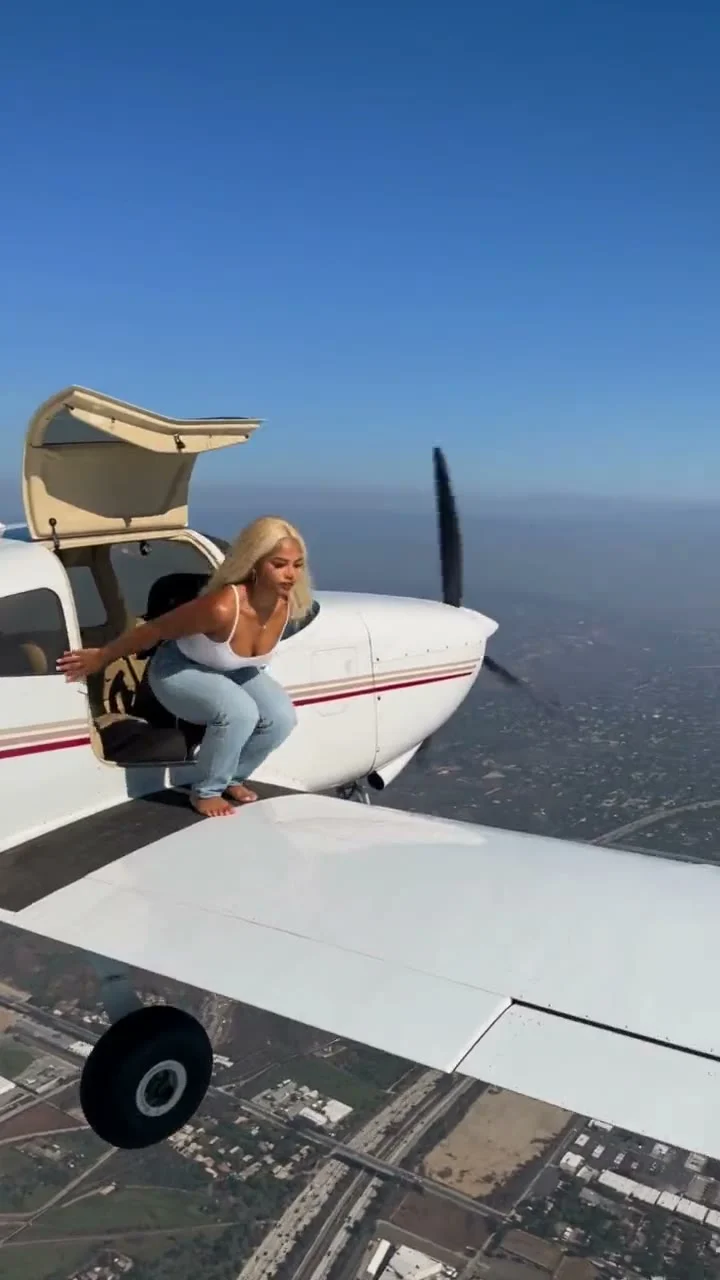
The Wing Stunt airplane wing backflip is a simulated AI video, not footage of you doing a stunt on a real plane. Start with a clear portrait, let the template build the wing scene, then edit the reveal so viewers understand it’s fiction. No aircraft, open door or real-world stunt is needed.
The shot is a tiny story, not a stunt tutorial
The setup does a lot of work: a person steps toward an airplane wing with open sky behind them, appears to flip, then lands the moment with a wave. The surprise comes from the contrast between an ordinary portrait and a scene no one should try to recreate. Movie logic. If your caption suggests you actually climbed onto a plane in flight, you’ve made the edit less clever and more misleading.
The Wing Stunt: Airplane Wing Backflip template is an image-to-video effect. Its sample shows the wing and aircraft in a vertical frame; your upload supplies the person. It isn’t evidence that a flight or a backflip happened. Keep that distinction in your on-screen text, especially if you start with a still portrait and cut straight to the aircraft scene. A simple “my AI stunt double” does more work than a breathless fake travel story.
This format has one editorial problem the template page can’t solve for you: the first frame can look uncannily like a real aviation clip. Show the audience the trick early. The fiction is the point, not something to hide in the last line of the caption.
For another impossible-looking outdoor edit that needs an honest caption, see the desert canyon story guide.
Pick a portrait that survives the cut
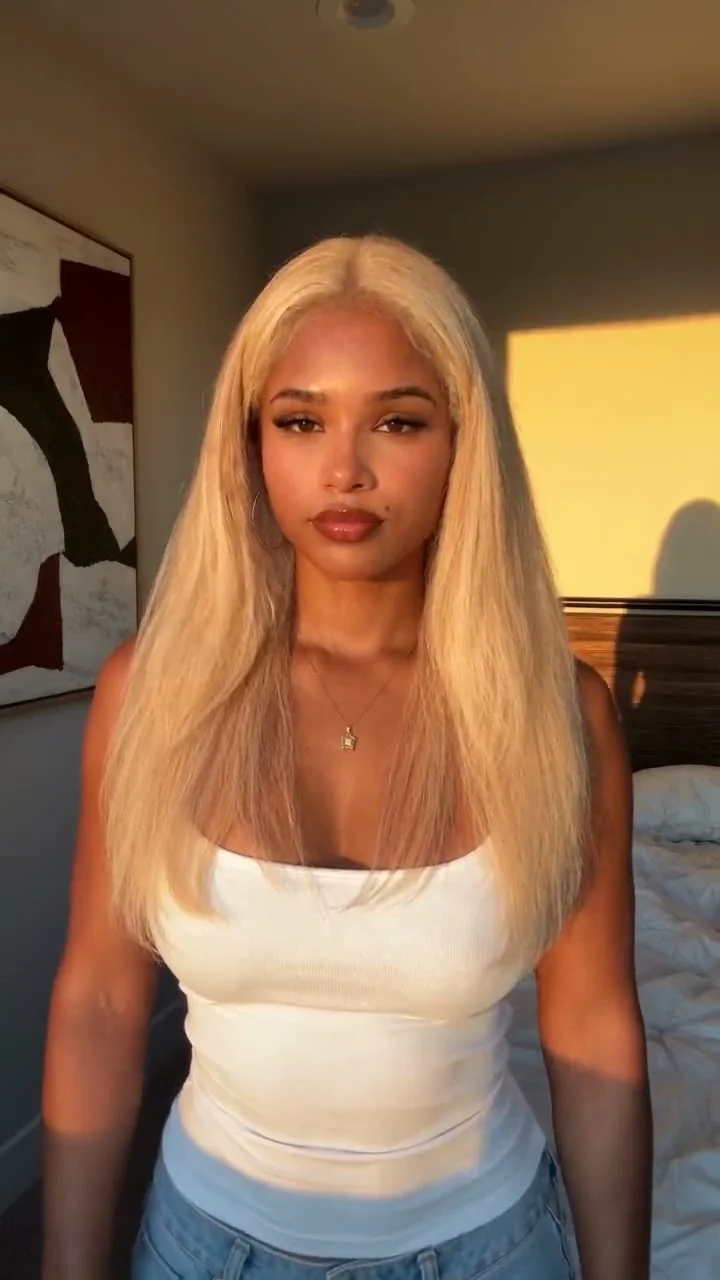
Choose a photo where one person’s face is visible, with a little room around the shoulders. A straightforward angle helps the viewer recognize you when the scene changes. Tiny faces, hands blocking the jaw and heavy beauty filters give the edit less visual identity to carry across. Use a photo you own or have permission to use; don’t put a friend’s face into a dangerous-looking scenario without asking.
Try to match the mood rather than the location. If your portrait is a sunny outdoor shot, the leap into blue sky feels less jarring. If you’re starting with a dark indoor selfie, make that mismatch the joke: freeze the original image for a beat, then cut hard to the plane. Don’t claim you took the source photo on an aircraft. No plane needed.
Keep clothing identifiable if it’s visible in the source. A bright sleeve or recognizable jacket gives the eye something to follow between the still photo and the generated action. Small detail, big help. Don’t pile three captions over the person. One short line near the top is enough. Let the body move.
Make the Wing Stunt AI video
- Open the wing backflip effect and check the sample before uploading. Look at where the person enters and where the wing sits in frame. You’re planning an edit around those beats, not planning anything on an actual airplane.
- Upload one clear portrait. Frame it so the face isn’t chopped off and avoid a busy group shot that makes the subject ambiguous. Generate the clip and inspect the face, hands, feet and wing edge. If a body part melts into the plane, choose a different source image rather than presenting that frame as real.
- Put the original portrait before the generated clip in your editor. Give viewers just enough time to recognize the person, then cut at the start of the wing action. Flip, then wave. If the output stalls before the wave, trim the dead air instead of stretching it with a slow zoom.
- Add an explicit fiction cue such as “AI stunt double” or “what my vacation photo thinks I did.” Watch the final export on a phone before posting. Make sure the face and wing stay visible beneath the caption and app controls.
The sample on the template page is a preview, not a promise that every portrait will produce the same framing. If your first result has a face swap that doesn’t resemble you, change the source photo and check again. Keep it fictional. A clean, obviously imaginary cut beats a longer clip that invites people to argue about whether it happened.
Post the illusion without selling it as real
TikTok’s AI disclosure announcement says its policy requires people to label AI-generated content that contains realistic images, audio or video. Use the platform’s AI label when you post, and say “AI-generated” plainly in the caption too. Captions travel. The visible caption still matters when someone saves a clip or sees it without the original post context.
If you crop for TikTok, keep the subject in the center and avoid putting the fiction cue right against the bottom edge. TikTok’s in-feed ad specifications recommend a vertical 9:16 video and explain that safe-zone size changes with caption length and format. Those are ad specs, not a guarantee for every organic post, but they are a useful reminder to preview your actual upload interface before placing text.
Pick audio in the app when you know where you’re posting. A tense rise before the cut and a deliberately silly sound at the wave can tell viewers this is a bit. Don’t add fake cockpit chatter or an emergency call to make it seem like an incident. If the audio makes the clip look like a real safety event, it works against the joke.
For a second version, skip the fake “I survived” hook. Start with your portrait and the text “I asked AI to plan my weekend.” Then cut to the wing scene. Instant escalation. That is the joke. If you’re trying other looks after this one, browse the trend gallery instead of forcing the same airplane clip into five near-identical posts.
Handle the dangerous-looking frame responsibly
The cover image for this effect shows a person near an aircraft doorway above the ground. That’s why a disclosure tucked inside hashtags won’t do. Use an AI label and a readable on-screen cue; don’t imply this is a safe challenge to copy. There are no instructions here for accessing aircraft, standing on a wing or performing an aerial stunt. Keep it on-screen.
If a viewer asks whether it was real, answer directly: “No, it’s an AI effect made from a photo.” Pinning that answer is more useful than teasing a behind-the-scenes reveal you don’t have. And if a cut makes the person look injured or turns the flip into a crash scene, don’t post it for shock value. End on the wave. That silly little gesture keeps the bit playful without asking anyone to believe an emergency happened.