Choice Zombie Love Story: Cast the Two Roles
Make the Choice zombie love story AI video with two portraits. Cast the house and field scenes correctly, then check the infected reveal.
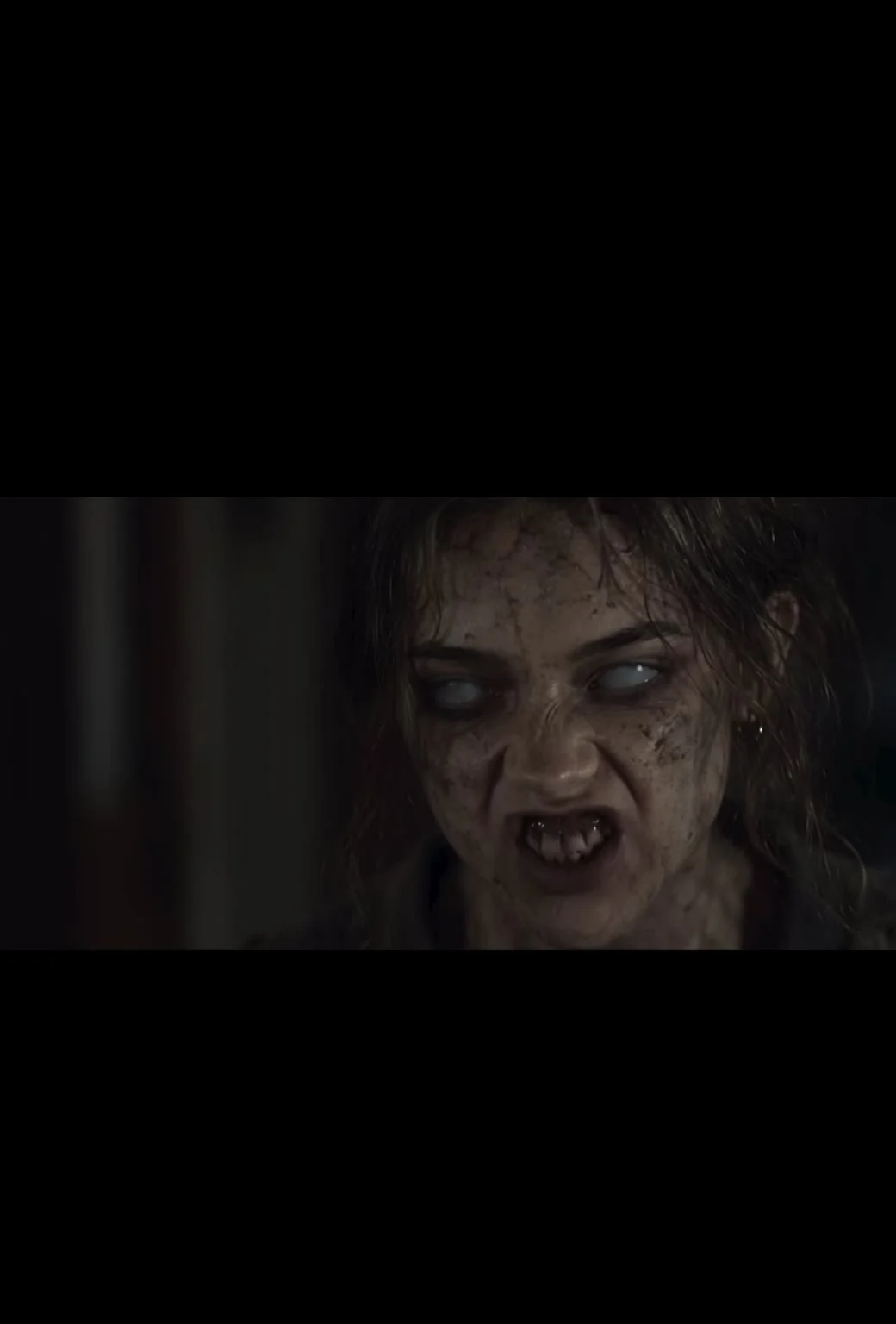
A man raises a gun toward someone he loves in a dark house. Then the video cuts to the two of them together in a sunlit field, before she was infected. To make the Choice zombie love story AI video with your own faces, upload one portrait for the man and one for the woman; the template builds her infected look from the second photo.
The story lives in the cut to the field
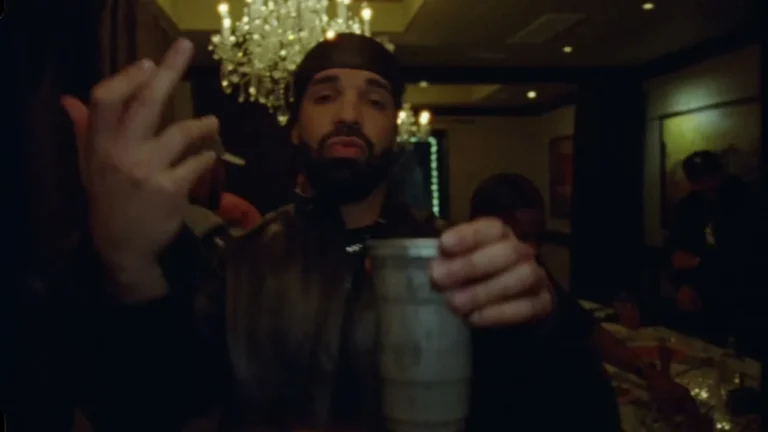
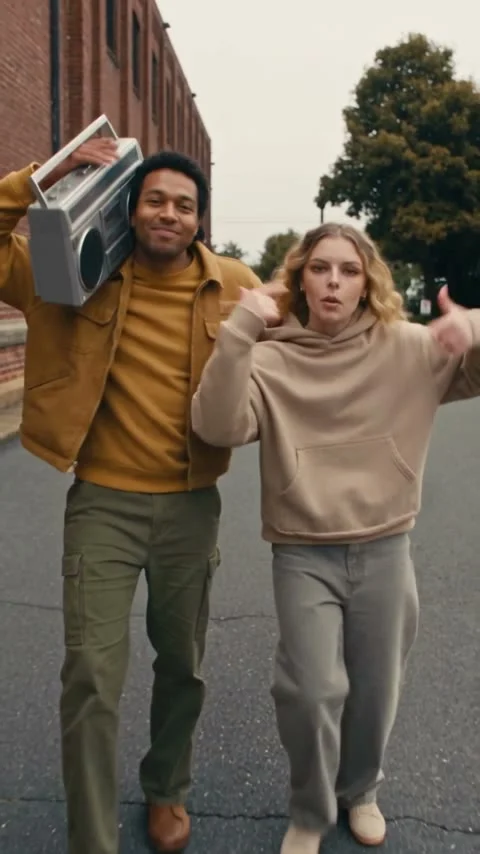
The Choice zombie love story template isn’t a generic zombie-face filter. Its reference clip moves between a tense house scene and warm memories outdoors. The contrast gives the scene its point: he’s facing a person he still remembers as she used to be. If you only look at the infected close-up, you miss why the field shots matter. Watch both scenes.
The page describes an approximately 24-second video in a 2:3 vertical frame. It keeps the source clip’s camera moves, cuts and music, along with the sunset setting, while putting the two people from your photos into the story. The woman appears in the field memories and in the infected house scene; the template creates that second look automatically. You don’t need to upload a separate zombie makeup photo. Just her portrait.
That also means the preview is not a sample of your own generated result. Watch it to understand the order of the scenes and the mood, then choose photos that can carry both sides of the story. This isn’t one of those edits where a funny caption can do all the work. Let it breathe.
The Power Slap casting guide also assigns two people to fixed positions, though this story depends on a flashback instead of a reaction shot.
Give each person a clear role
Image 1 is the man who appears in both the house and the field. Use a single-person portrait that is front-facing and well lit, with the face fully visible. Image 2 is the woman in the field memories and her infected version indoors. Give her the same kind of clean portrait. The page labels the roles explicitly; don’t swap the uploads and hope the generator sorts out the story. Order matters. Check twice.
You can make the edit with two people who agree to appear in it. Tell the second person what the template actually does before you ask for their picture: her face will be turned into a fictional infected character. Show the preview. A friendly couple photo might be perfect for a profile, but it is not a substitute for the two separate portraits the form requires.
Pick photos where both faces are large enough to see without zooming into a blurry thumbnail. Avoid a harsh color filter on one image and bright unfiltered light on the other. The video already has its own dark-house and golden-field contrast; the input photos should make identities easy to follow across those scenes, even when the infected look changes her eyes and the lighting takes most of the color away. Plain photos work.
Make the edit, then watch it as a story
- Open the Choice zombie love story page. Play the source video and notice the change from the house to the field.
- Add the man’s portrait to Image 1. Check that there is one clear face, not a crowded group photo.
- Add the woman’s portrait to Image 2. You don’t need to create the infected version yourself; the template handles it from this photo.
- Choose between the displayed 480p and 720p options, review the credit cost and start the render. The page says this uses a two-step pipeline with image preparation, video generation and final assembly, so stay on the page until it finishes.
- Watch the download with sound. Check whether you recognize both people in the field shots, then check that her infected look is still traceable to the same person in the house. If an identity drifts, retry with a clearer portrait of that person.
Don’t trim the setup away just to get to the zombie face sooner. The field memories give the house shot its sting. Without them? It’s a stranger. The "choice" in the title stops making much sense.
Caption the fiction, not a fake emergency
This one has a weapon, an infected face and a relationship at the center. A caption about choosing between memory and survival fits the actual edit better than pretending it documents a real attack. Let viewers know it’s a fictional AI scene, especially if the faces belong to real people they know. If your audience is sensitive to horror imagery, a short content note is kinder than a surprise close-up in the feed.
For Shorts, YouTube’s upload guide accepts a vertical or square video up to three minutes; the template’s 2:3 file and roughly 24-second duration fit those stated limits. YouTube’s guidance on altered content calls for disclosure when AI makes a real person appear to do something they did not do. Use the platform’s disclosure control where applicable, not just a vague hashtag.
Before publishing, let the person playing the infected character watch the full export. Show the face close-up, not merely the warm field screenshot. They should get to decide whether that version of them appears in your post.