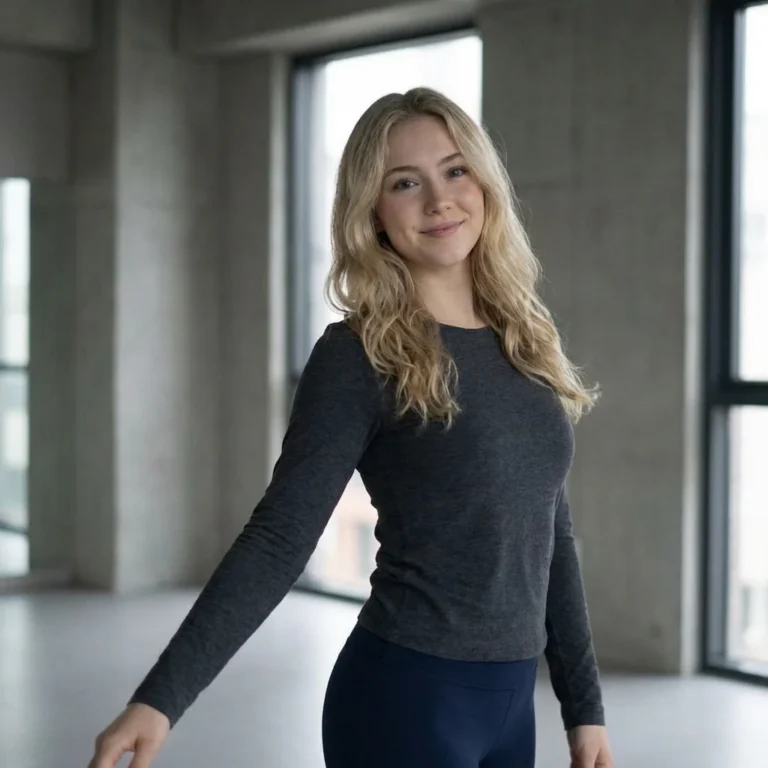
Nano Banana Pro vs Nano Banana 2 for Face Swaps
Nano Banana Pro vs Nano Banana 2 for face swaps: choose the right source photos, compare image controls and build a clear short-form reveal.
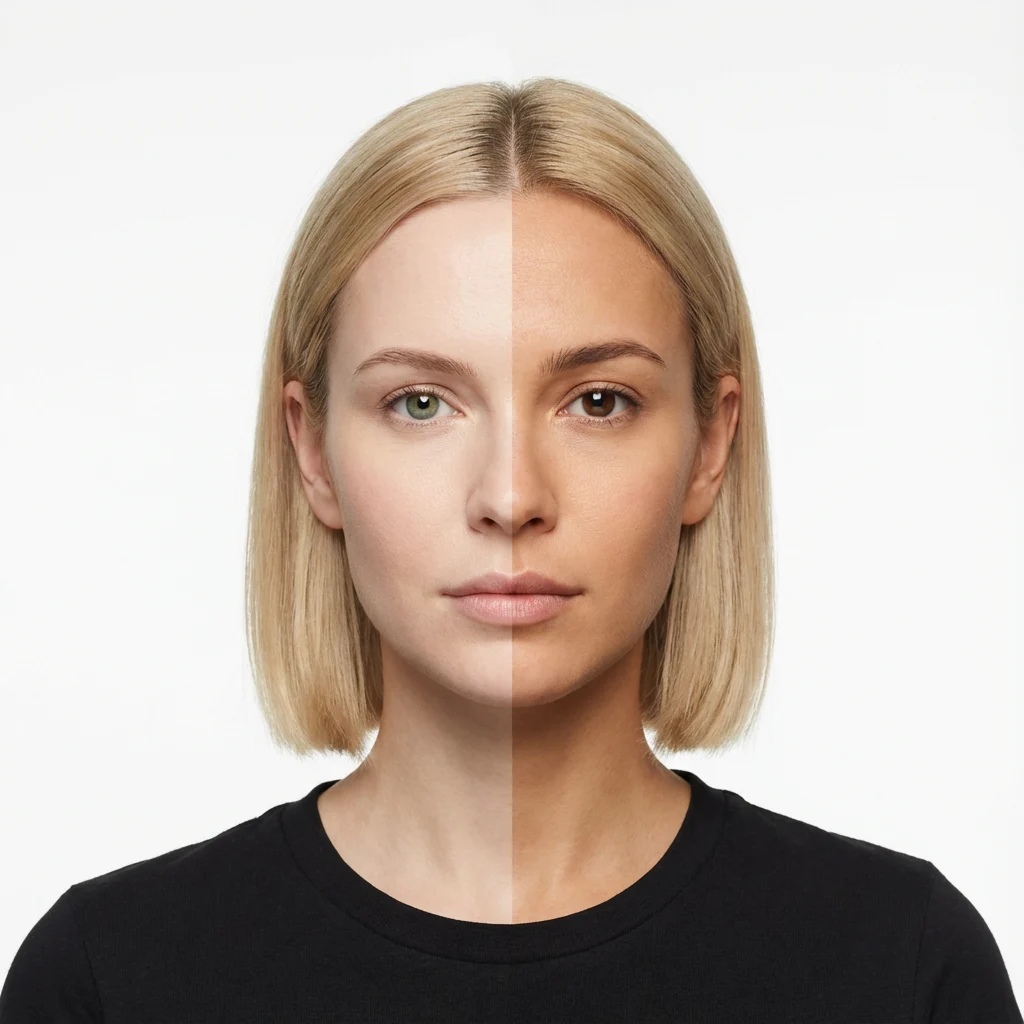
Nano Banana Pro vs Nano Banana 2 for face swaps comes down to the job, not a magic realism switch. Use Nano Banana 2 to draft and check the framing; try Pro when a nearly finished composite needs tighter control over identity or small details. Neither model excuses a crooked eye line or using someone’s face without permission.
The difference that matters in a face swap
A face swap has two jobs. The person needs to look like themselves, while the light on the new face needs to belong in the target shot. If the source portrait faces the camera and the target turns sideways under a green streetlight, a more detailed model still has to invent a lot. Start with the photos.
Google’s Gemini image help page says Nano Banana 2 supports character consistency across generated images and local edits to parts of an image. It also says the model can combine multiple uploaded images. Those are useful controls when you need to keep a recognizable face while changing its setting. They aren’t a promise that every facial feature will transfer perfectly.
On that same help page, Google describes Nano Banana Pro as offering higher consistency and more precise creative control; in Gemini Apps, paid subscribers can use Redo with Pro after making an image with Nano Banana 2 or Nano Banana 2 Lite. That describes Google’s app workflow. It doesn’t tell you which model any unrelated template uses internally, so don’t treat the names on a template as a published benchmark.
| Choice | Best moment to use it | What to inspect |
|---|---|---|
| Nano Banana 2 | Building the first version and fixing a local problem | Face angle, cheek shape, hairline and whether the new scene makes sense |
| Nano Banana Pro | Redoing a promising image when identity or edge details need more control | Eyes at full size, jaw against the neck, earrings and shadows near the nose |
My take: don’t pay attention to skin texture first. A perfectly textured face at the wrong angle looks stranger than a slightly soft one in the right light.
If the finished piece is a moving clip rather than a still composite, the Seedance photo-video comparison covers a different model choice.
Pick a source and target that can meet in the middle
Use a face photo with enough room around the head to see both ears or at least the full jaw. Don’t crop at the chin. For the target, pick a frame whose head turn is close to the source, then compare where the nose points and how the shoulders sit. A straight-on selfie laid over a three-quarter profile is asking for an extra face to appear somewhere it shouldn’t.
Match the light before you judge the model. A warm indoor portrait on a cool outdoor target can leave the new face looking pasted on, even if the eyes are sharp. If you can choose, find source and target photos lit from the same side. Keep the hairline visible in both; hair is where the illusion often quits early.
The Nano Banana Pro face-swap template is an image effect, not a finished moving clip. Its live form has a required Photo 1 upload and an optional Photo 2 reference. The second field isn’t labeled as a specific identity or target role, so preview the result rather than assuming a particular upload order from the title. The page’s general one-photo instructions are less specific than the form. If you’re making a short-form post, plan how that still image will become the reveal before you start swapping.
Build the reveal around a real cut
- Choose a source portrait you have permission to use. Make one image, then zoom into the eyes and the boundary between face and hair. If one side looks like a different person, fix the source angle before making ten more versions.
- Put the original and the edited still on the same canvas size. Set the eye line at the same height in both, so the transition reads as a face change rather than an accidental camera bump.
- Cut from original to edit on a head turn, hand cover or blink. Hold the changed image long enough for someone to recognize the face. Too fast, and the effect becomes a flash of skin tone with no story.
- If you want motion, take the approved still into an image-to-video workflow through Trendai Generate. Check the first and last frames for a drifting nose or melting hair before you post. Don’t claim the face swap template itself outputs a video.
A simple before-and-after works when the two frames clearly belong together. If the background changes too, give the viewer one stable landmark: the collar, a window edge or the position of the hand. Otherwise they’re solving two edits at once. That’s a lot to ask from a half-second cut.
Try posting the original first, then the transformed frame, then a return to the original. The last cut lets people check what changed and makes the loop intentional. If the edited still can’t survive that comparison, go back to the photos. The transition won’t rescue it.
Keep the person in on the joke
Ask the person whose face you’re using, especially if the target image suggests a relationship, an endorsement or a place they never visited. Don’t use a stranger’s portrait to manufacture a real-looking event. Frame the edit as a fictional transformation, not evidence. If you turn it into a video, disclose the synthetic edit in the caption and use the platform’s AI-content labeling controls where applicable.
Google’s image-generation guidance explicitly tells users to respect other people’s privacy rights when generating images. That matters here more than a sharper jawline. Put the disclosure where a viewer can see it before the reveal is screenshotted out of context.
For a harmless costume reveal, a caption like “AI face-swap edit, made with permission” does more work than a vague “wait for it.” Keep that line plain. The joke is the cut, not making someone guess whether the photo is real.