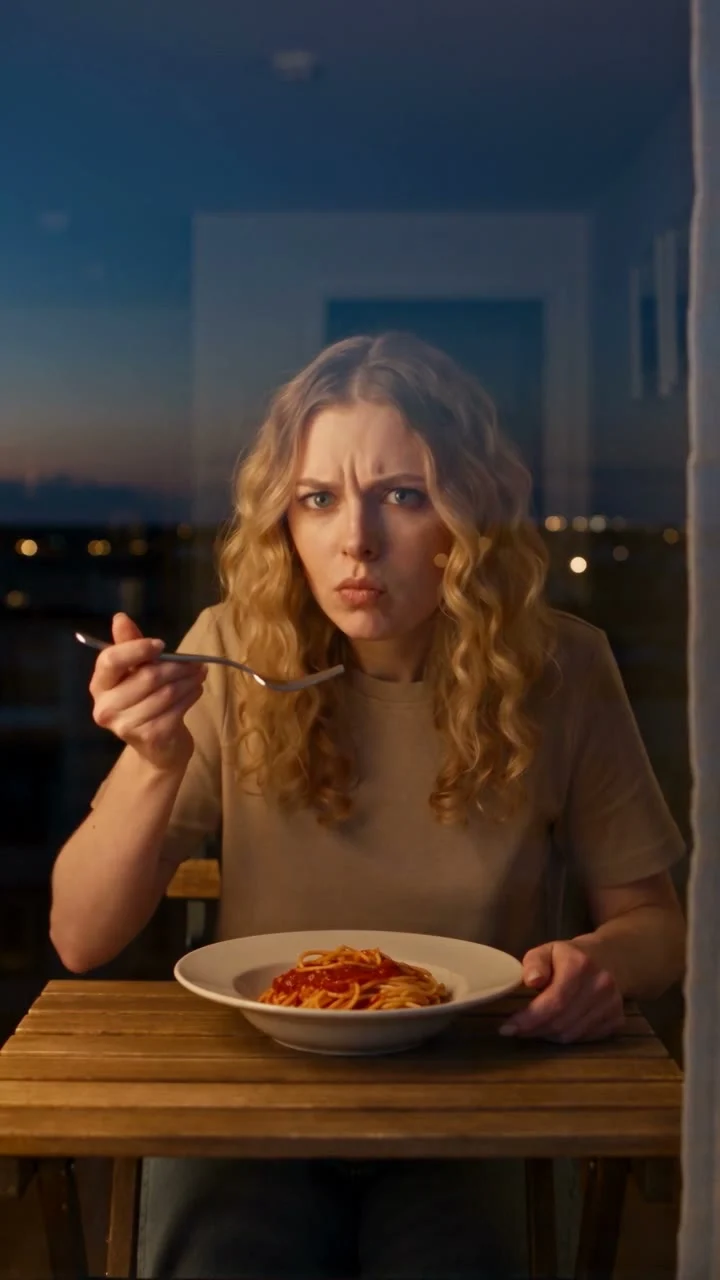
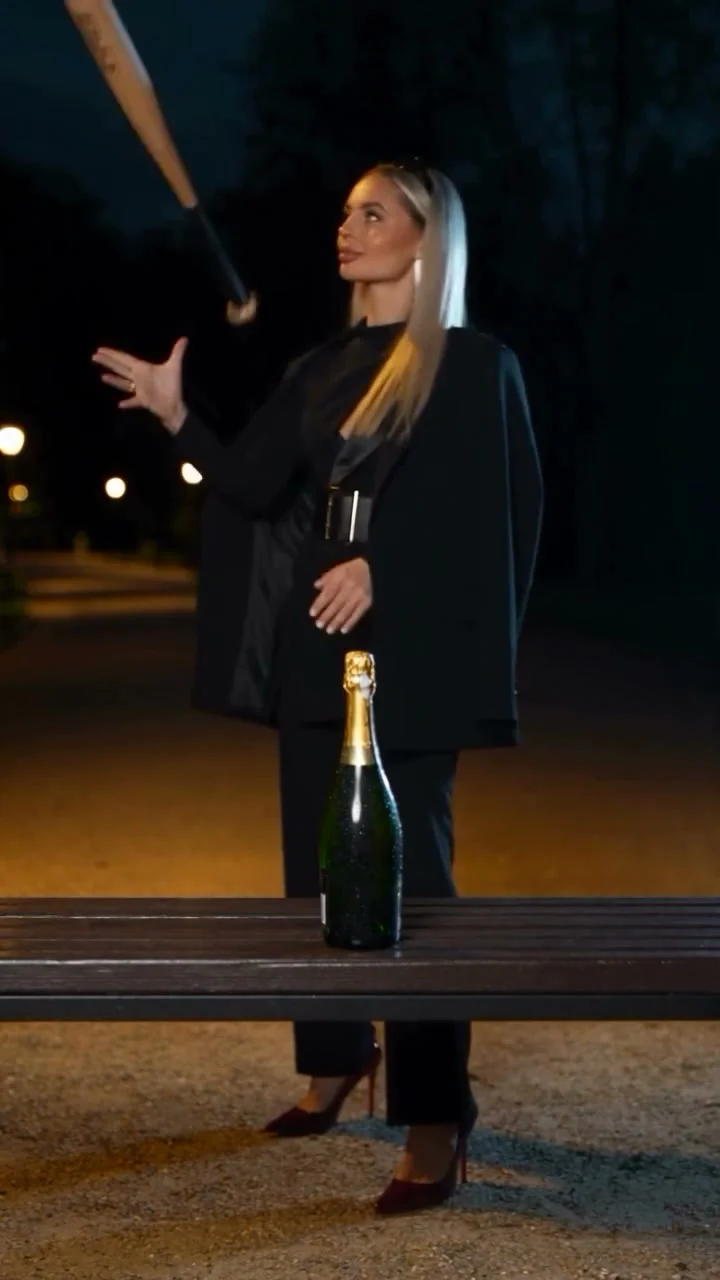
Makeup Transition Ads for Beauty Brands That Show the Product
Makeup transition ads for beauty brands need a clear reveal and a real product shot. Build a short edit that sells the look without faking results.
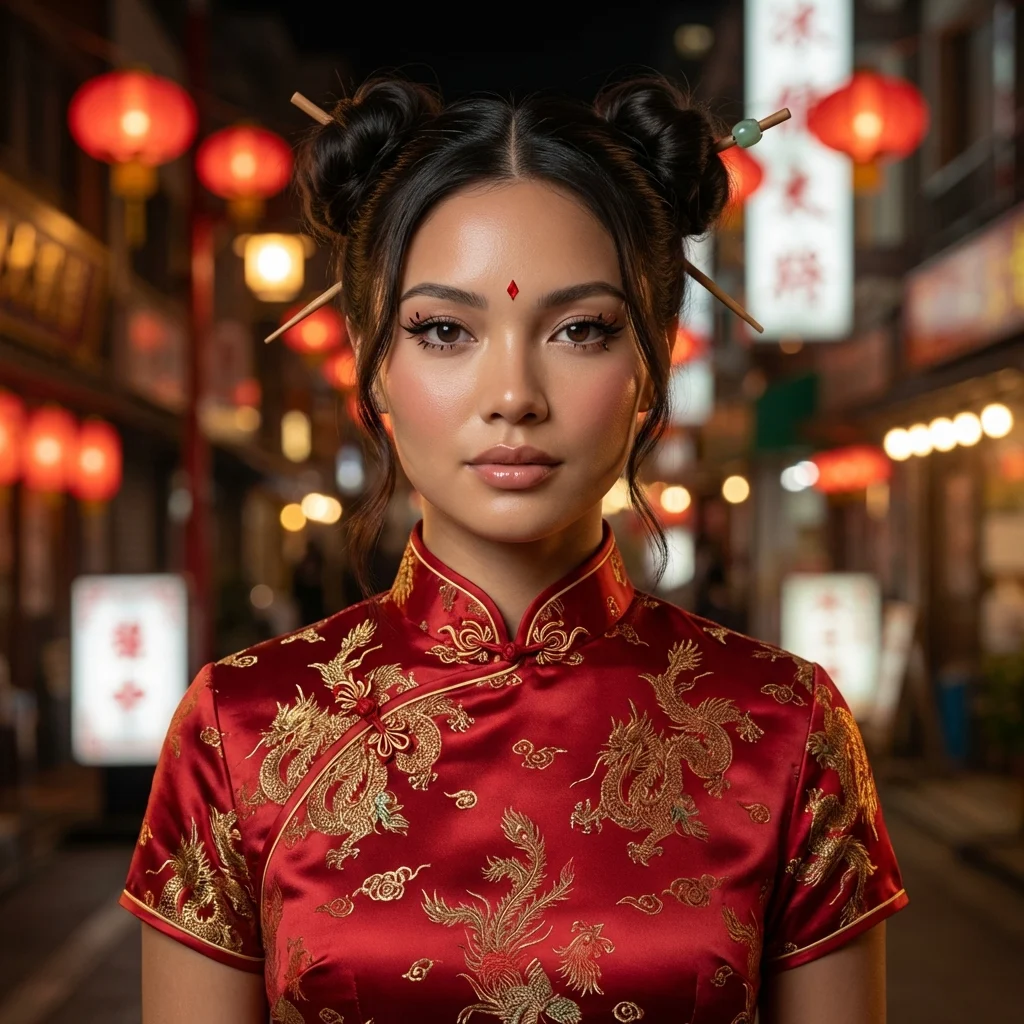
A makeup transition ad for a beauty brand starts with a face people can read, changes the look, then shows the real product behind it. Use the transition as the scroll-stopper, not as proof that a product caused an AI-generated result. Keep the payoff clear even if the viewer watches without sound.
Make the reveal earn its place
The reveal is the easy part. Then what? Give somebody a reason to care after the new face appears. A face morph with no product shot can look like a creator post. But where is the product? A shopper still doesn’t know what you’re selling.
Try a tiny story: begin on an everyday face that gives the viewer a baseline, cut to the finished makeup while the eyes are still in the same part of the frame, then show a real close-up of the item being advertised. Selling lip color? Let the viewer see the actual tube and a separate real-life swatch. An AI transition cannot establish shade accuracy. Not even close. Your product footage has to do that job.
TikTok’s Creative Center has separate Trends and Top Ads areas. Browse beauty examples there before you choose a hook, checking where the first cut falls and how much screen time the product gets, but don’t copy a stranger’s face or imply that a popular post used your product. Look for the structure: what is visible before the cut, and how quickly the item arrives afterward?
I wouldn’t put a logo over the face at the reveal. The entire point of this format is the change around the eyes or lips; covering it defeats the shot. Save branding for the product clip or the last clean frame.
The fashion accessory UGC script guide uses the same rule: show the real item rather than claiming an AI effect proves a result.
Build a shot list before touching the generator
Start with a portrait of a person who has agreed to be used in this ad. Start with even light and a centered face. Leave room above the hairline so you can crop without cutting off the look. Avoid a photo where a hand hides the lips if lip color is your payoff. Same goes for heavy sunglasses in an eye-makeup spot.
The Makeup Transition Video template has one required upload labeled “Your Photo” on its live form. It’s a visual transition from that image, not a shoot of your actual lipstick being applied. Use it to make the reveal clip, then edit in footage of the genuine product yourself. Don’t promise an application demonstration that the template doesn’t create.
A working sequence for a short beauty spot:
- Open on the original face and a plain hook such as “Same outfit. Different eye look.” You can write that line over your edit; it isn’t a claim about the product.
- Let the transition play with the eye area unobstructed. Watch the first and final frames at phone size. Warped eyelids or teeth? Don’t publish that take.
- Cut to your own product shot. Turn the packaging so the shade name is readable, and include a real swatch or application clip if you’re making color or performance claims.
- End with the actual product name and a simple action, such as “See the shade on our site.” Keep the CTA out of the transition itself.
That order matters. Show the object twice if you can. If the only image of the product appears before the reveal, a viewer who pauses after the cut may remember the face and forget the item. Show the object while the curiosity is still fresh.
Write copy that doesn’t fake a result
The safest hook promises a visual change, not a medical or product outcome. “Watch the eye look switch” describes the edit. “This serum fixed my skin overnight” would need real evidence and wouldn’t belong on an AI face morph. Skip the pretend testimonial too. No fake daily routine. An animated person shouldn’t say “I’ve used this every day” unless a real person actually has and you can support the statement.
Keep spoken copy separate from the generated shot. Record your own voice. Or use on-screen text that identifies the video as a stylized concept. Name the shade in voiceover. Show it in your actual footage. If you don’t have a real application clip yet, talk about the look rather than pretending to show wear time or coverage.
TikTok’s advertising blog recommends a short, clear hook, fast pacing, and an authentic style when adding creative. It also suggests swapping a hook, caption, or video variation after launch and comparing the results. That’s a useful editing rule here: keep the transition and product shot fixed while you test a different opening line. Otherwise you won’t know what changed the response. One variable at a time.
For paid or sponsored posting, use the platform’s commercial-content disclosure tools and a clear on-video disclosure where appropriate, especially if the first frame feels like a personal makeup diary rather than an ad from a brand account. If the face or transformation looks real, identify the AI-generated part too; don’t let a viewer mistake the morph for a product test. Ask the person in your source photo for permission that covers advertising, not merely a casual social post.
Crop and publish the version a viewer can actually parse
The template page’s preview uses a wide frame, while a TikTok feed post is commonly viewed tall, so a transition that looks fine on your laptop can clip the exact eye detail you meant to feature once you place it inside a phone-shaped edit. Before you upload, put the generated clip in a vertical edit and scrub the whole transition. Does the face stay in frame as the background changes? Check it on a phone. Can you still read the expression? If not, reframe it. Don’t shave off the forehead just to fill every pixel.
Leave room near the bottom for captions and platform controls. Eyes need space. Put the hook where it doesn’t sit on one. Use a real pack shot on the last card. Not an AI redraw. Tiny invented letters make a beauty ad look sketchy fast.
You can also start with Trendai’s generator if you need to explore other visual treatments. For this spot, though, finish in a normal video editor so your real product footage isn’t lost inside the transformation.
Export two cuts with the same reveal. Give one a hook about the makeup look and the other a hook about the shade you can actually show in your real swatch footage. Check which opening gets people to the product frame before you spend time making a third transition.